Demo data note: Screenshots in these docs use representative demo data. Do not use real customer records, secrets, payment keys, or private documents in public demos.
Key capabilities
One browser workspace for finance, sales, purchasing, contracts, rental, operations, AI, and administration.
Dashboard KPIs give managers a quick view of revenue, expenses, operational status, and pending work.
Navigation is designed for demos: start from the dashboard, open a module, then drill into the workflow page.
Notifications and password-change flows support secure daily use without leaving the portal.
Representative demo flow
- Open the web portal and sign in with an assigned demo or customer account.
- Use the dashboard to explain the value proposition: one ERP cockpit backed by shared business data.
- Open the notification panel to show task visibility and exception handling.
- Use the side navigation to move into a module that matches the customer conversation.
- If demonstrating account hygiene, show the change-password page and explain that screenshots use demo data only.
Positioning
ColorsX74 ERP is built for organizations that want a modular ERP with web, desktop, AI assistance, and add-on extensibility. Public demos should focus on outcomes: faster financial close, connected order-to-cash and procure-to-pay workflows, traceable approvals, and AI-assisted document work.
What to point out
The web portal is organized by business area, not by technical subsystem. Representatives can describe the shell as the daily command center and each module page as a workflow hub.
Screenshots
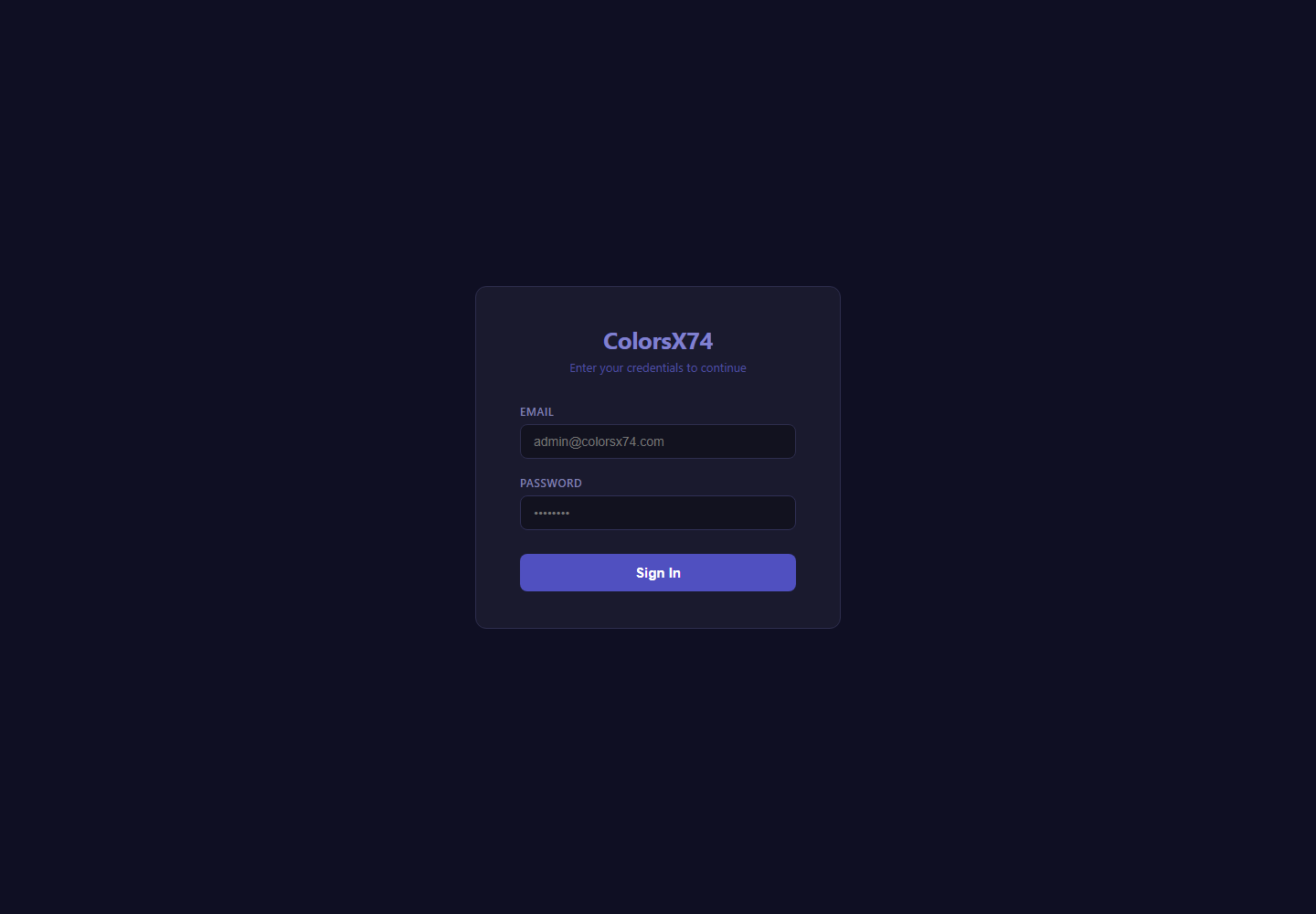
Start here for login, dashboard, notifications, and secure account maintenance.
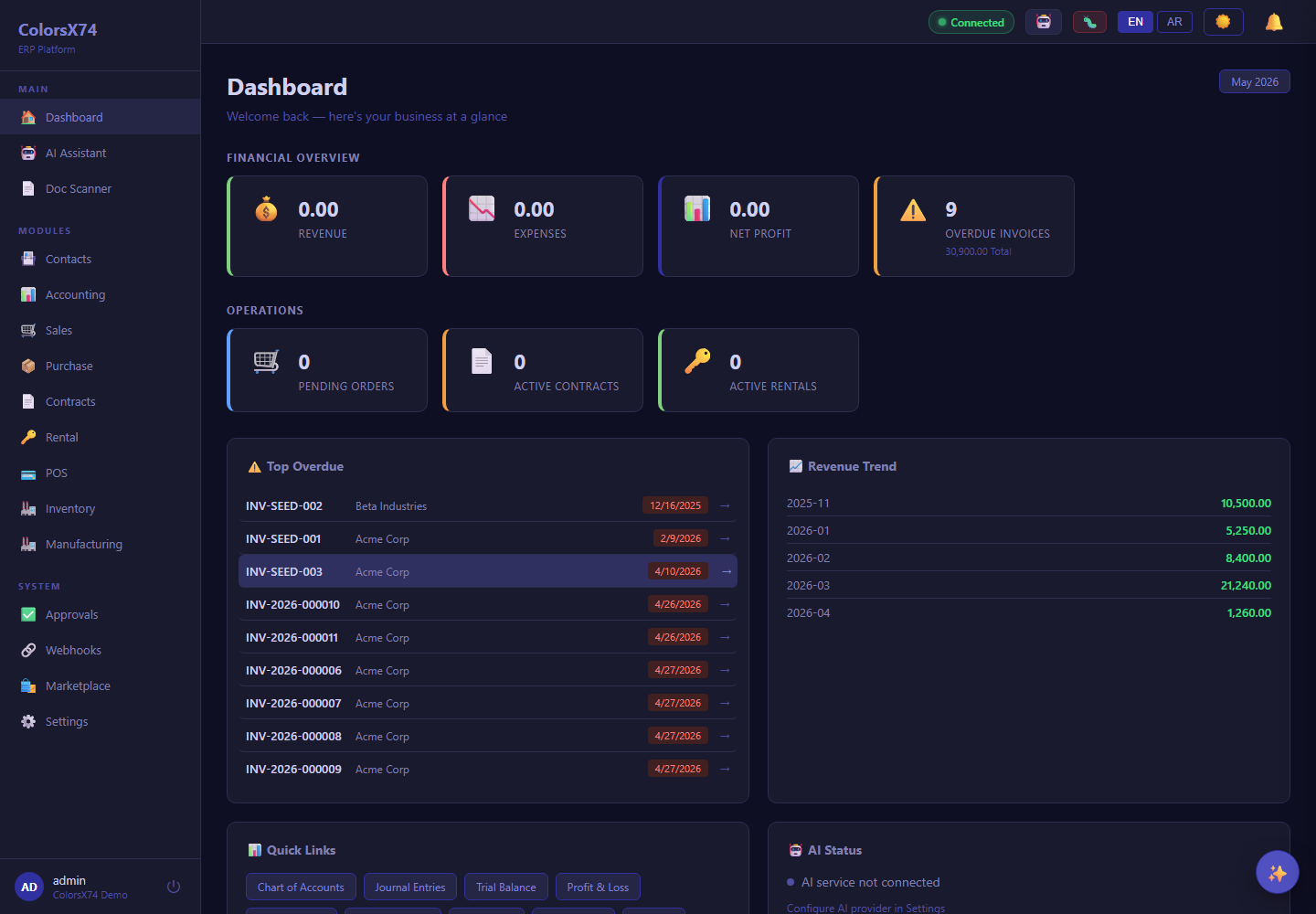
Start here for login, dashboard, notifications, and secure account maintenance.
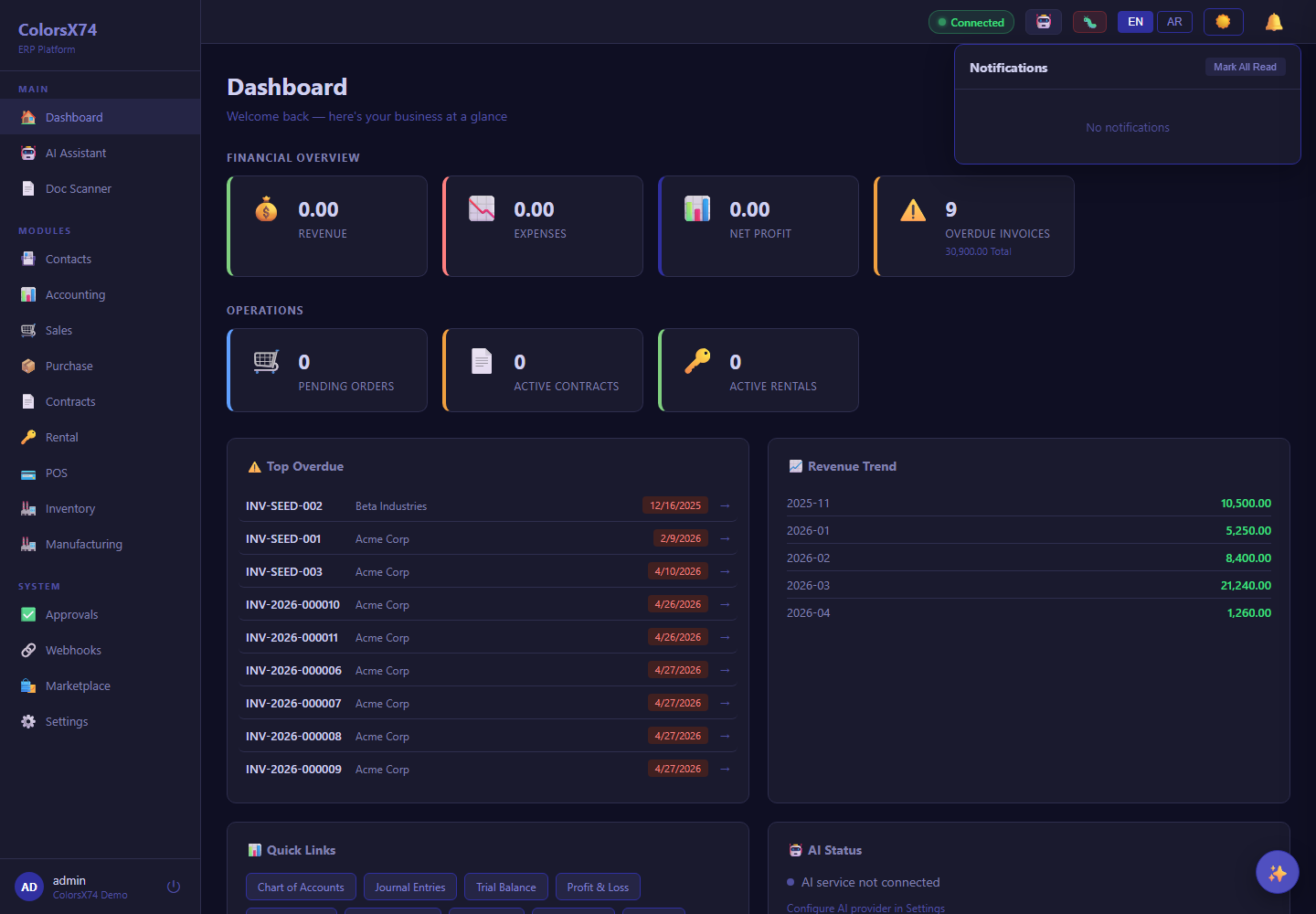
Start here for login, dashboard, notifications, and secure account maintenance.
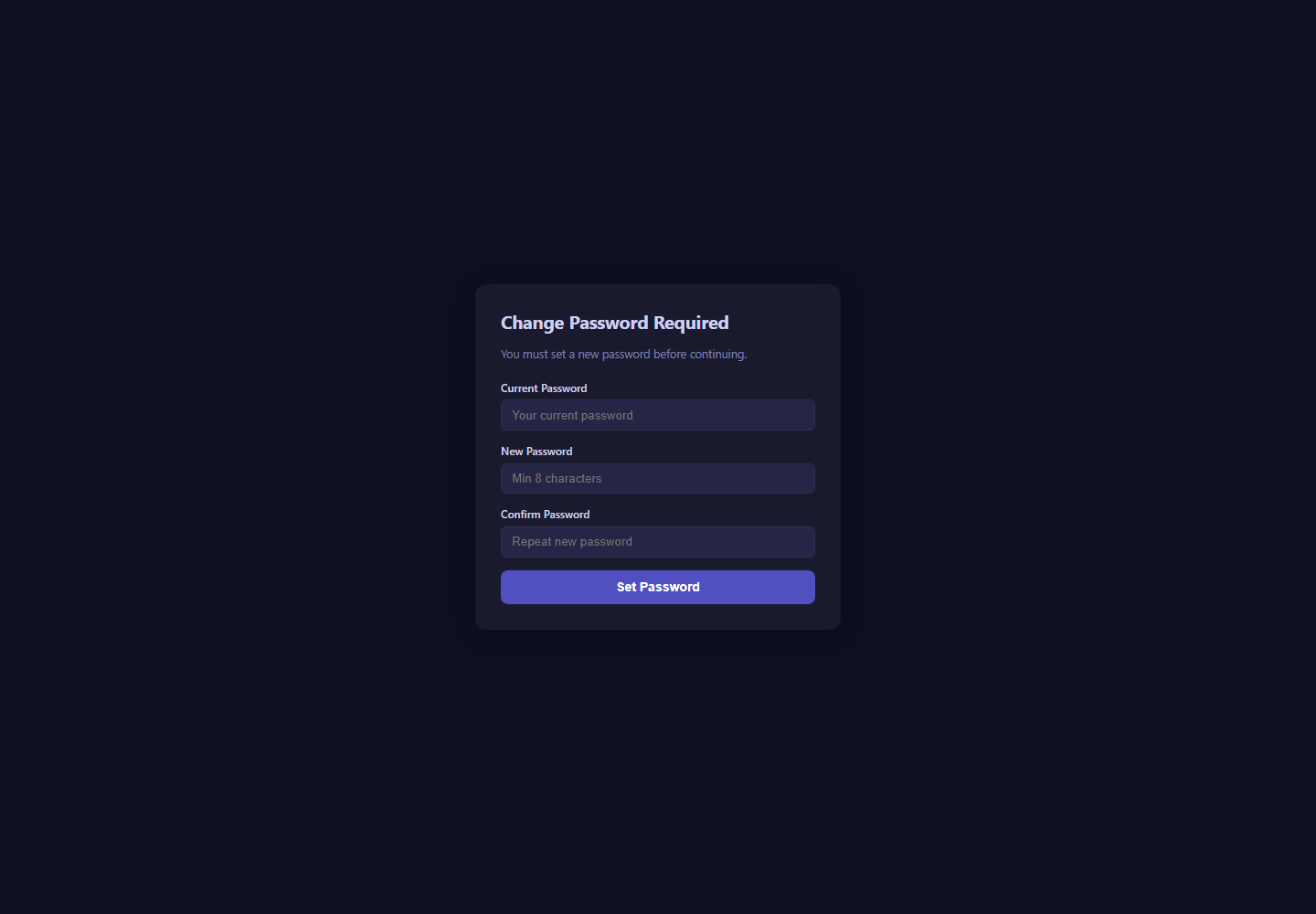
Start here for login, dashboard, notifications, and secure account maintenance.
Related pages
- Accounting, reports, banking, tax, and payments
- Sales, purchase, contracts, and rental
- Inventory, manufacturing, marketplace, and add-ons
- AI, Copilot, setup wizard, scan, draft, and settings
- Admin, settings, security, audit, approvals, and notifications
- Troubleshooting, browser requirements, and support handoff