Demo data note: Screenshots in these docs use representative demo data. Do not use real customer records, secrets, payment keys, or private documents in public demos.
Key capabilities
Inventory pages cover products, low stock, categories, and warehouses for operational visibility.
Manufacturing pages cover Bills of Materials and work orders for basic production tracking.
Marketplace pages show catalog browsing and installed module management for add-on extensibility.
Advanced inventory, advanced manufacturing, exhibition, and POS screenshots are gated or app-specific and are documented as availability notes.
Operations workflow walkthrough
- Open Inventory to introduce products and stock-related master data.
- Review Low Stock to show exception-driven replenishment conversations.
- Open Categories and Warehouses to show how products are organized and located.
- Move to Manufacturing for BOM and work-order tracking.
- Finish in Marketplace to explain how signed add-ons expand the ERP without cluttering the core portal.
Stock and product control
Products, categories, warehouses, and low-stock pages support inventory visibility before deeper warehouse automation is enabled.
Production basics
BOMs and work orders support simple make-to-stock or make-to-order conversations without requiring advanced planning modules.
Add-on readiness
Marketplace screens are safe to show publicly because they explain the business concept of browse, install, and manage add-ons without exposing private packages or keys.
Screenshots
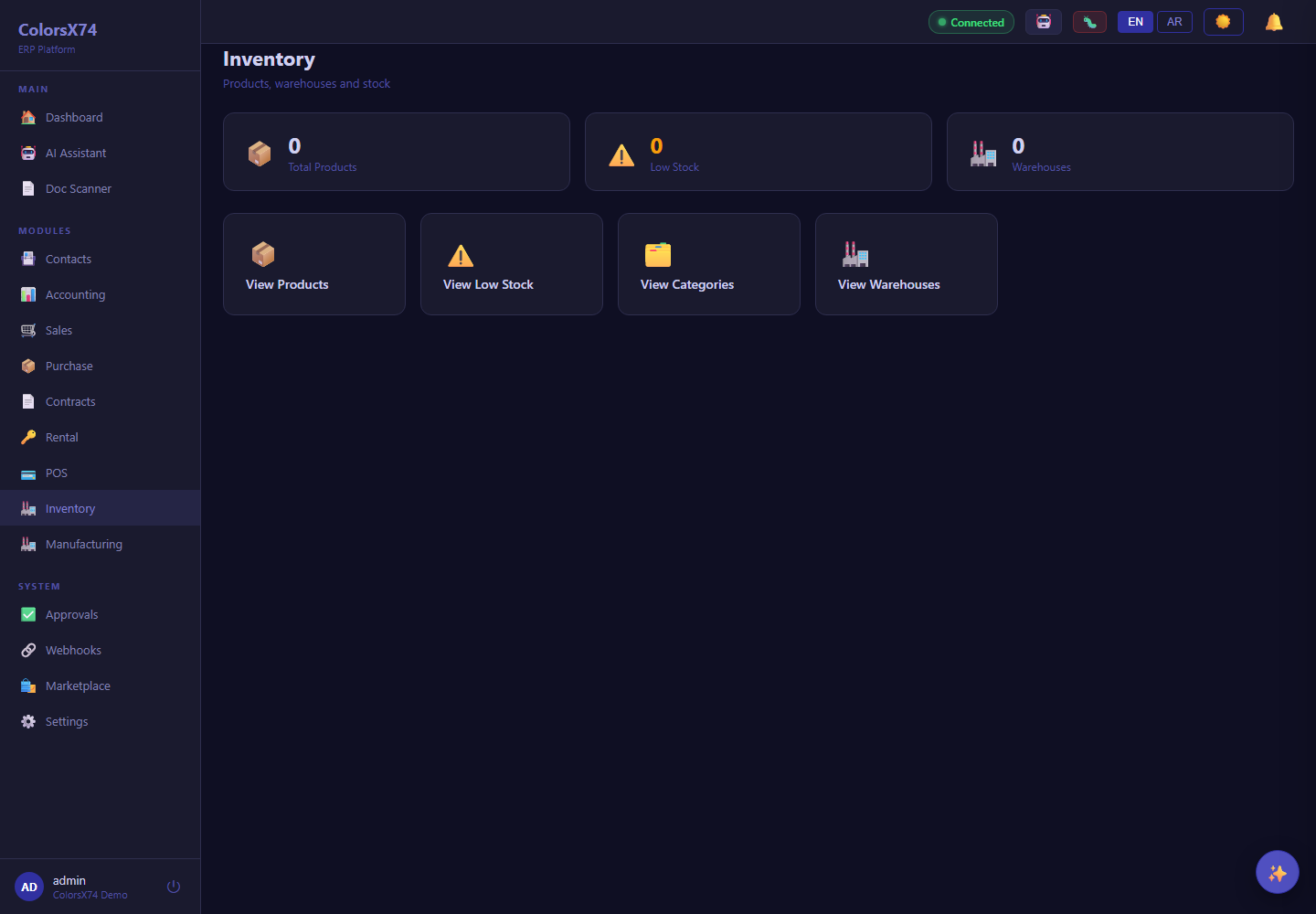
Use these operations screens to show inventory, manufacturing basics, and marketplace/add-on readiness.
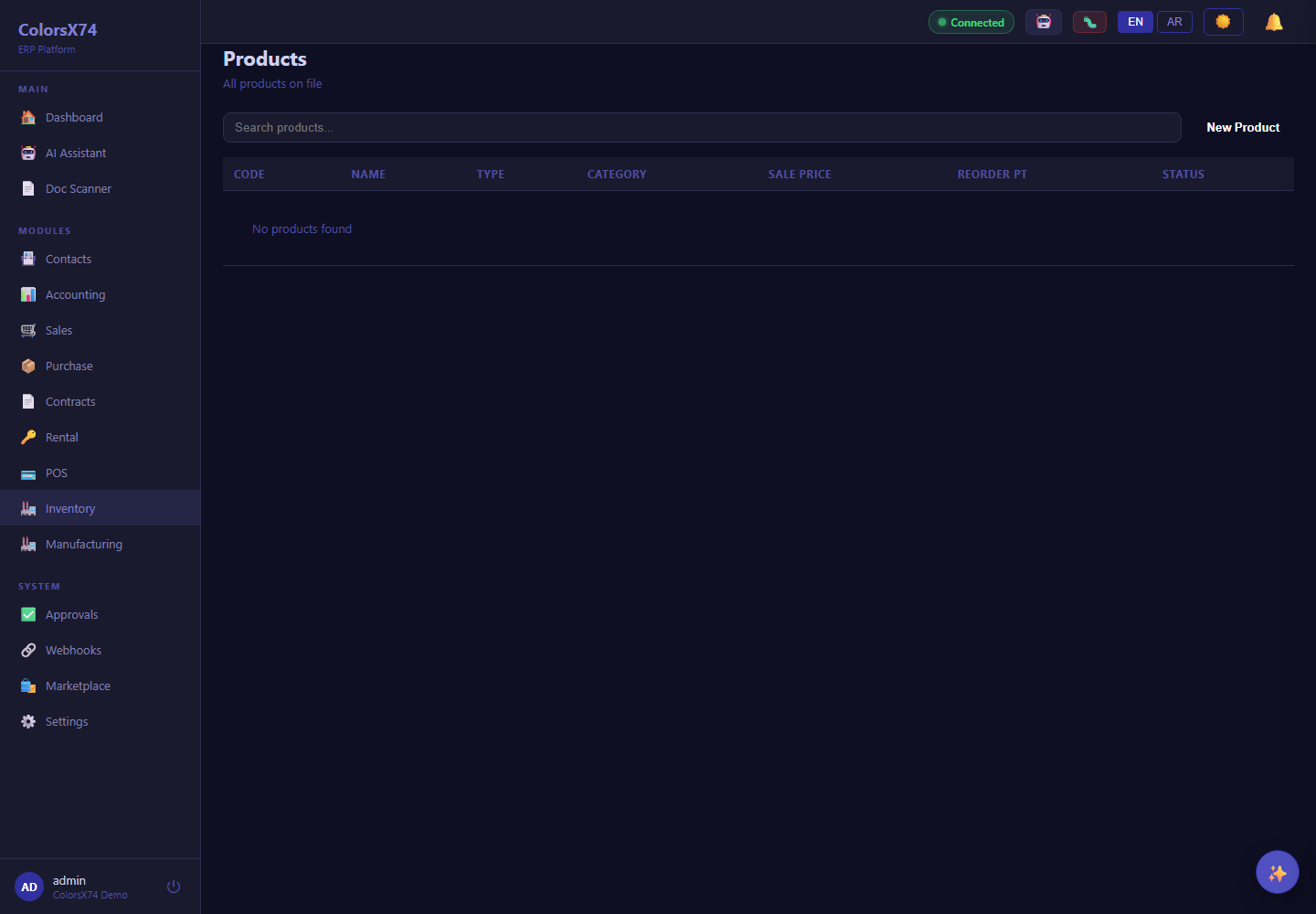
Use these operations screens to show inventory, manufacturing basics, and marketplace/add-on readiness.
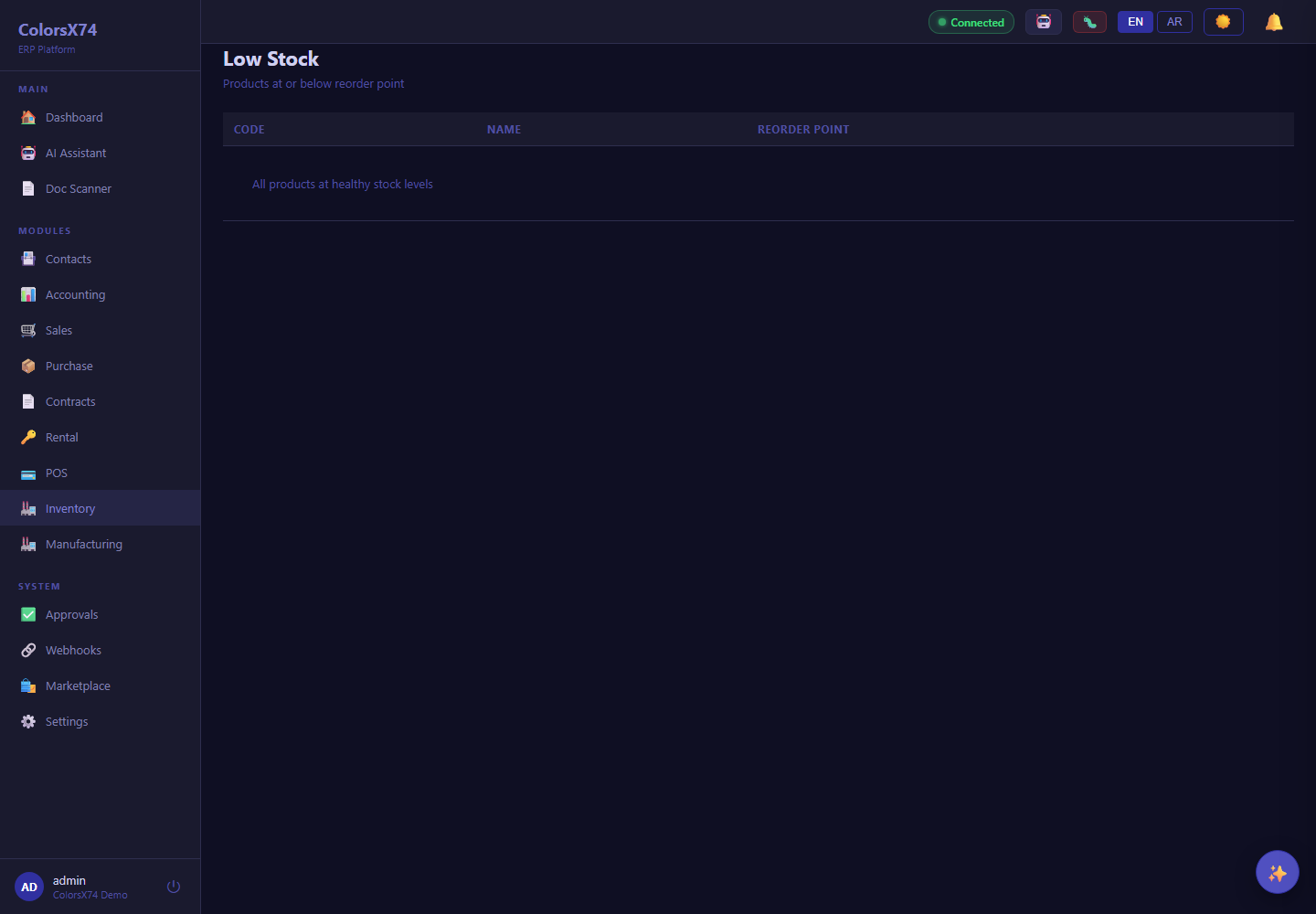
Use these operations screens to show inventory, manufacturing basics, and marketplace/add-on readiness.
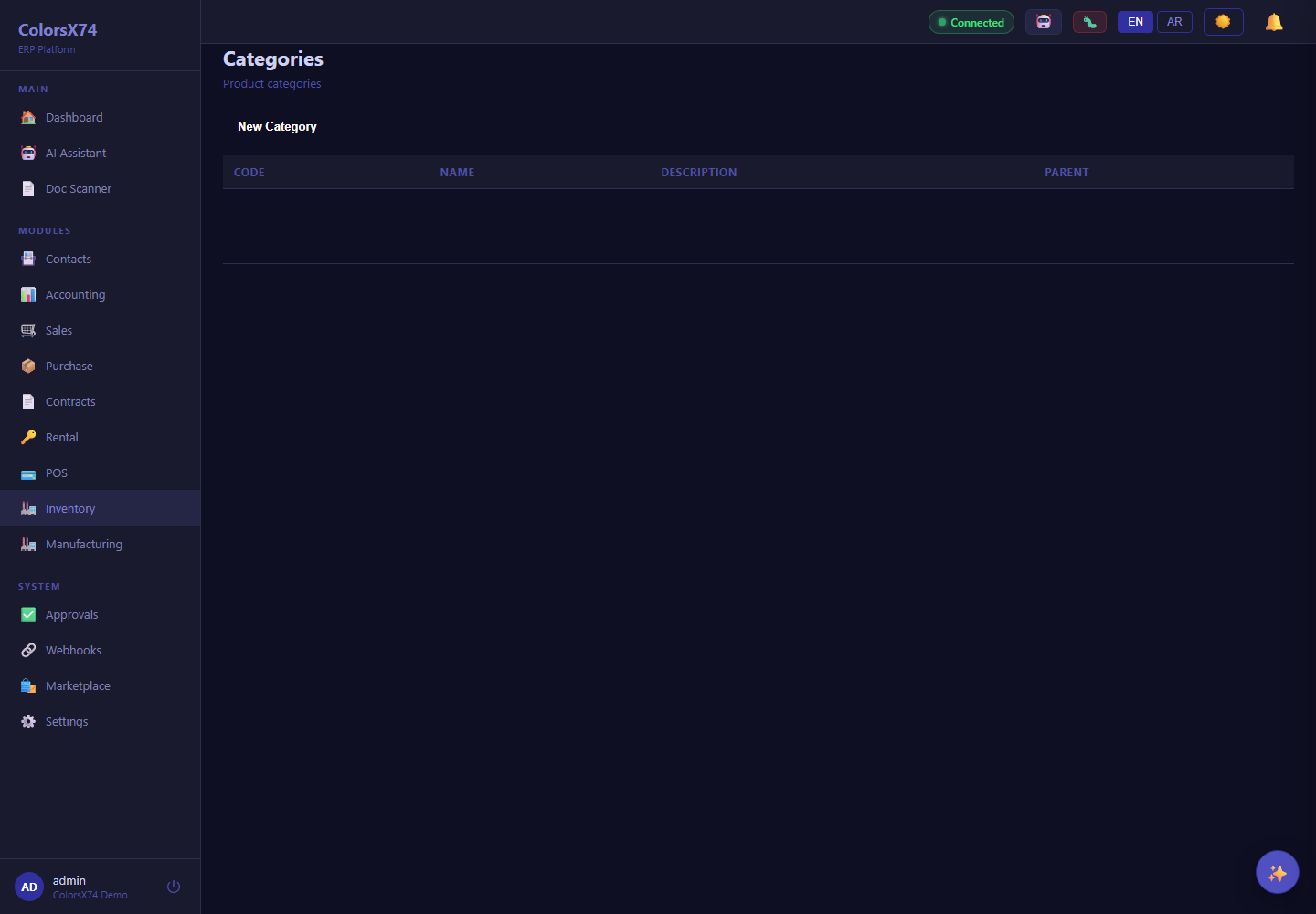
Use these operations screens to show inventory, manufacturing basics, and marketplace/add-on readiness.
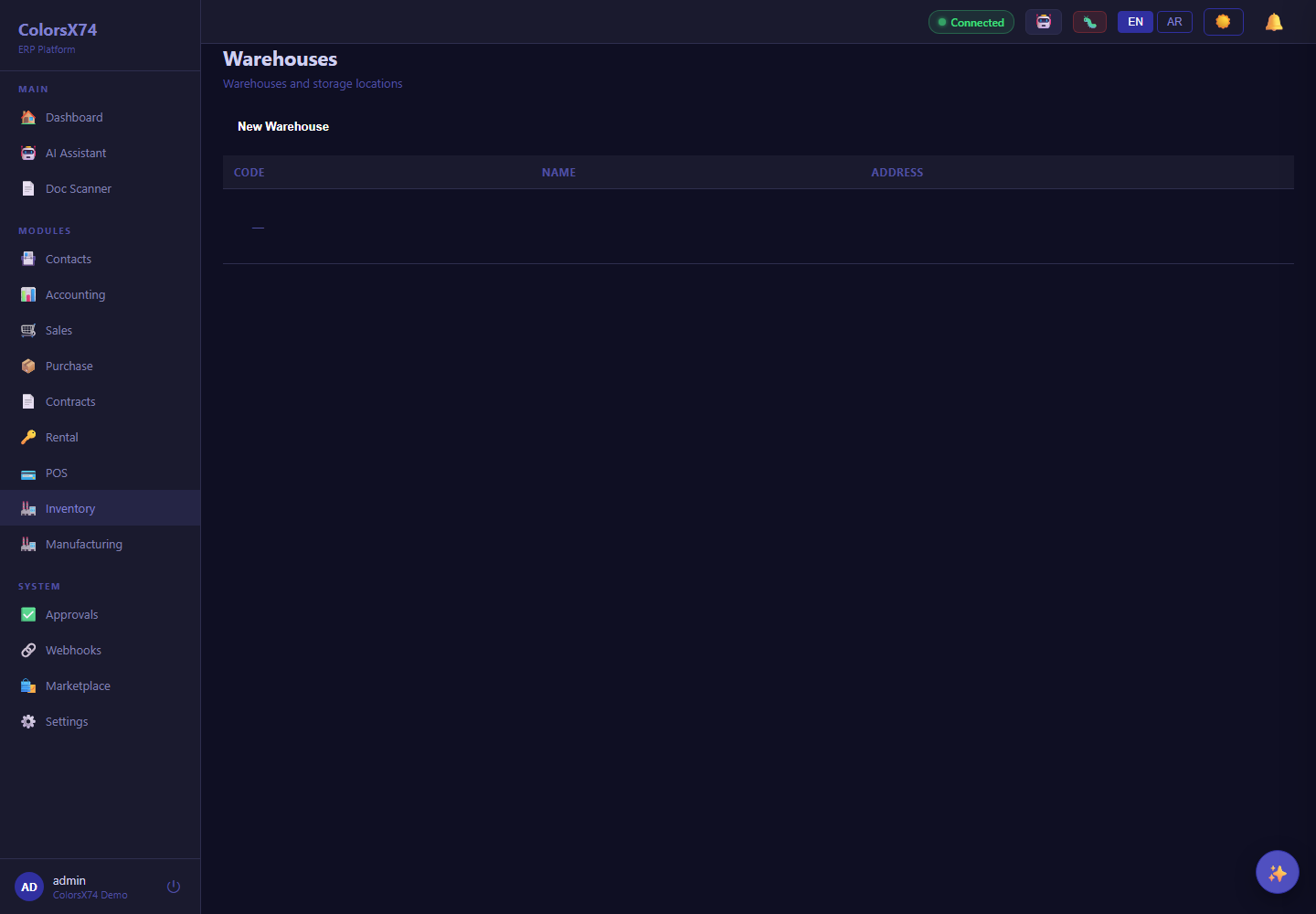
Use these operations screens to show inventory, manufacturing basics, and marketplace/add-on readiness.
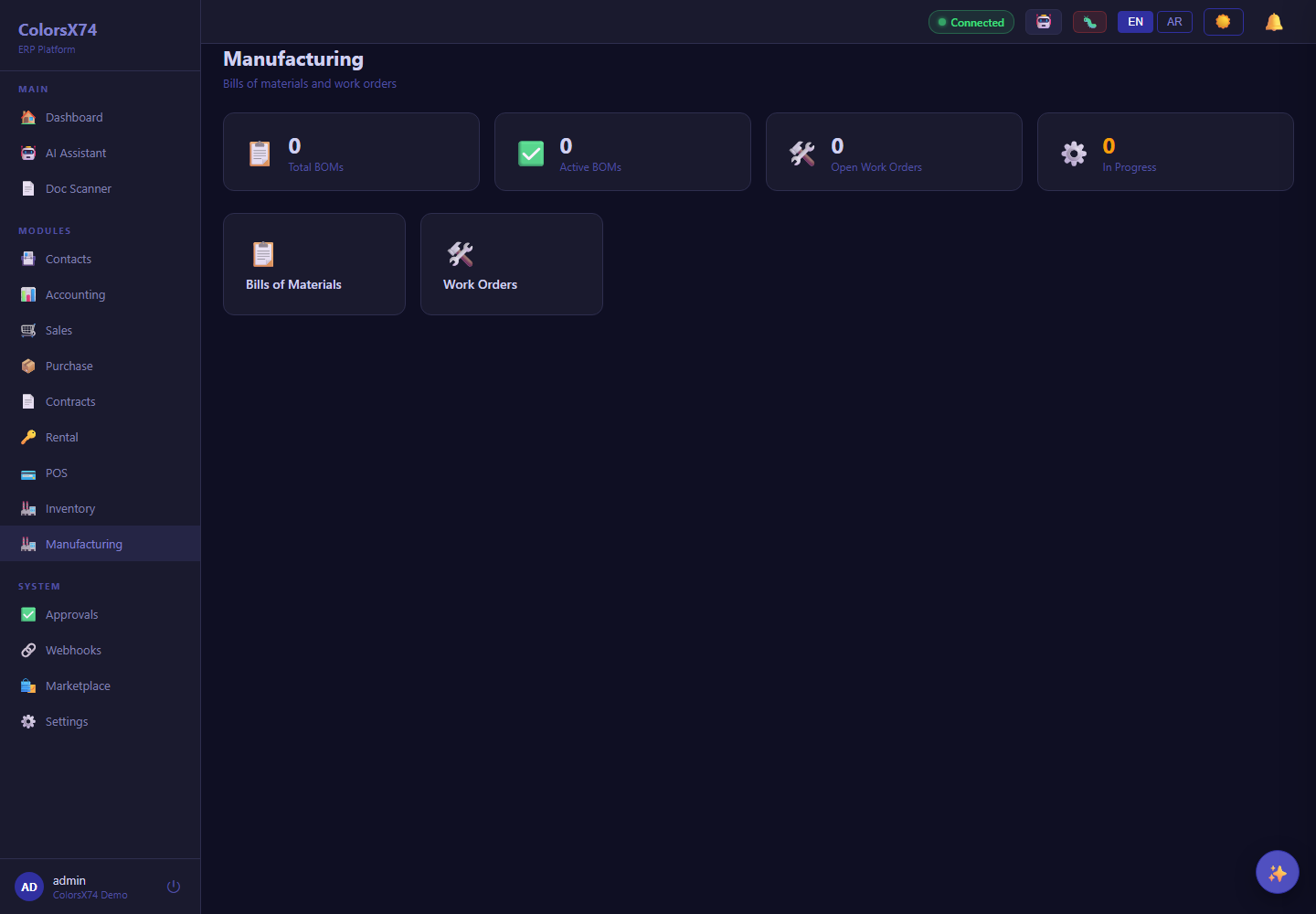
Use these operations screens to show inventory, manufacturing basics, and marketplace/add-on readiness.
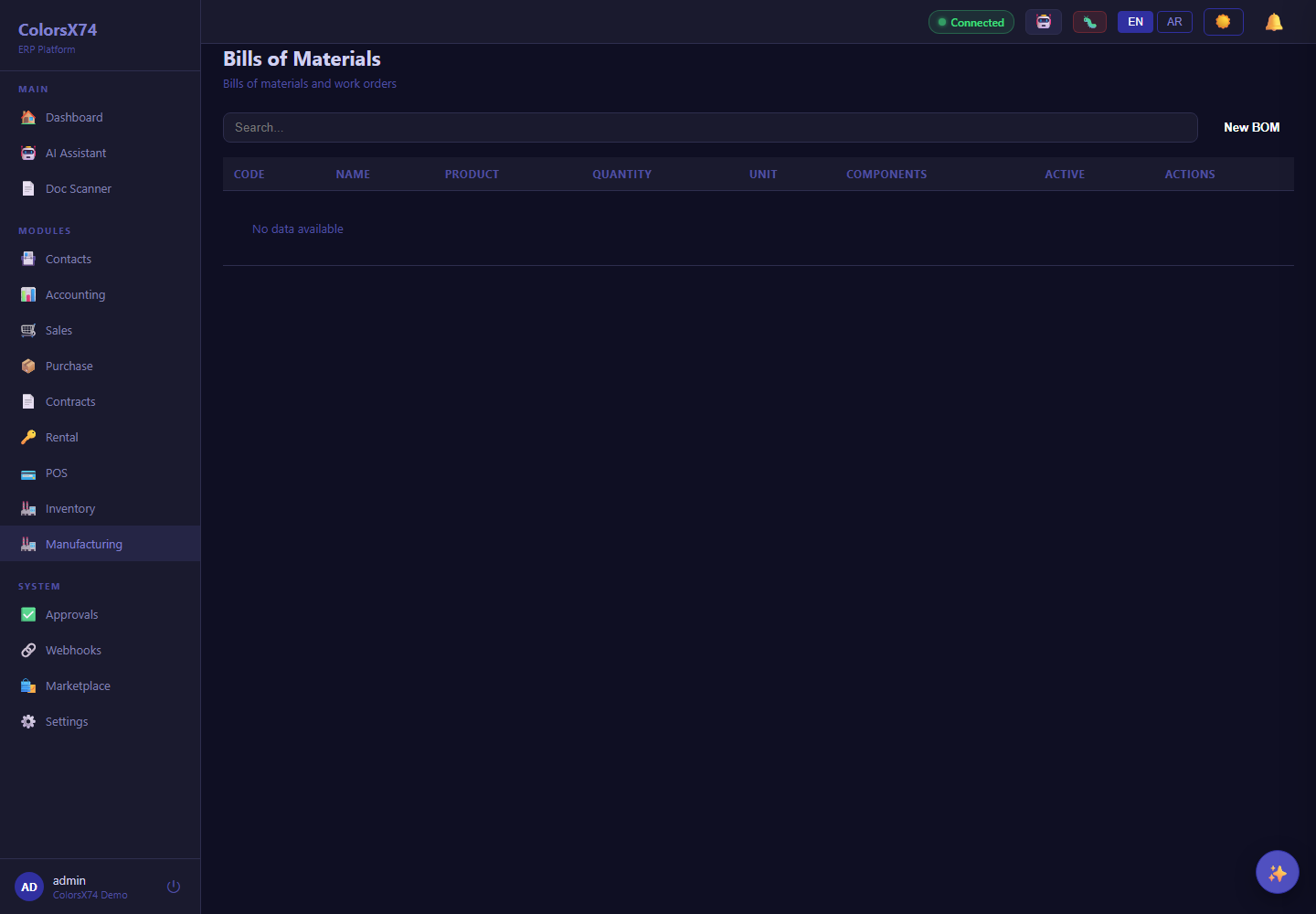
Use these operations screens to show inventory, manufacturing basics, and marketplace/add-on readiness.
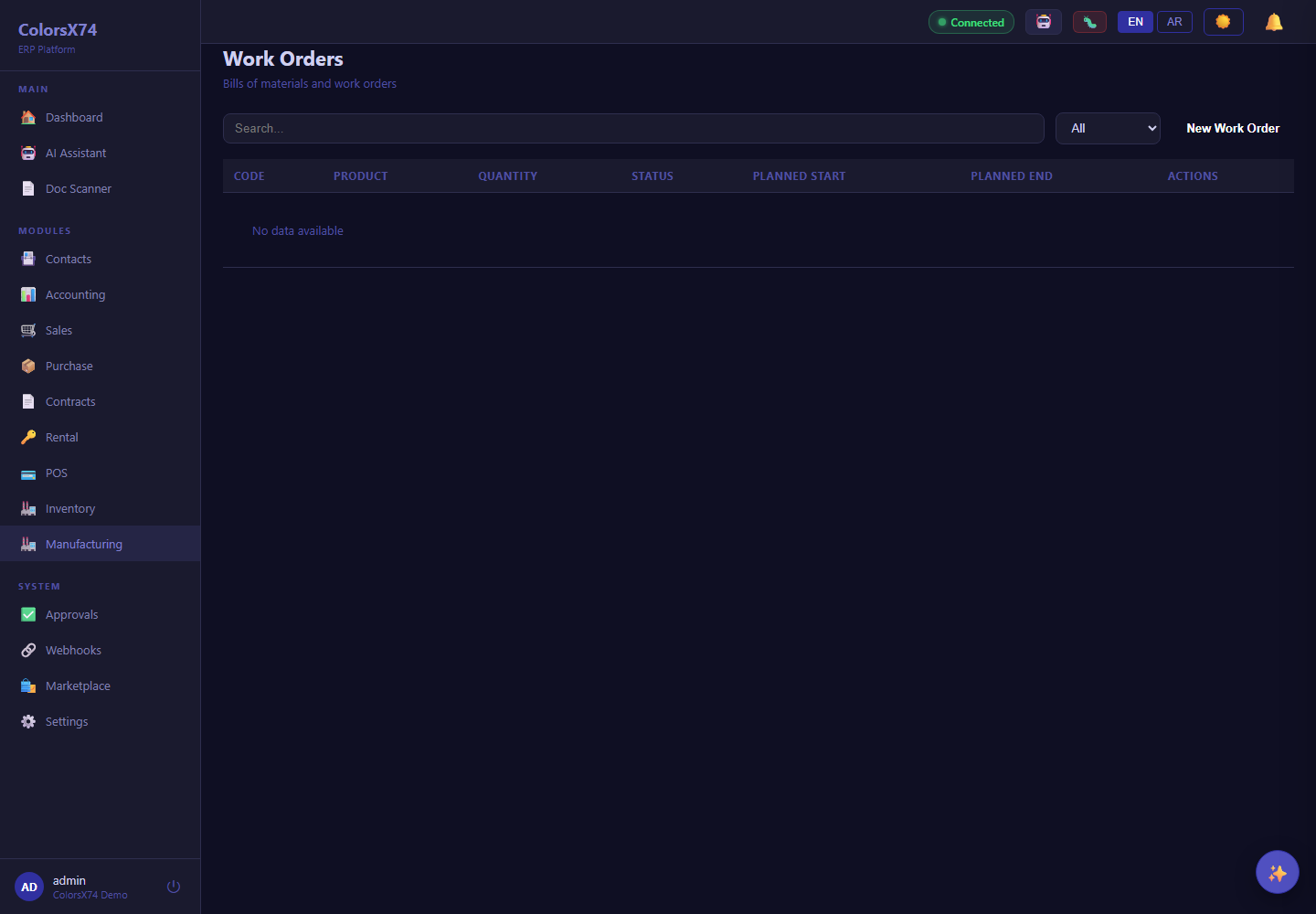
Use these operations screens to show inventory, manufacturing basics, and marketplace/add-on readiness.
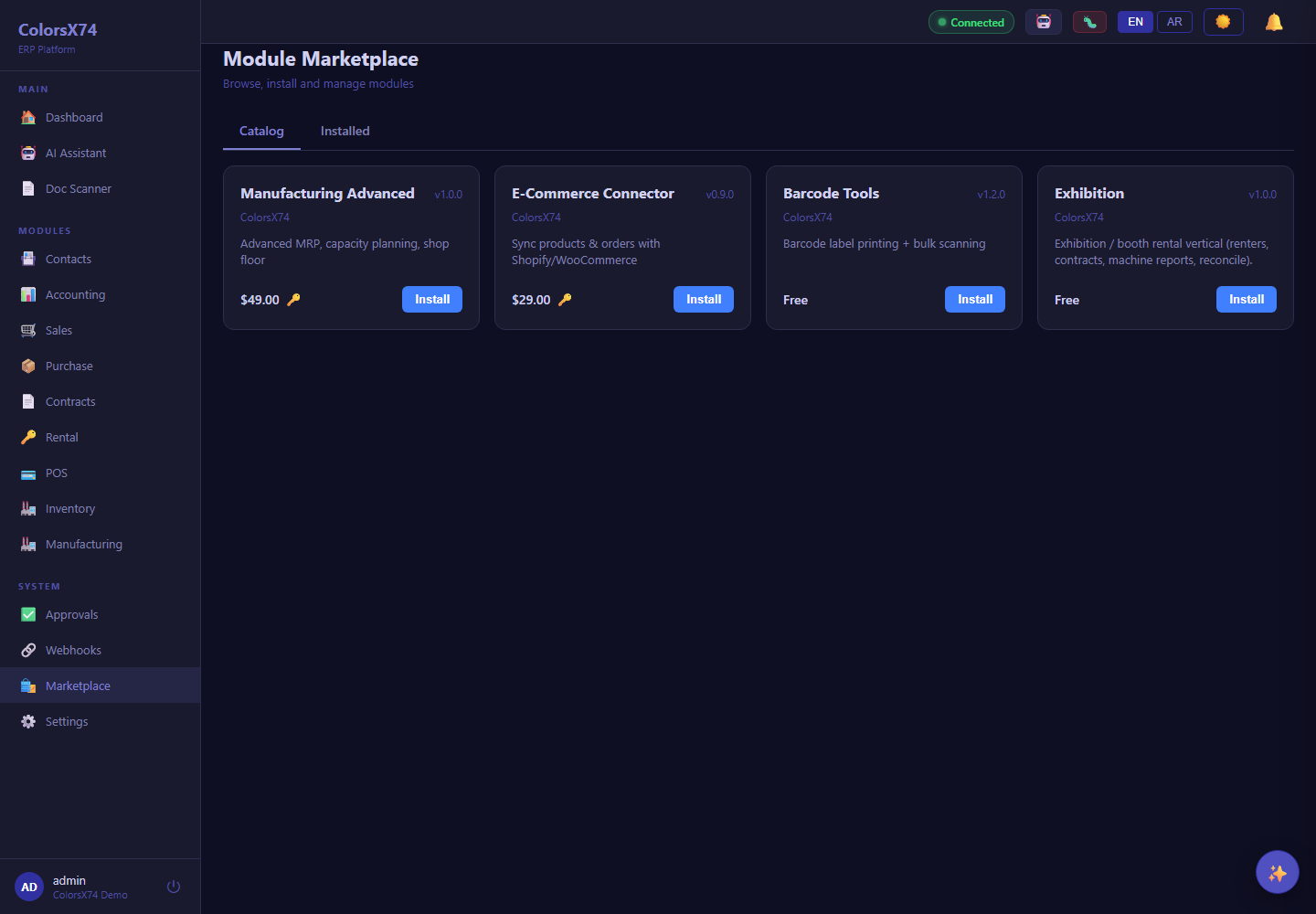
Use these operations screens to show inventory, manufacturing basics, and marketplace/add-on readiness.
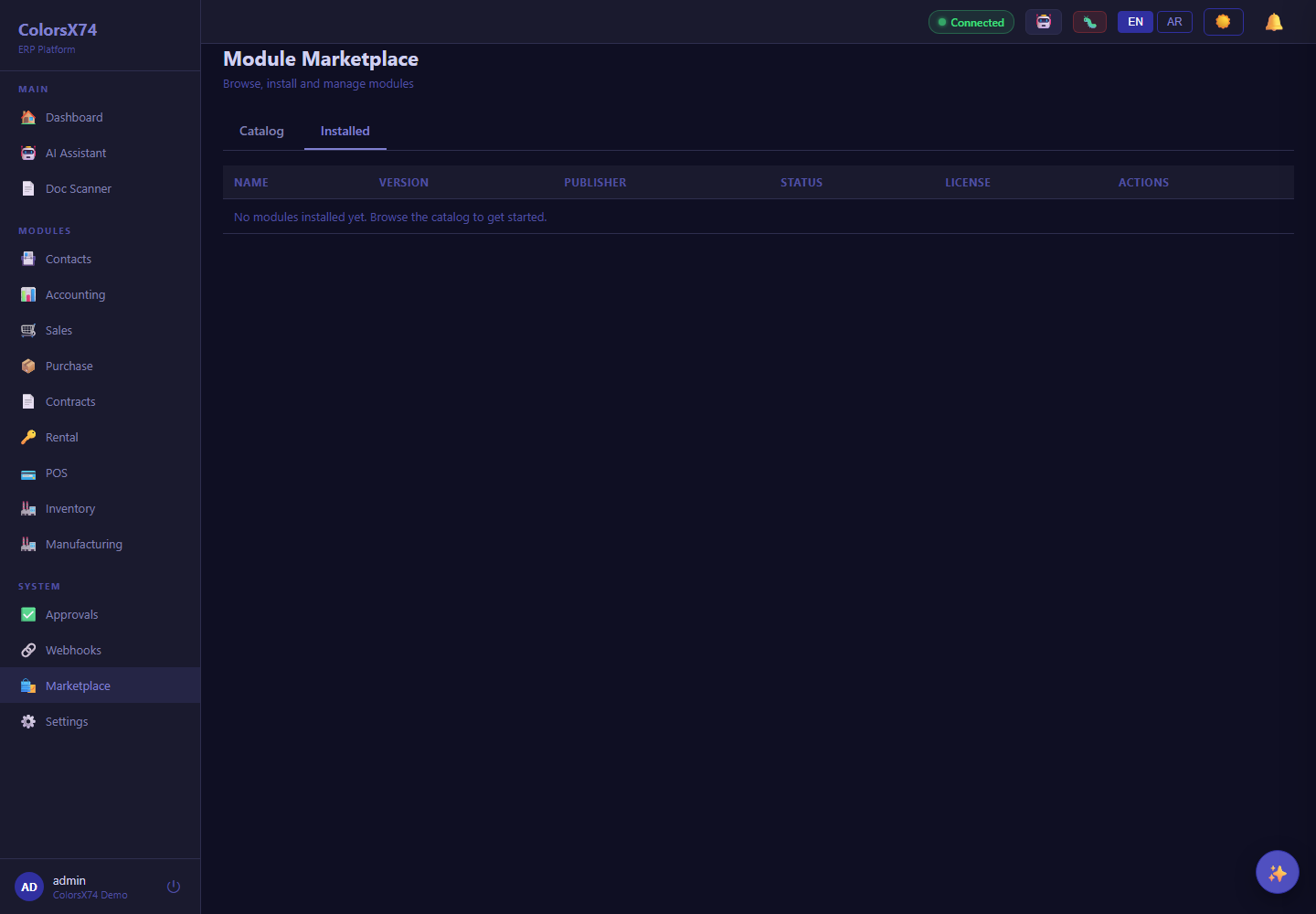
Use these operations screens to show inventory, manufacturing basics, and marketplace/add-on readiness.