Demo data note: Screenshots in these docs use representative demo data. Do not use real customer records, secrets, payment keys, or private documents in public demos.
Key capabilities
AI Assistant supports user questions and guided ERP help from the web portal.
Document Scan helps turn demo-safe invoices, receipts, and files into structured review data.
Document Draft helps users start business documents from prompts and templates.
AI Setup Wizard and AI Settings help administrators choose providers, models, skills, and consent posture.
AI workflow walkthrough
- Open AI Assistant and frame it as an ERP-aware helper for business users.
- Open Document Scan and explain that demos should use clean demo files only.
- Open Document Draft and show how a prompt becomes a reviewable draft, not an automatic final document.
- Open AI Settings and the AI Setup Wizard to show how administrators configure providers, models, skills, and consent.
- Mention Embedded Copilot as the in-app task assistant for guided actions, confirmations, schedules, and audited automation where enabled.
Consent and safety
Customer data should only be used with configured consent. Public demos should use demo data and avoid real private documents.
Representative positioning
AI is not a separate product bolted on to ERP; it is presented as guided help inside the daily business workflows.
Copilot handoff
When discussing Copilot, emphasize human confirmation, permissions, job history, and auditability rather than invisible automation.
Screenshots
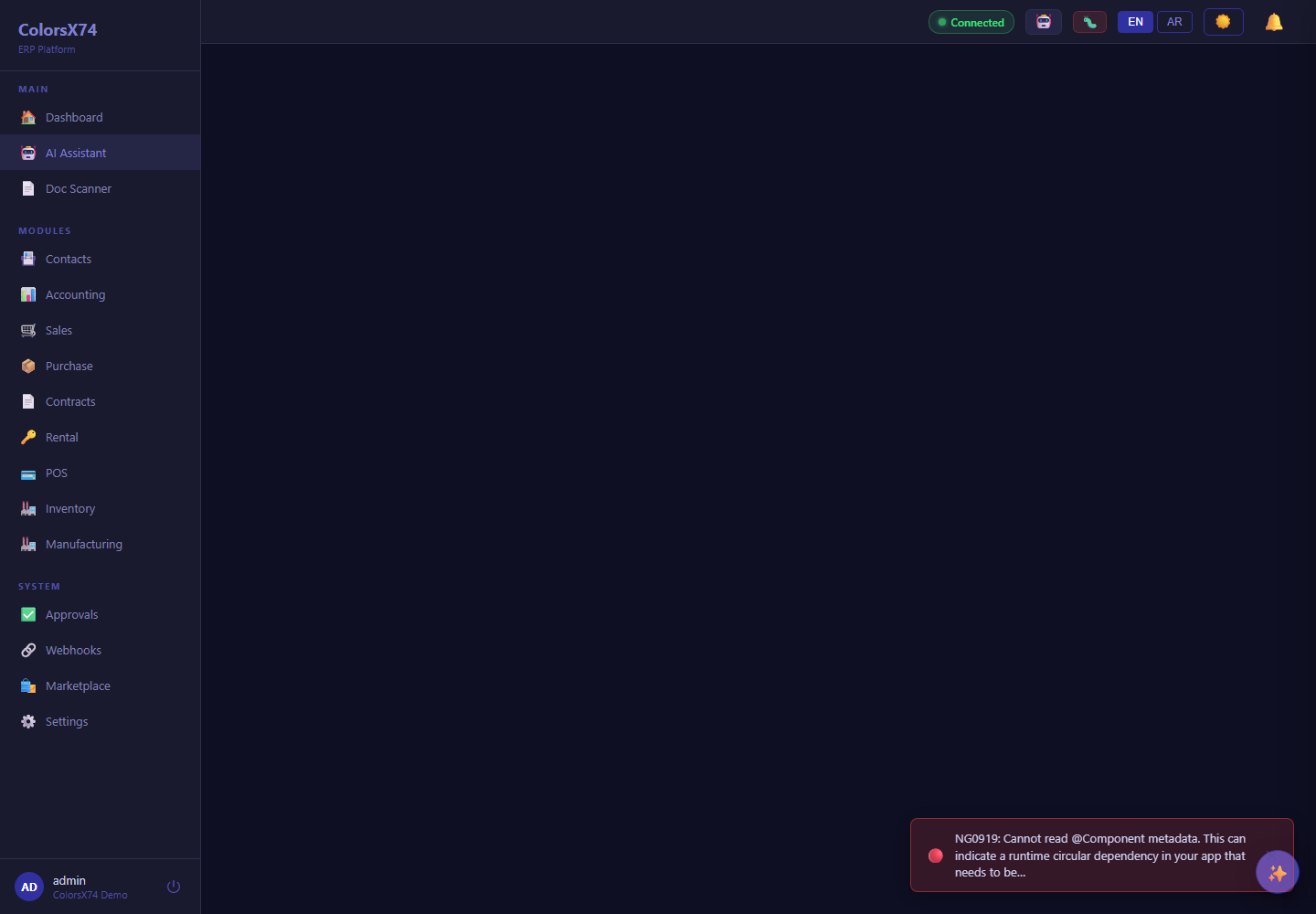
Use these screens to explain AI assistant, scan, draft, setup wizard, provider/settings, and global AI configuration.
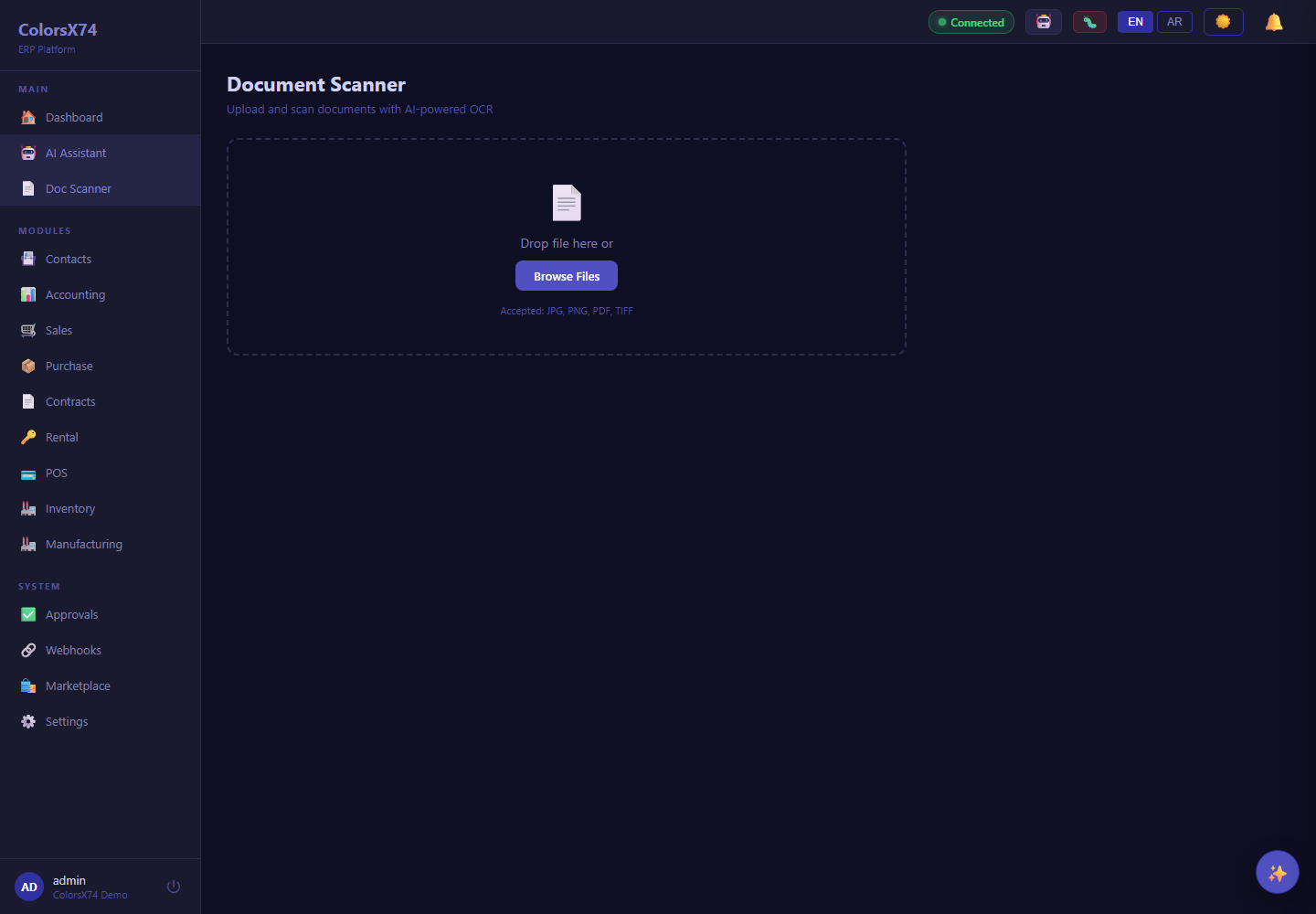
Use these screens to explain AI assistant, scan, draft, setup wizard, provider/settings, and global AI configuration.
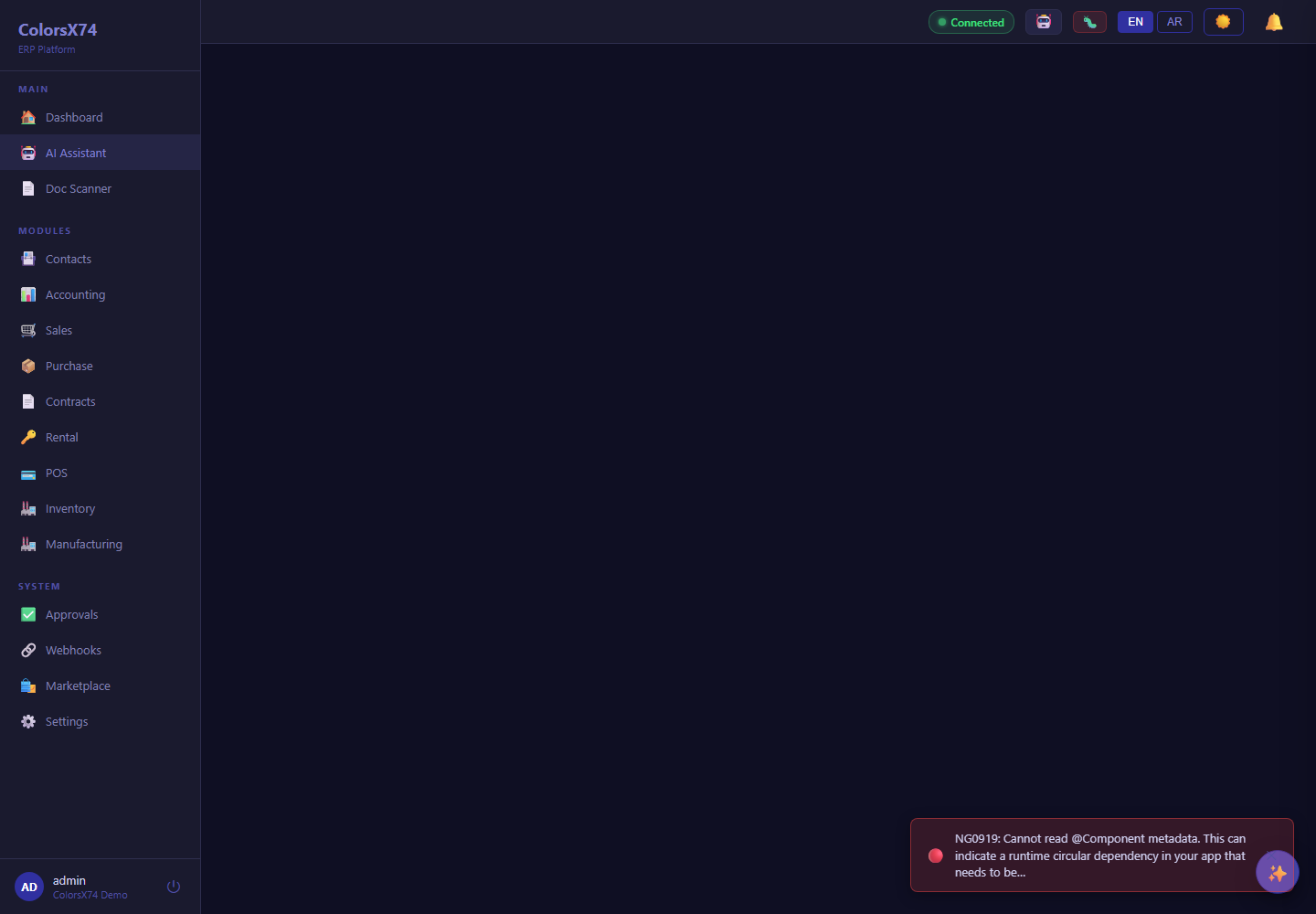
Use these screens to explain AI assistant, scan, draft, setup wizard, provider/settings, and global AI configuration.
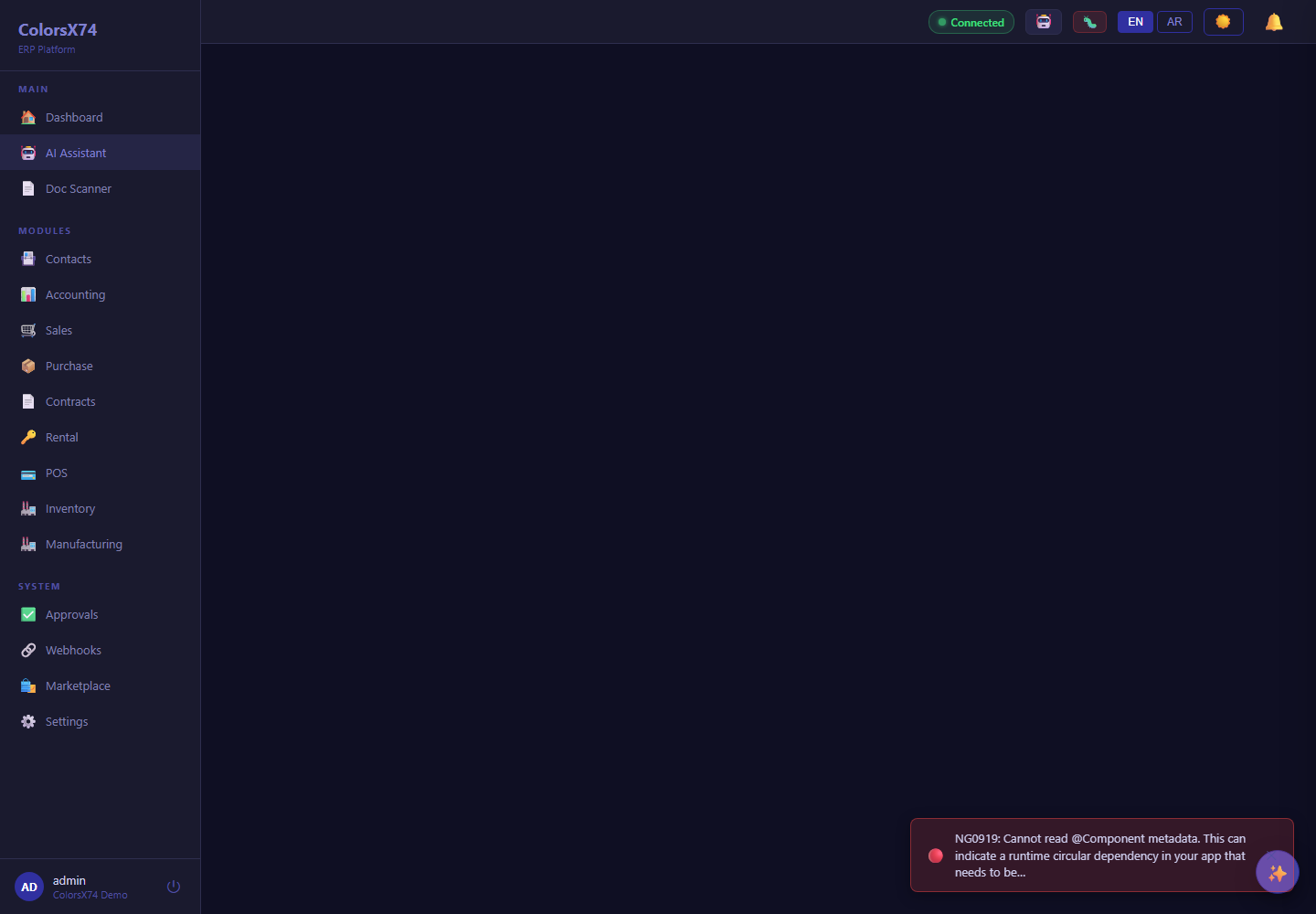
Use these screens to explain AI assistant, scan, draft, setup wizard, provider/settings, and global AI configuration.
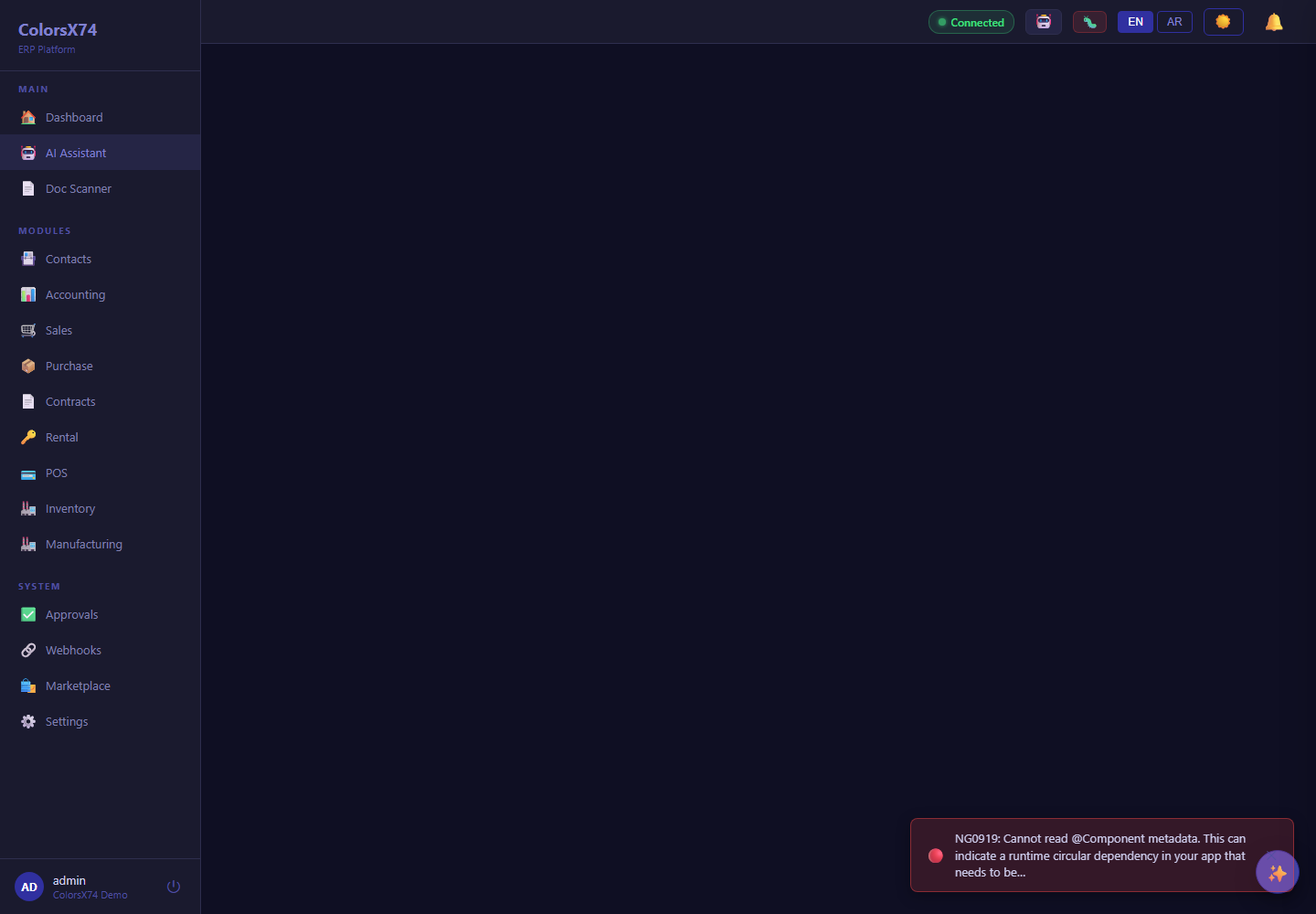
Use these screens to explain AI assistant, scan, draft, setup wizard, provider/settings, and global AI configuration.
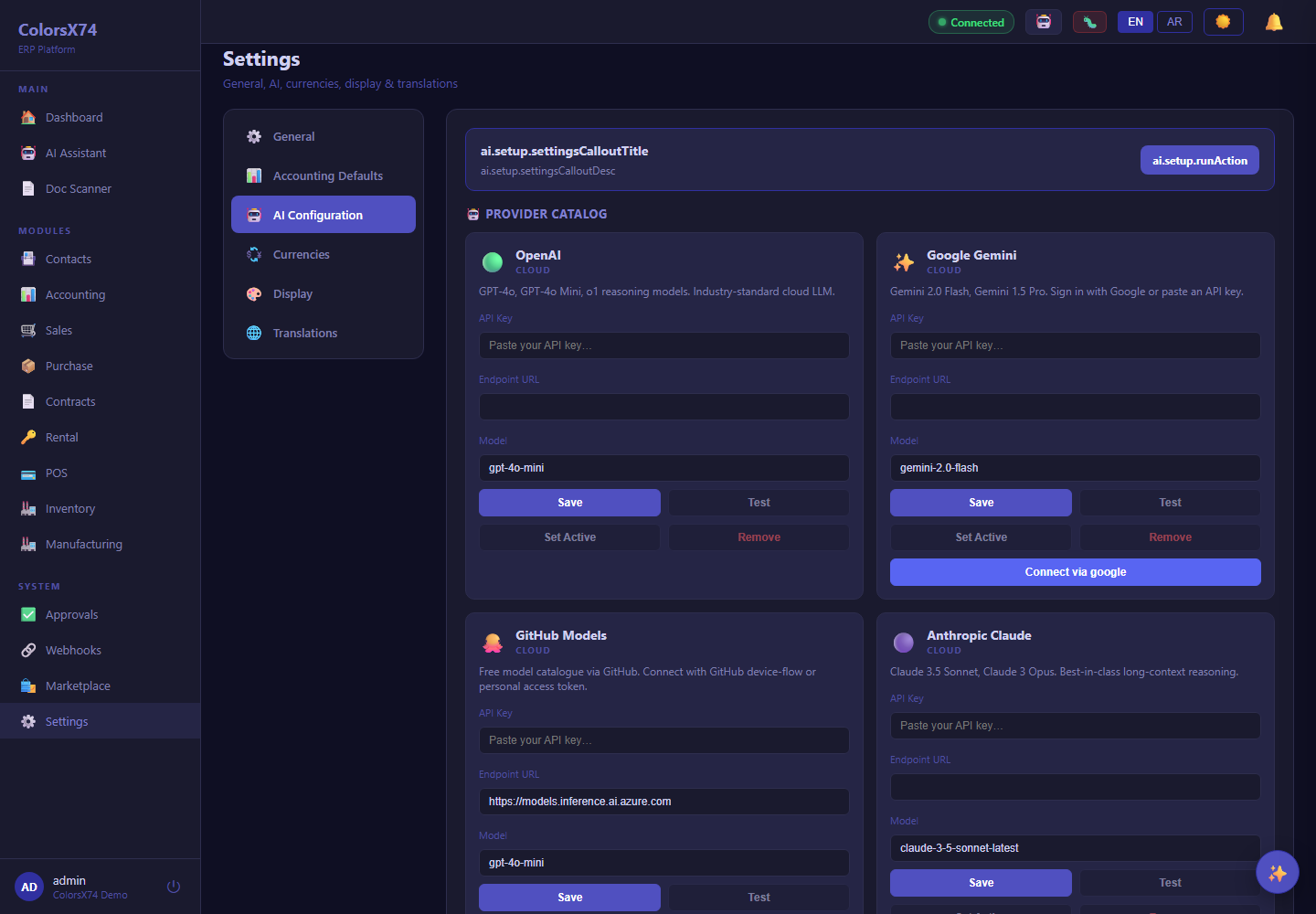
Use these screens to explain AI assistant, scan, draft, setup wizard, provider/settings, and global AI configuration.