Demo data note: Screenshots in these docs use representative demo data. Do not use real customer records, secrets, payment keys, or private documents in public demos.
Key capabilities
Settings pages centralize general configuration, accounting defaults, currencies, exchange rates, display preferences, translations, and AI configuration.
Audit Log and Approvals support traceability, review, and segregation-of-duties conversations.
Notifications are visible from the authenticated shell and help users see work requiring attention.
Webhooks support integration handoff discussions without exposing secrets in public documentation.
Admin workflow walkthrough
- Open Settings General to show the configuration hub.
- Review Accounting Defaults, Currencies, and Exchange Rate Settings for finance administration.
- Open Display and Translations to show usability and localization readiness.
- Open Audit Log and Approvals to show governance, review, and traceability.
- Open Webhooks and explain integration readiness while reminding viewers that real endpoint secrets are never shown in public demos.
Governance story
Administration pages should be presented as guardrails: configuration, approvals, traceability, localization, and integration control.
Security positioning
Public docs intentionally avoid passwords, tokens, implementation logs, and private configuration. For customer support, collect screenshots and reproduction steps rather than secrets.
Notifications
Notifications are shown through the application shell so users can react to approvals, reminders, background work, and operational exceptions.
Screenshots
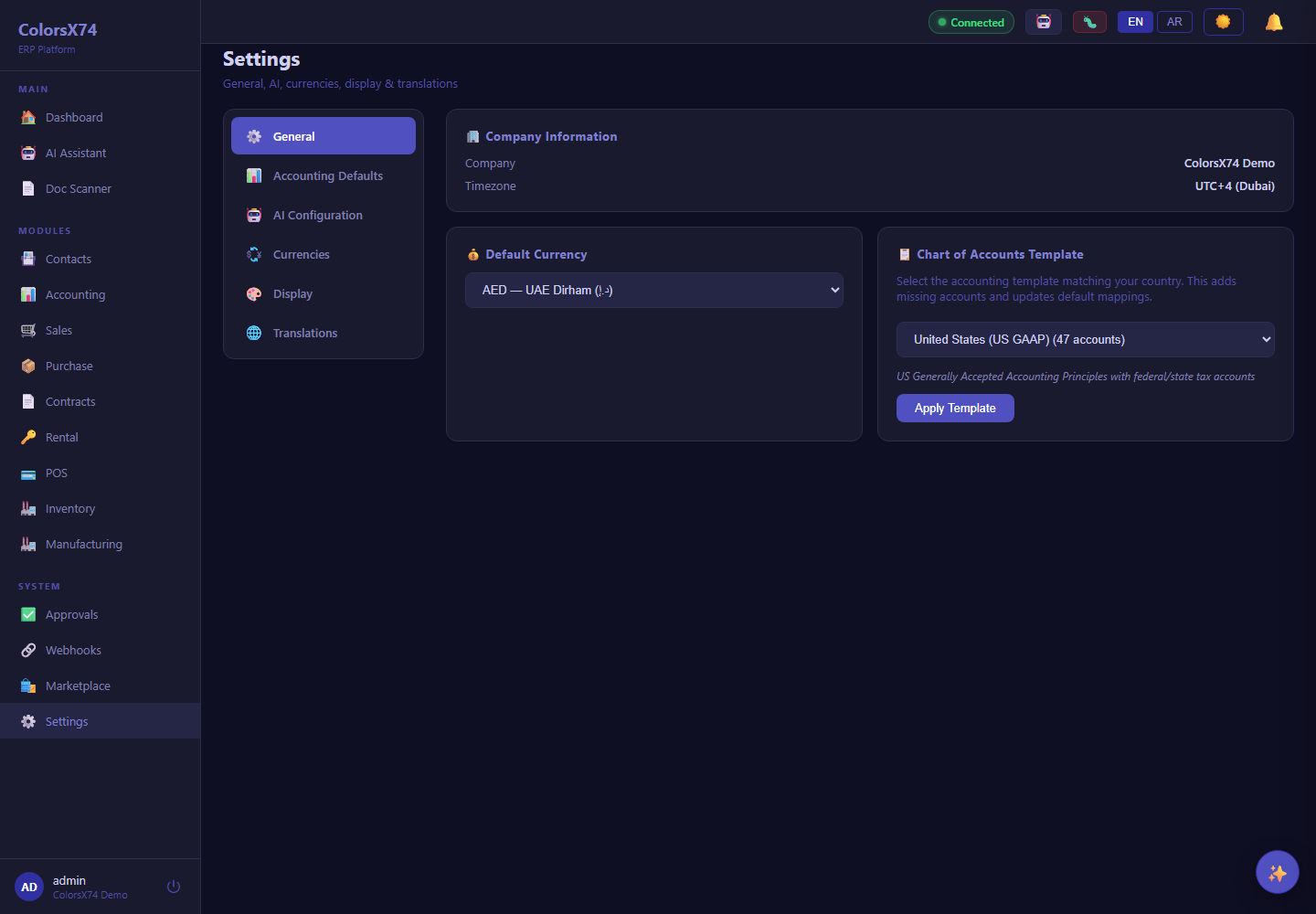
Use these admin screens to show settings, audit, approvals, translations, and integration readiness.
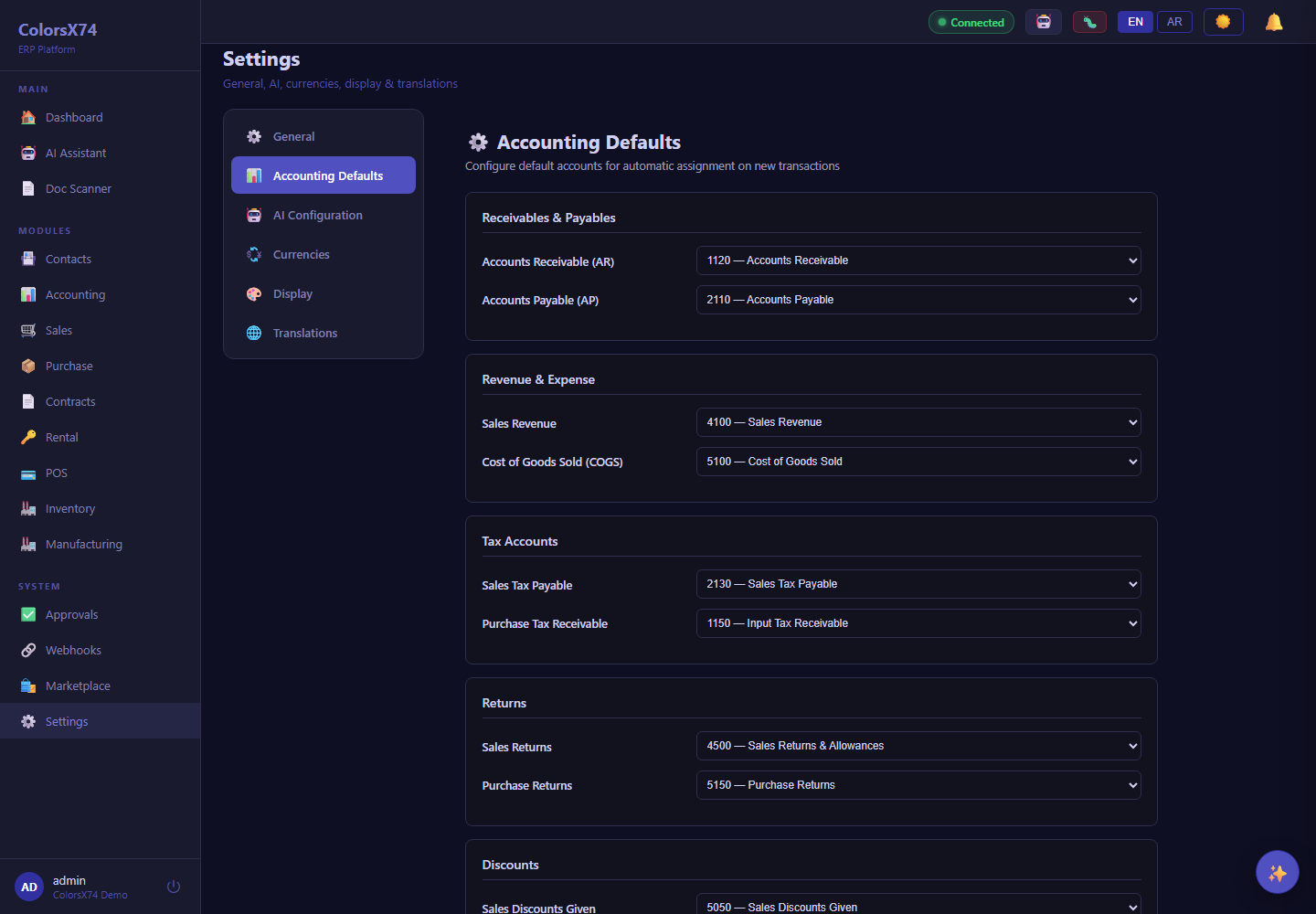
Use these admin screens to show settings, audit, approvals, translations, and integration readiness.
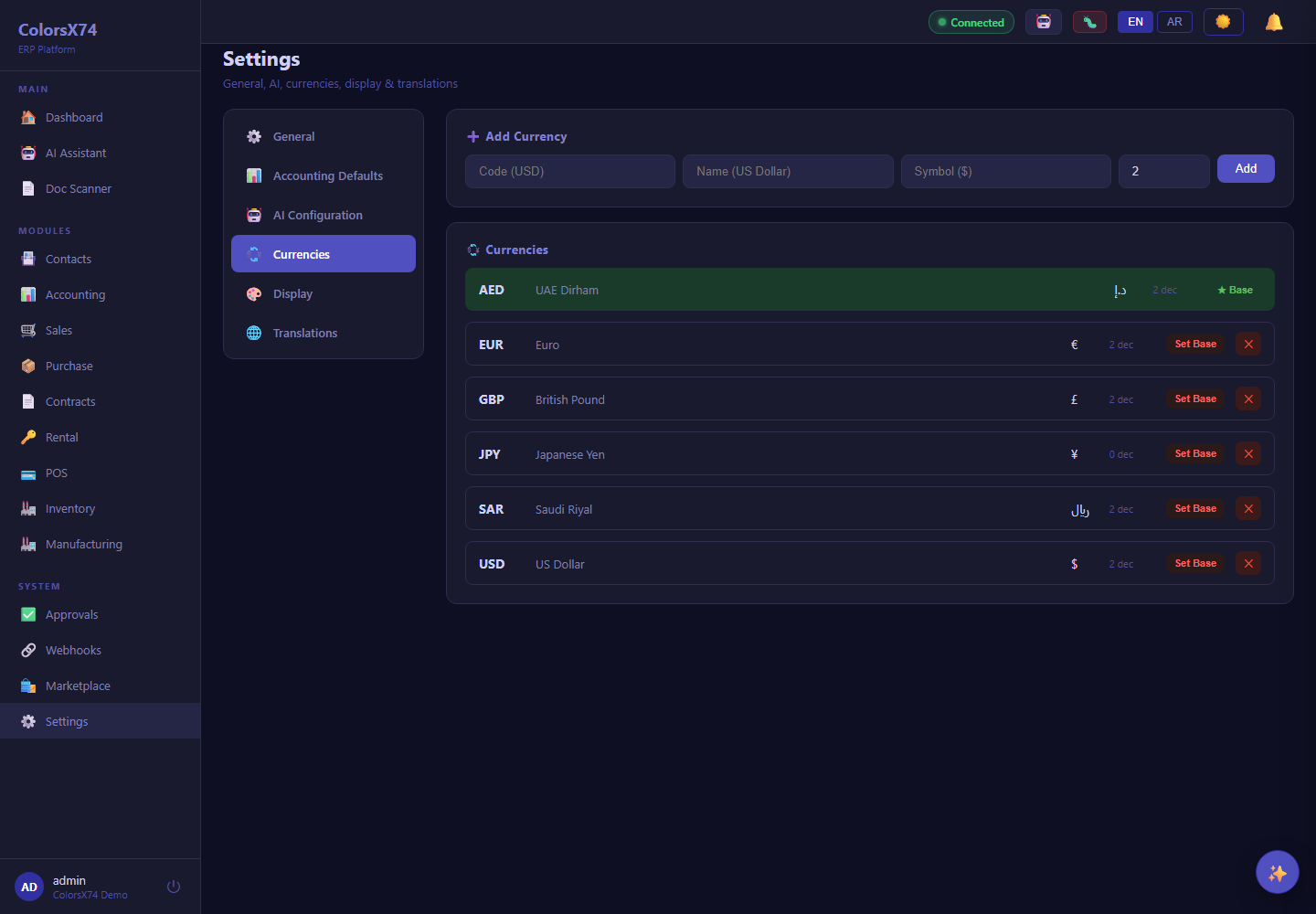
Use these admin screens to show settings, audit, approvals, translations, and integration readiness.
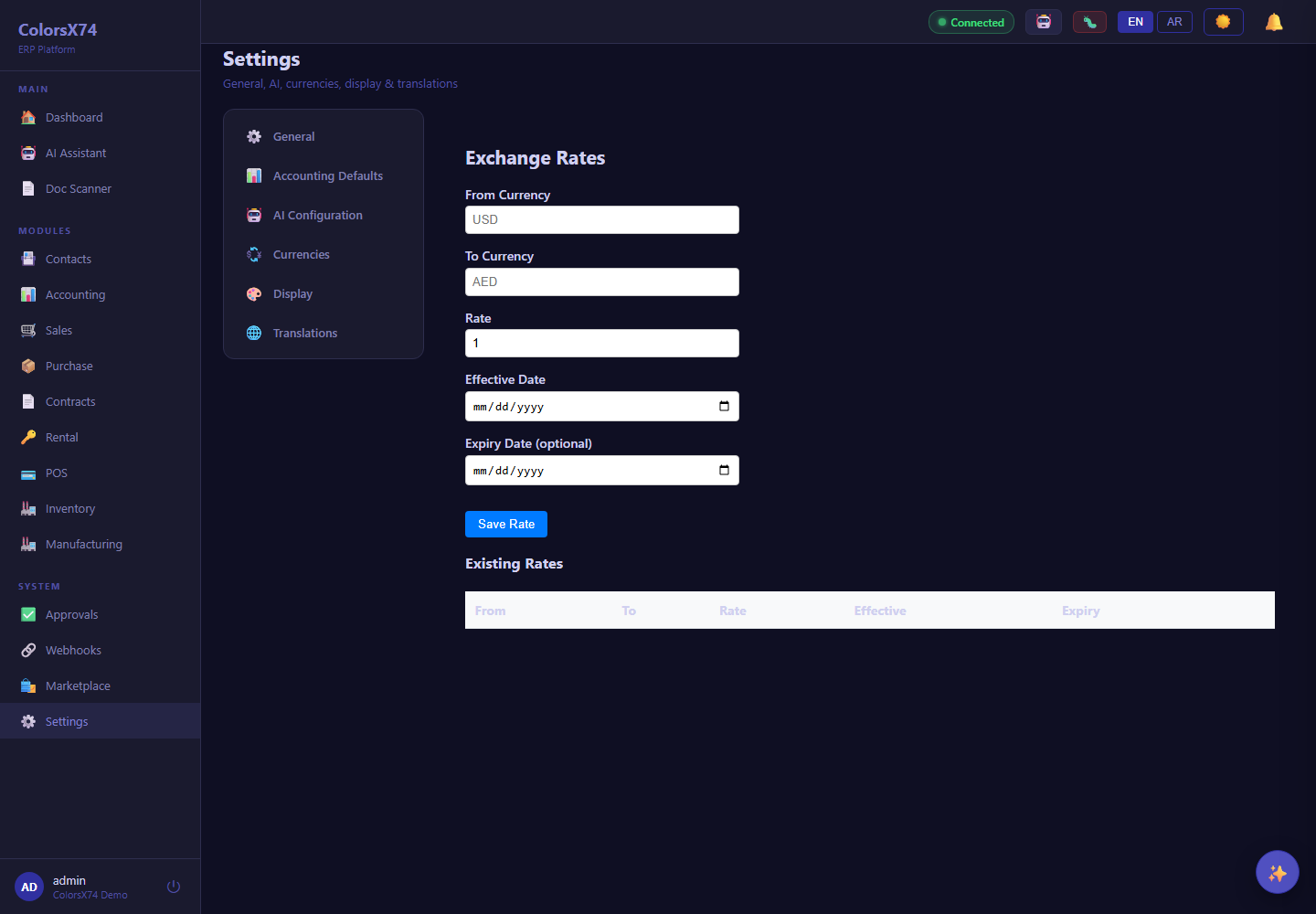
Use these admin screens to show settings, audit, approvals, translations, and integration readiness.
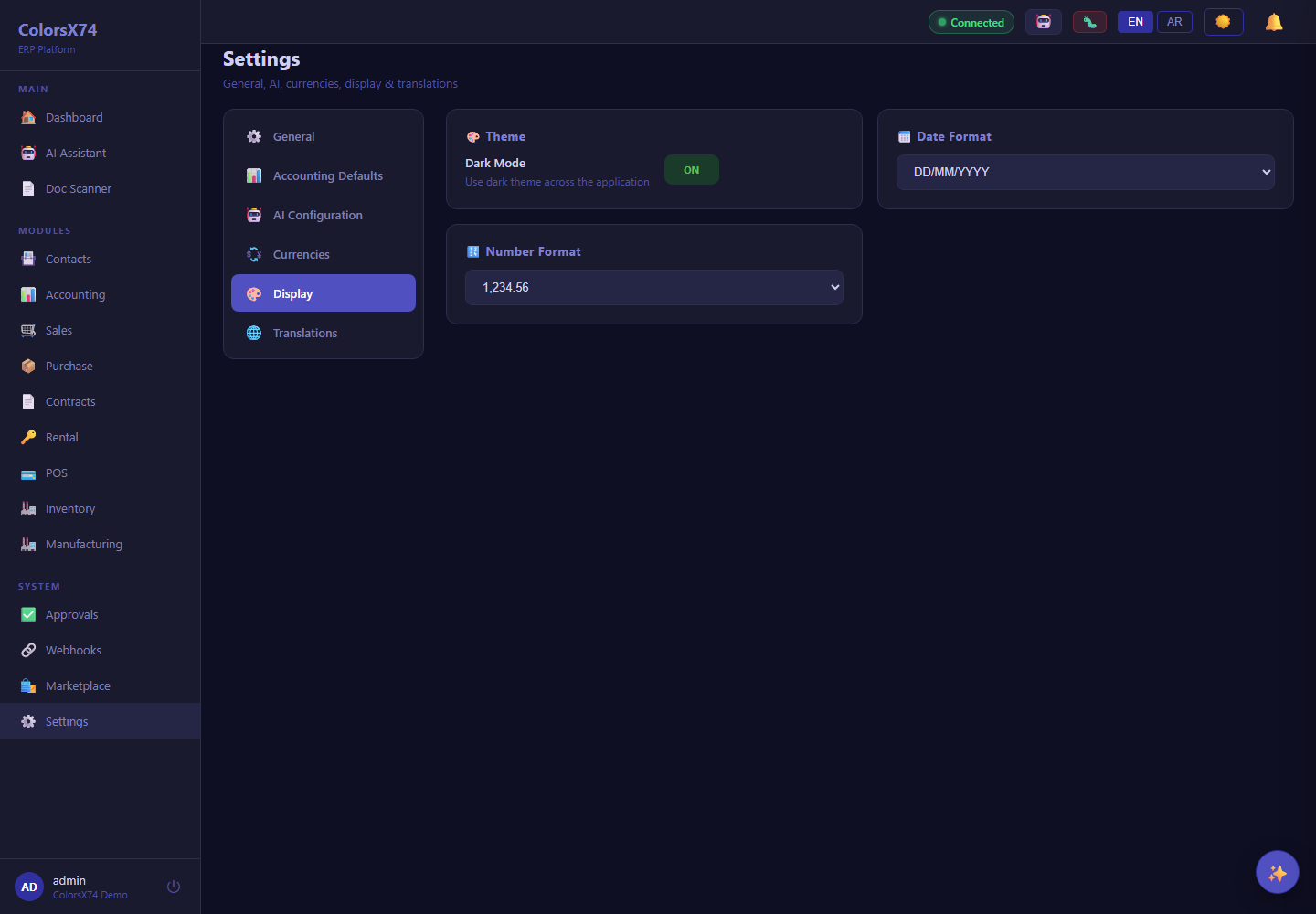
Use these admin screens to show settings, audit, approvals, translations, and integration readiness.
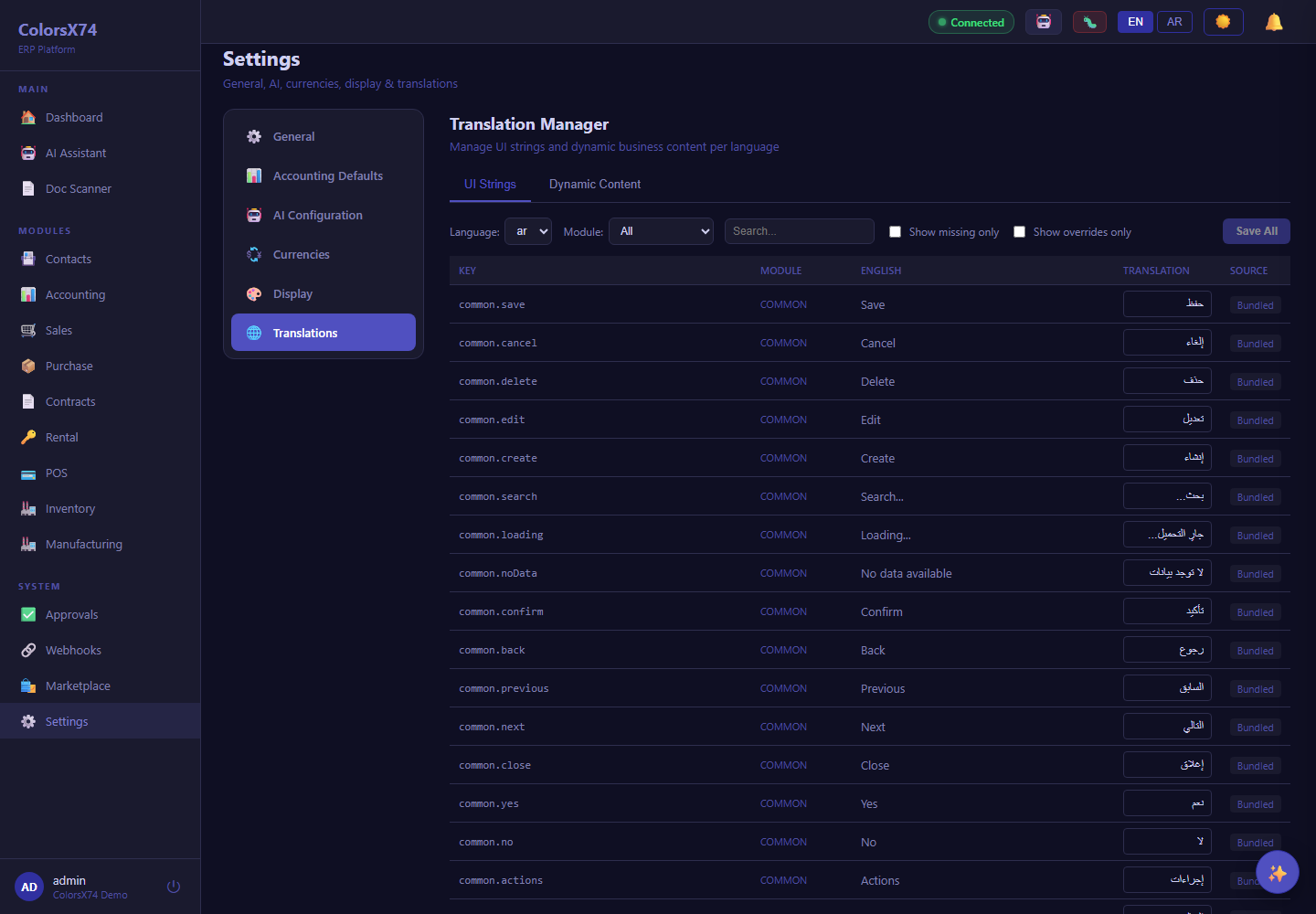
Use these admin screens to show settings, audit, approvals, translations, and integration readiness.
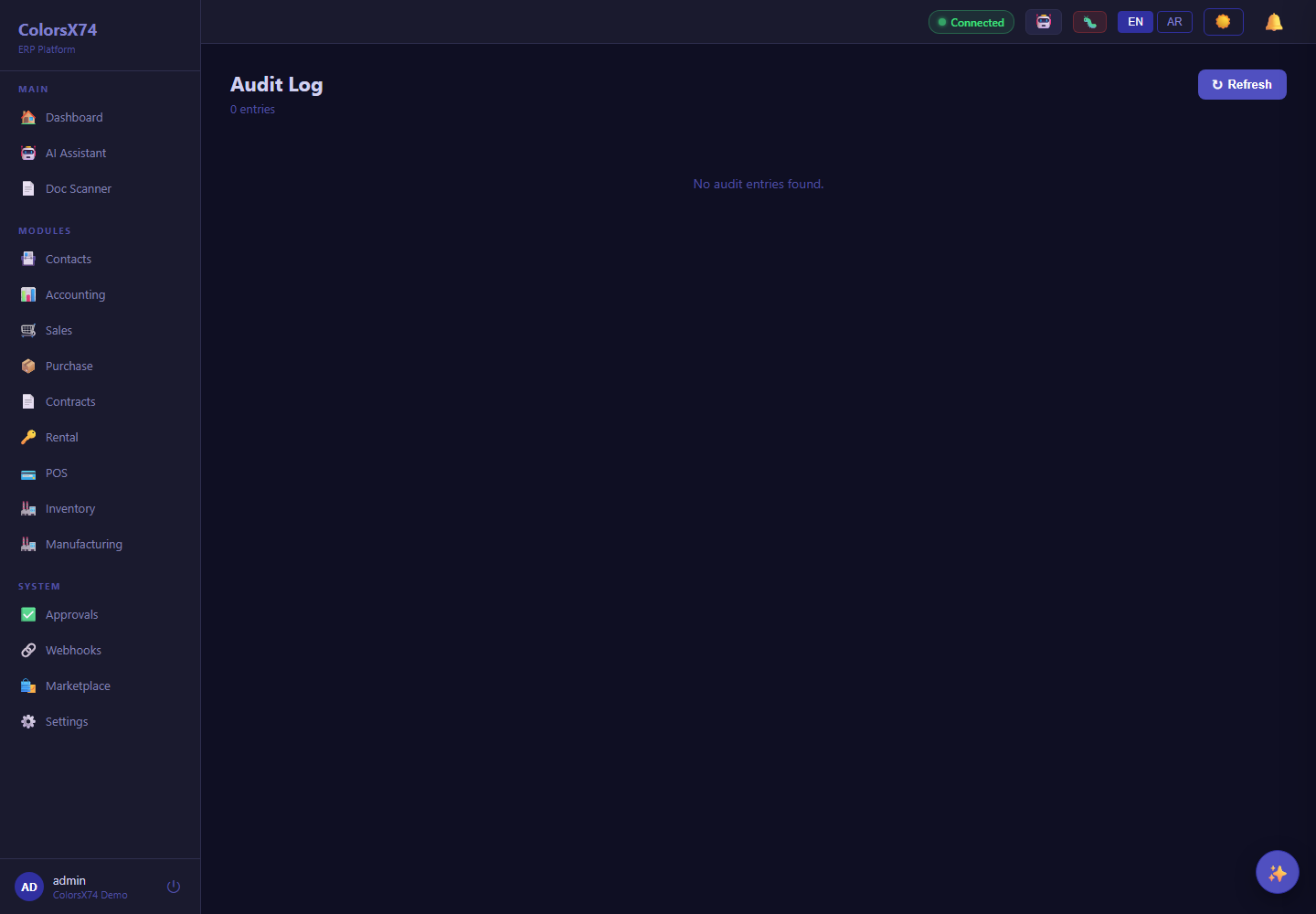
Use these admin screens to show settings, audit, approvals, translations, and integration readiness.
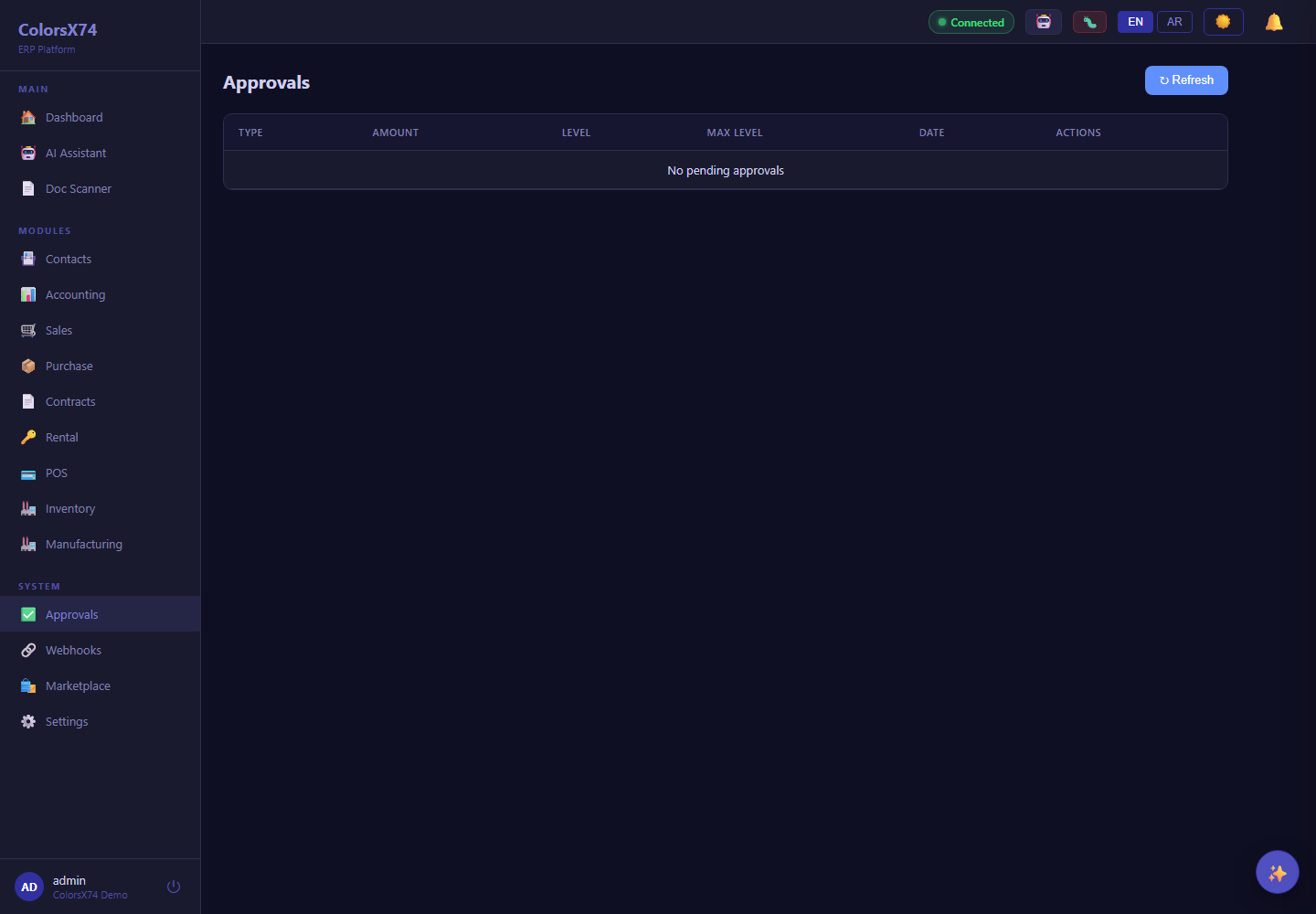
Use these admin screens to show settings, audit, approvals, translations, and integration readiness.
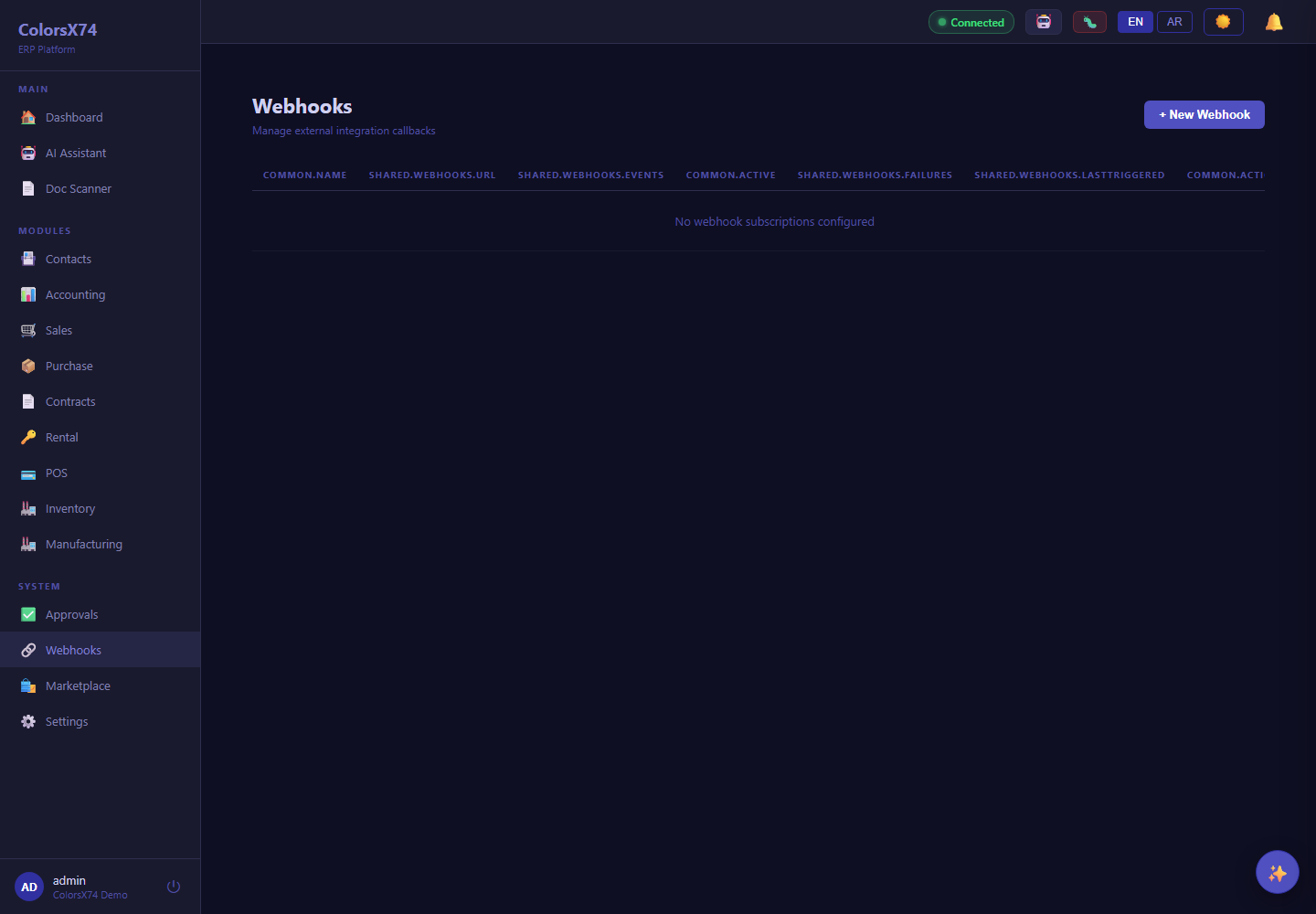
Use these admin screens to show settings, audit, approvals, translations, and integration readiness.
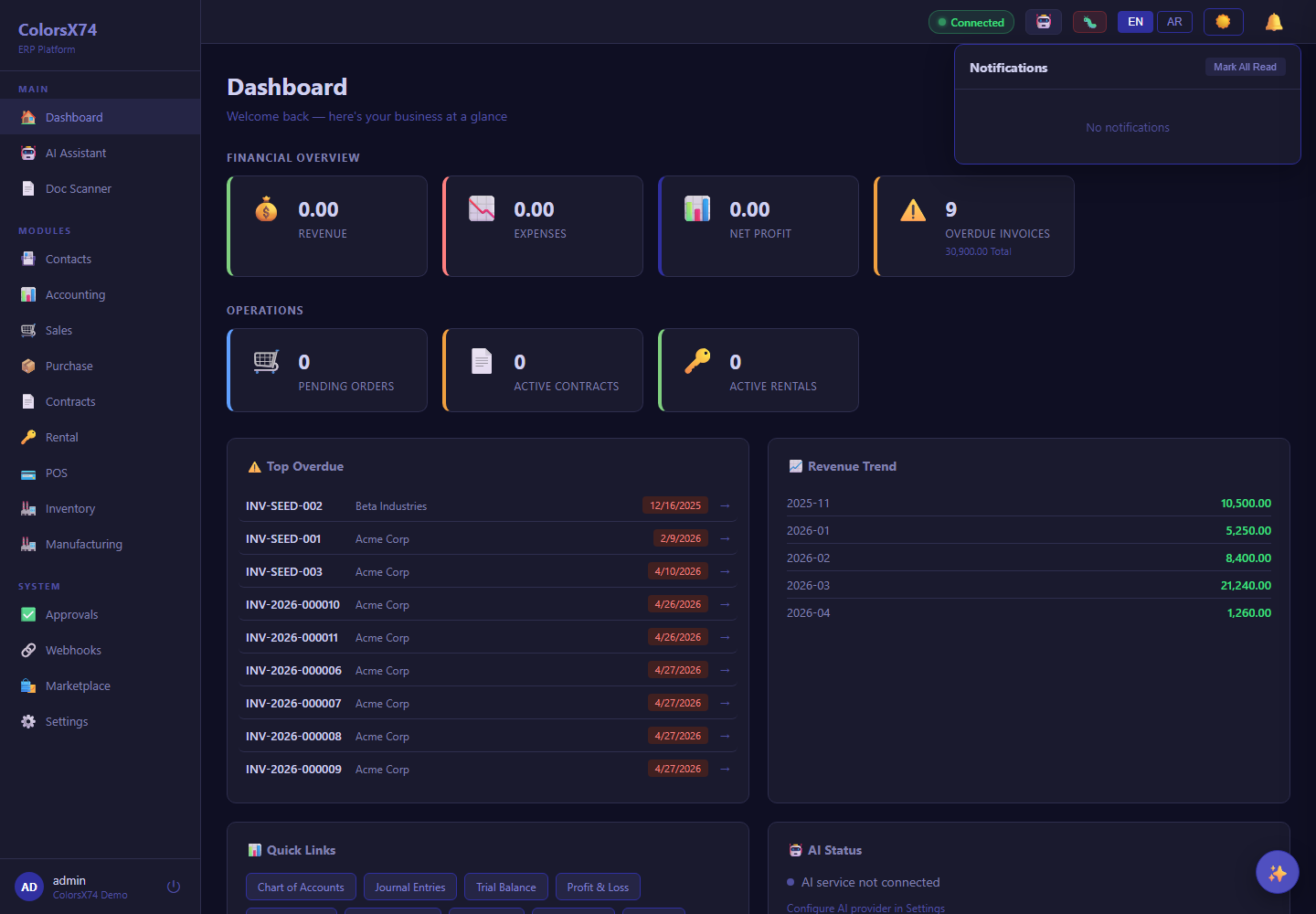
Use this shell panel to explain notification visibility.