Demo data note: Screenshots in these docs use representative demo data. Do not use real customer records, secrets, payment keys, or private documents in public demos.
Key capabilities
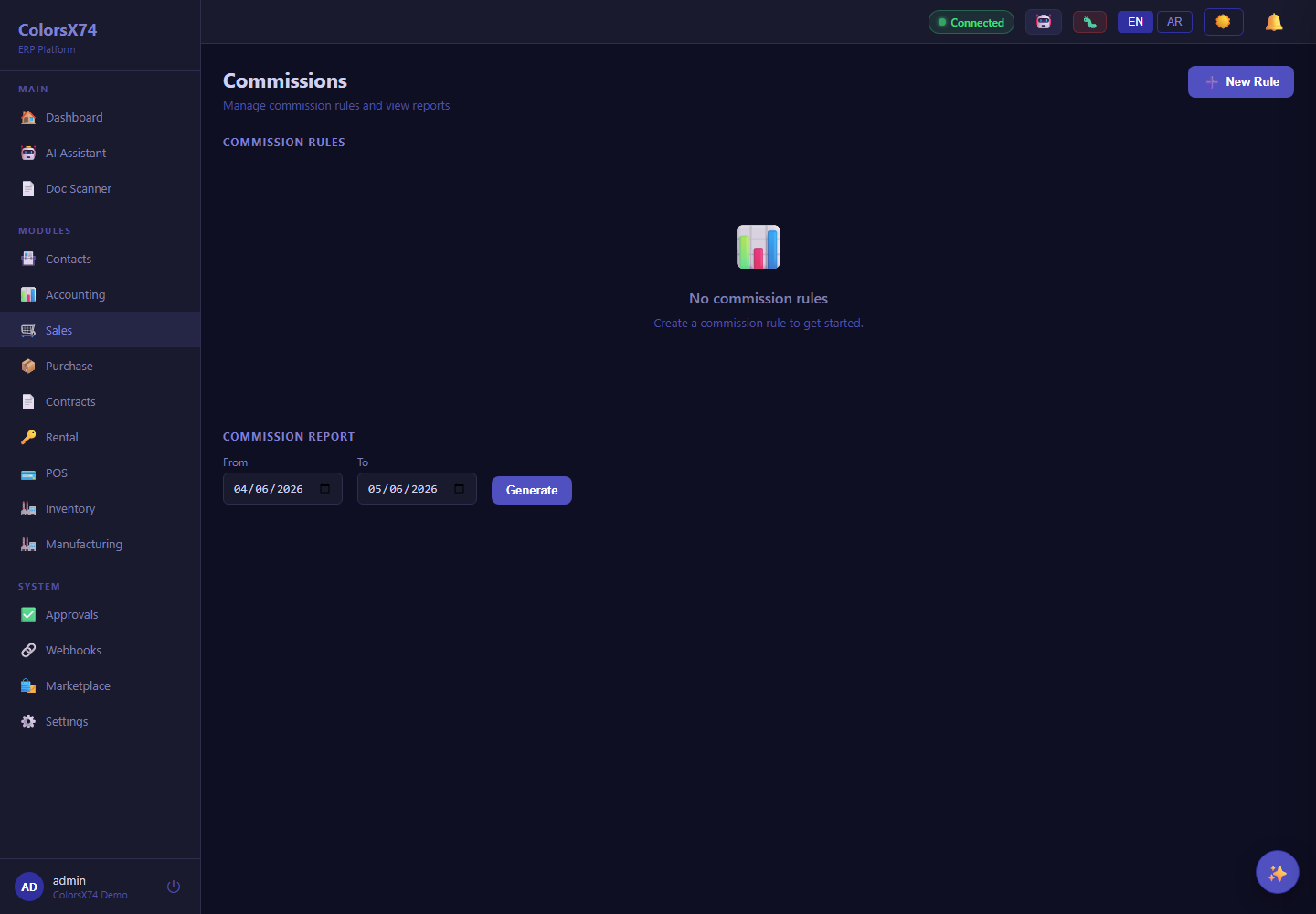
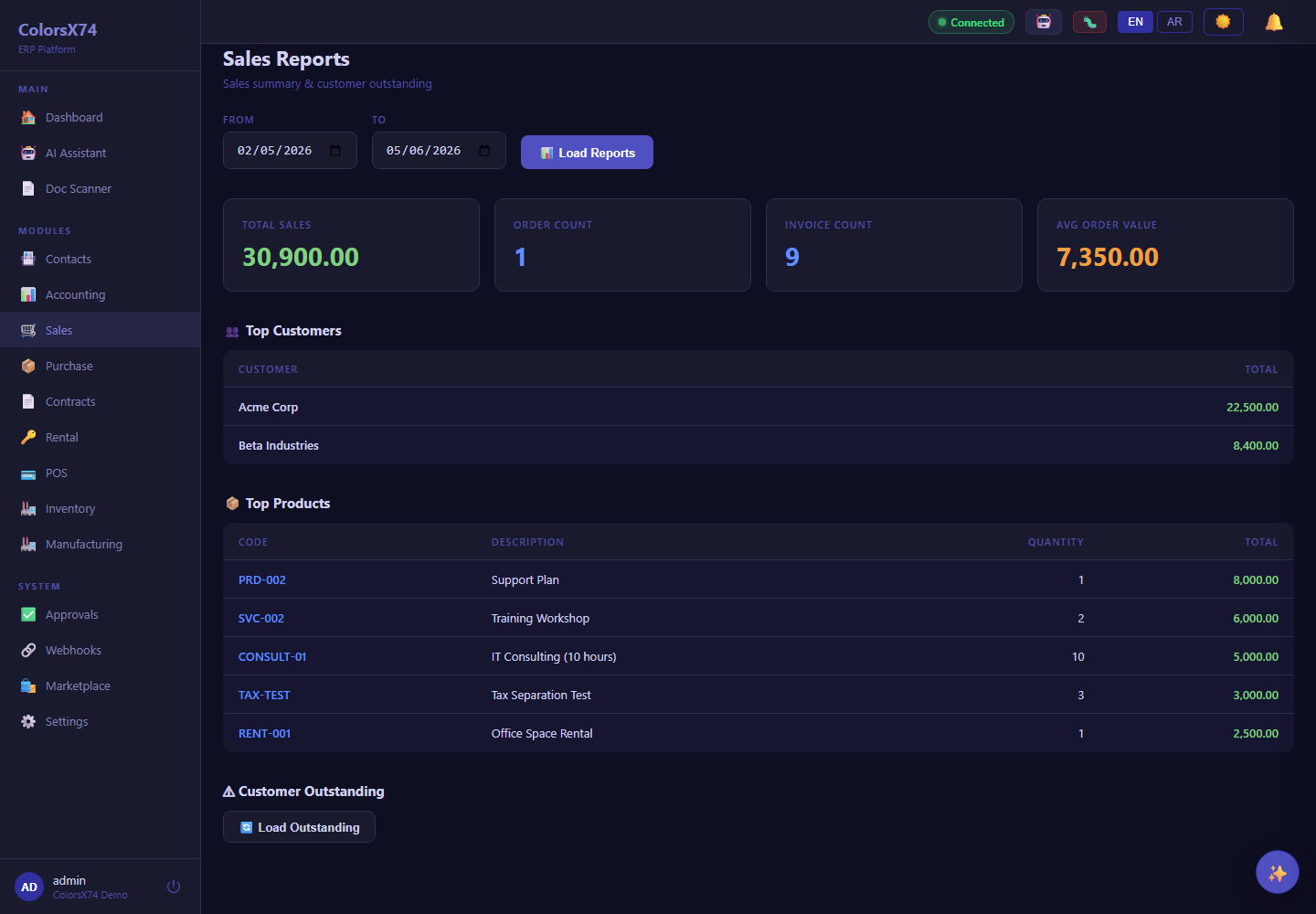
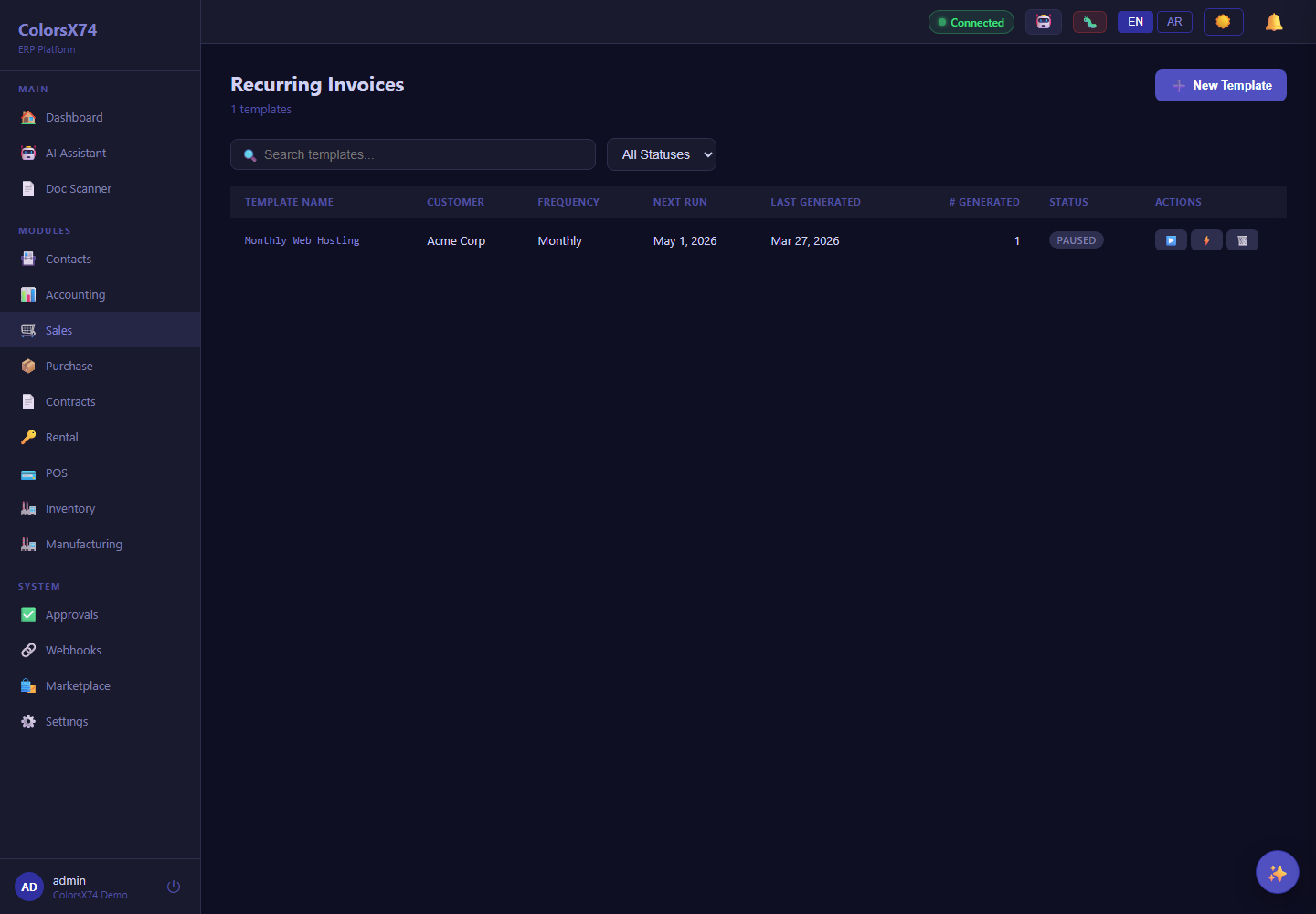
Sales pages cover orders, invoices, quotations, returns, credit notes, commissions, recurring invoices, and reporting.
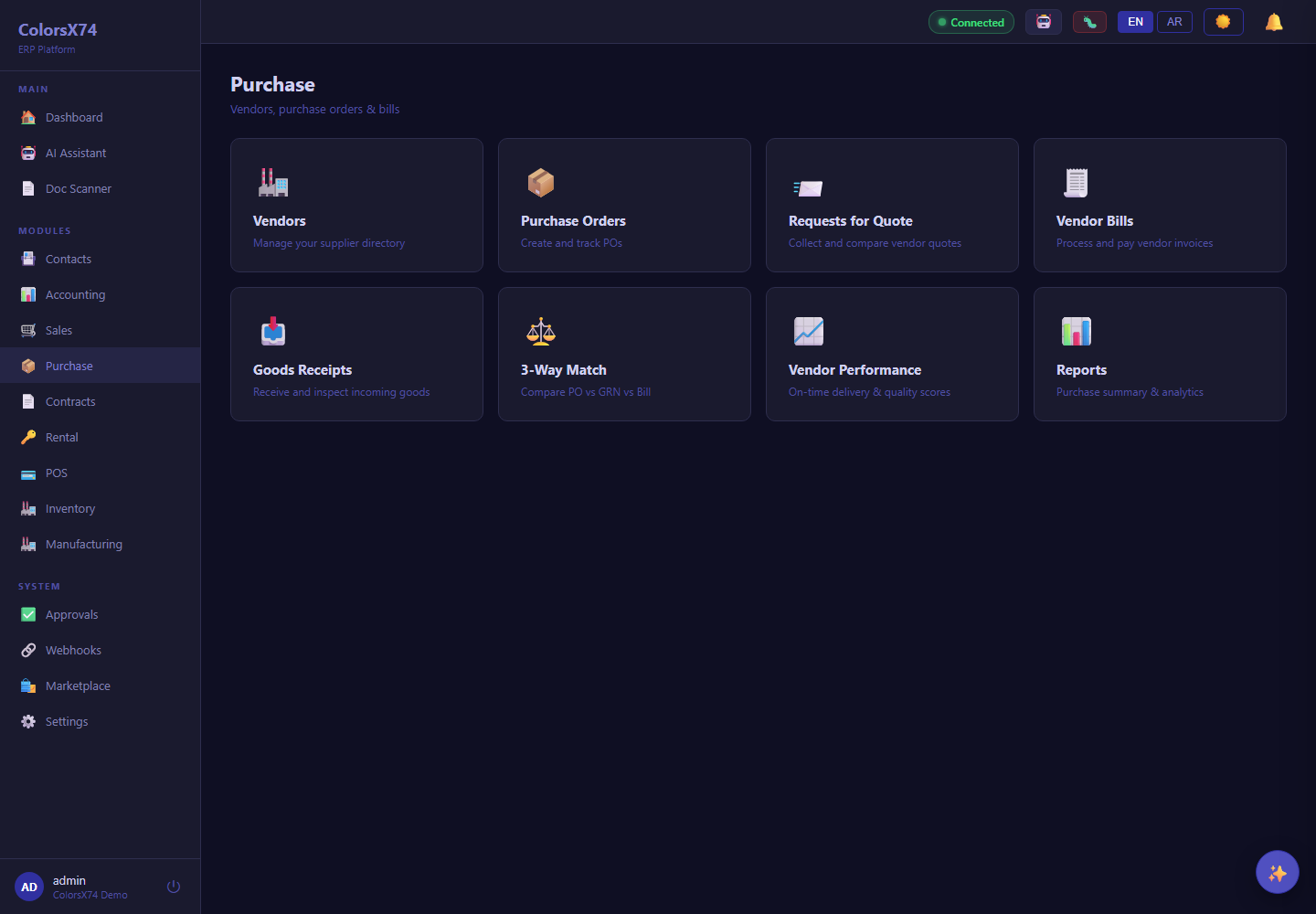
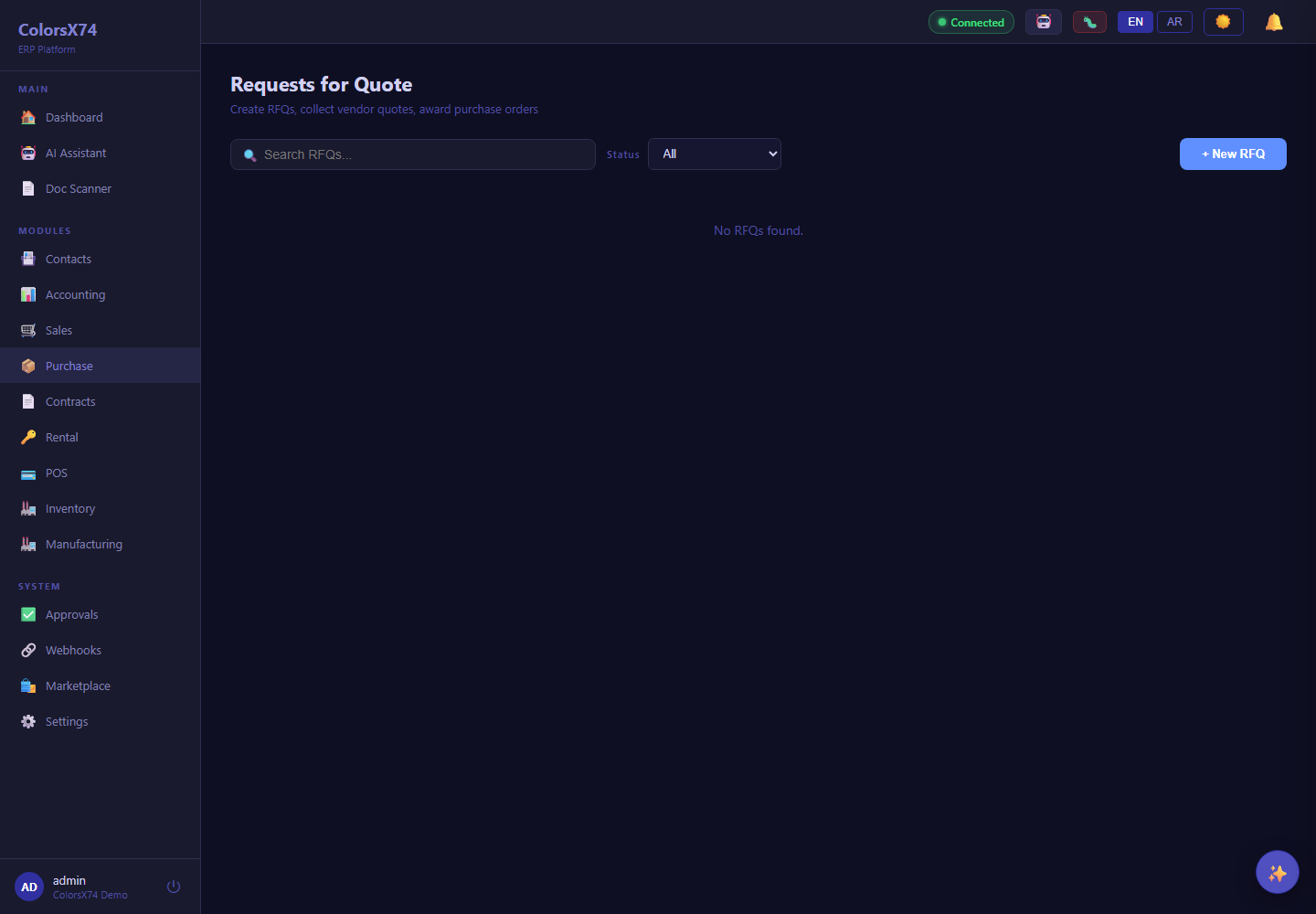
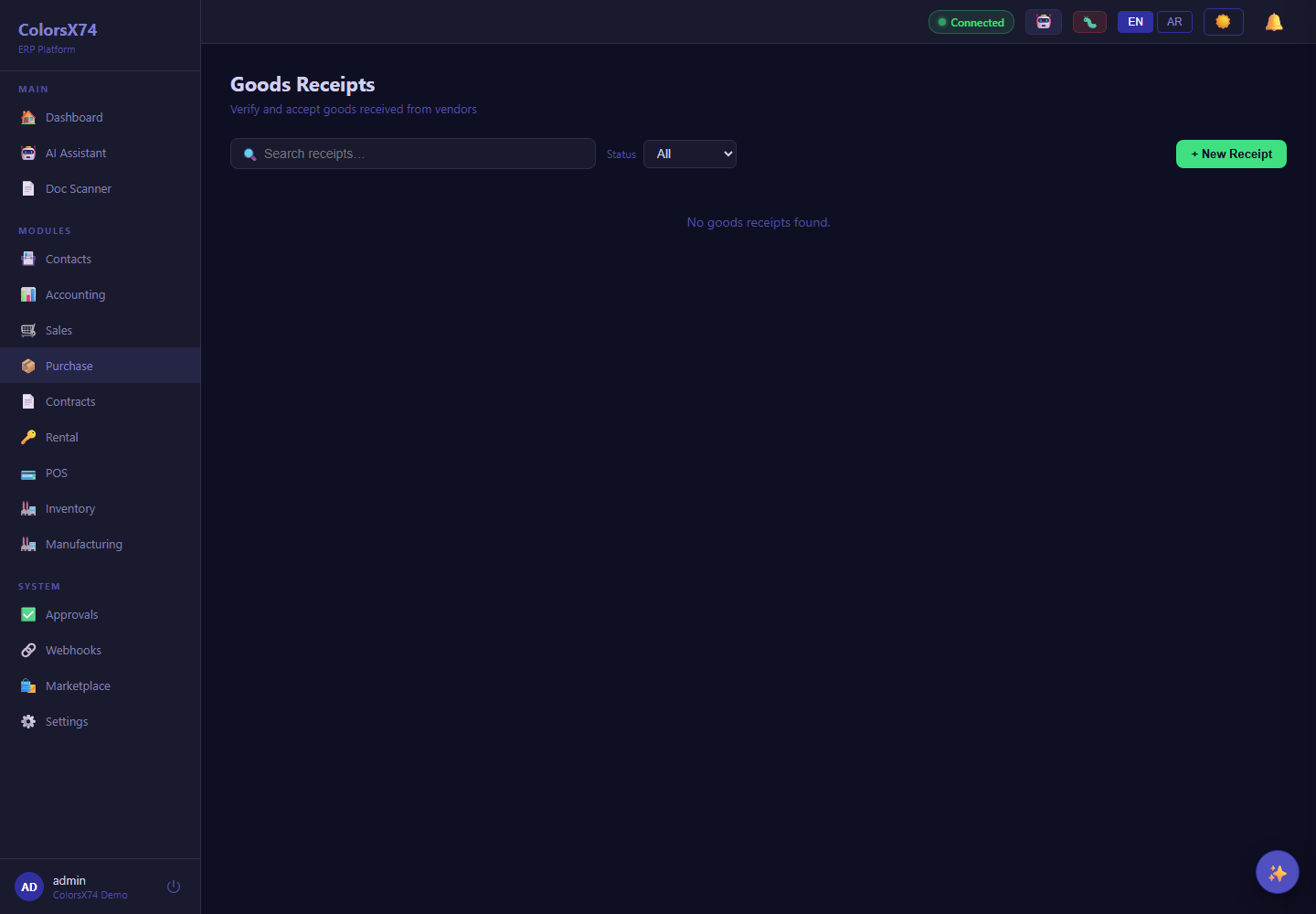
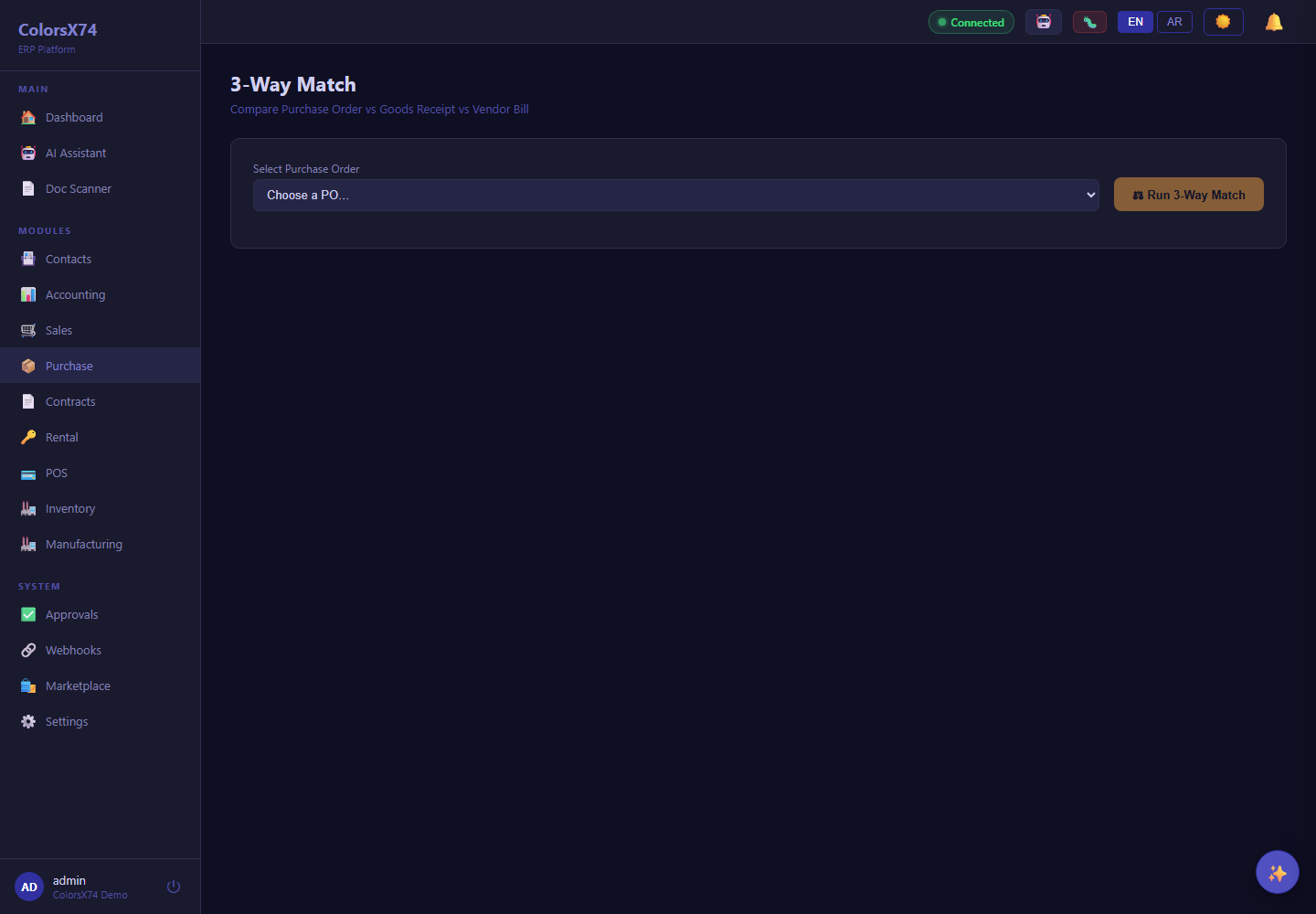
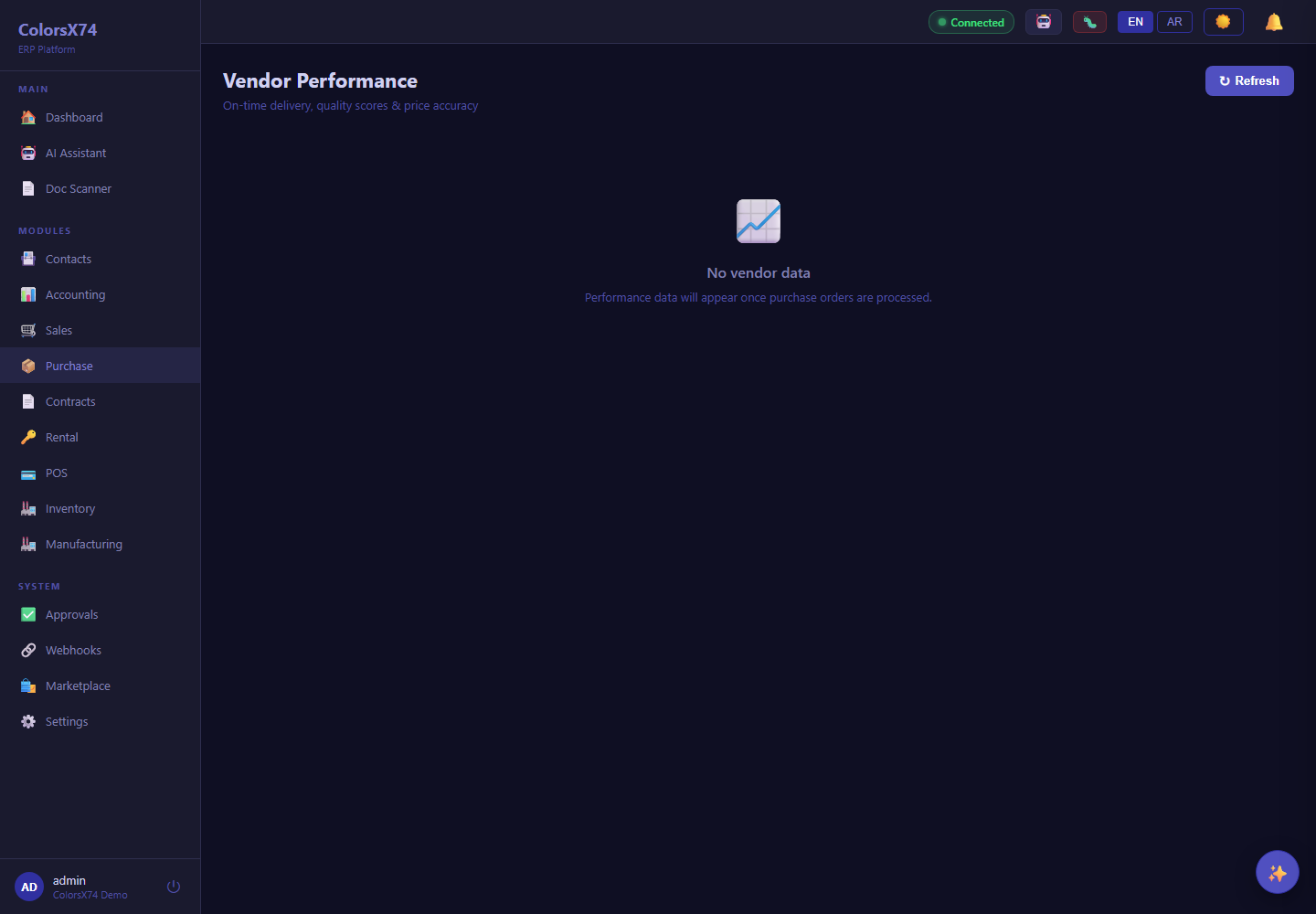
Purchase pages cover purchase orders, vendor bills, RFQ, receipts, three-way match, vendor performance, returns, debit notes, recurring bills, and reporting.
Contracts pages support contract lists, alerts, template editing, dashboards, reviews, versions, and renewal-oriented work.
Rental pages manage assets, booking calendar, pricing rules, handovers, returns, deposits, invoices, reports, and maintenance.
Commercial workflow walkthrough
- Start with Sales to show order capture, invoice creation, recurring billing, returns, and performance views.
- Move to Purchase and explain RFQ, purchase order, receipt, bill, three-way match, and vendor performance controls.
- Open Contracts to position template-driven contract management, alerts, and lifecycle dashboards.
- Open Rental to show assets, calendar availability, deposits, handovers, returns, invoices, and maintenance follow-up.
- Explain that dynamic detail pages require a selected demo record, so public screenshots emphasize representative list and workflow pages.
Quote-to-cash
Representatives can describe Sales as the customer revenue engine: quote, order, invoice, collect, return, credit, commission, and report.
Procure-to-pay
Purchase screens demonstrate vendor sourcing, purchase control, receiving, bill validation, recurring obligations, and supplier performance.
Contracts and rental
Contracts and Rental extend ERP coverage into agreement management and physical-asset utilization, with reminders, calendars, deposits, and service workflows.
Screenshots
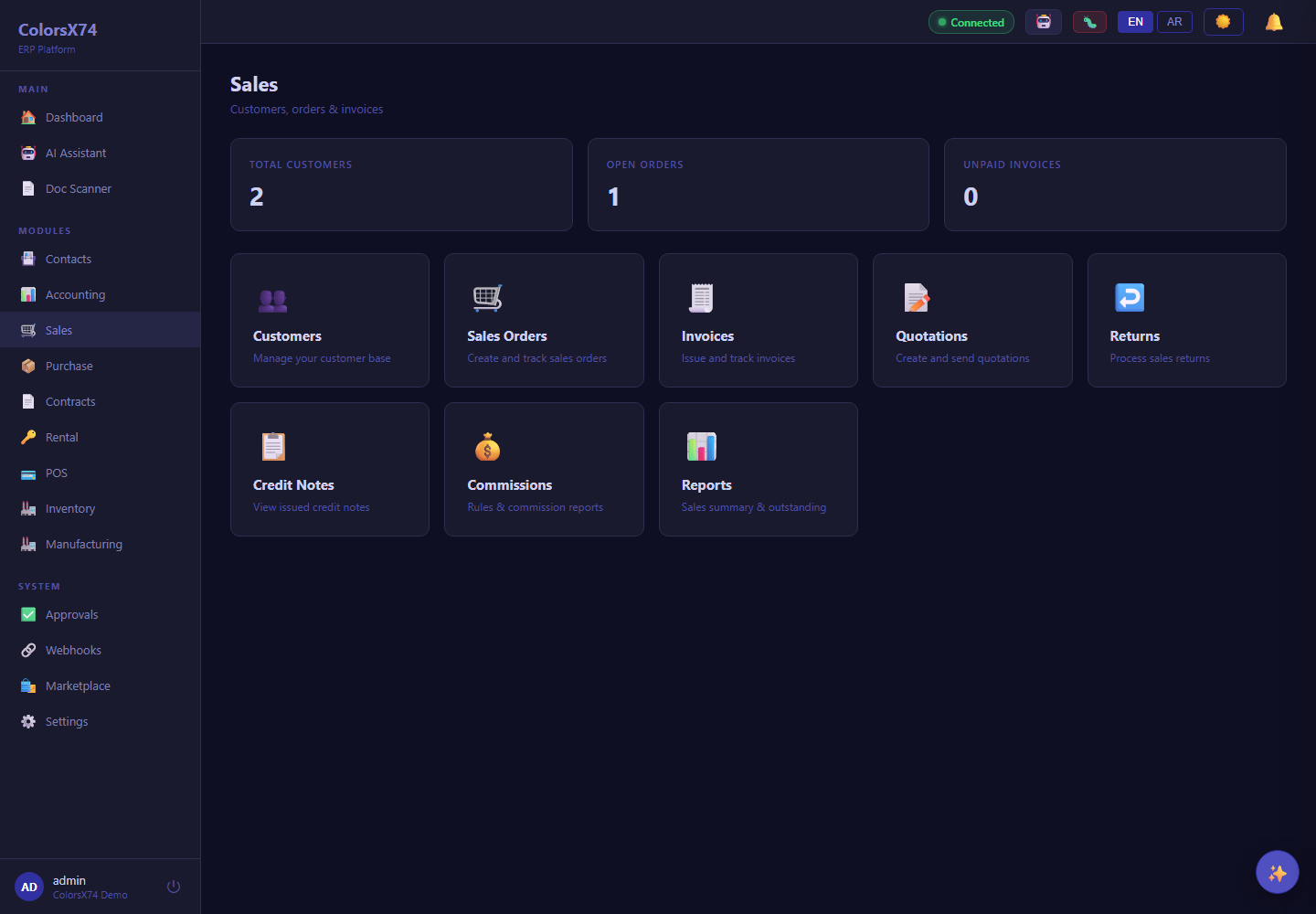
Use these screens for quote-to-cash, procure-to-pay, contract lifecycle, and rental operations demos.
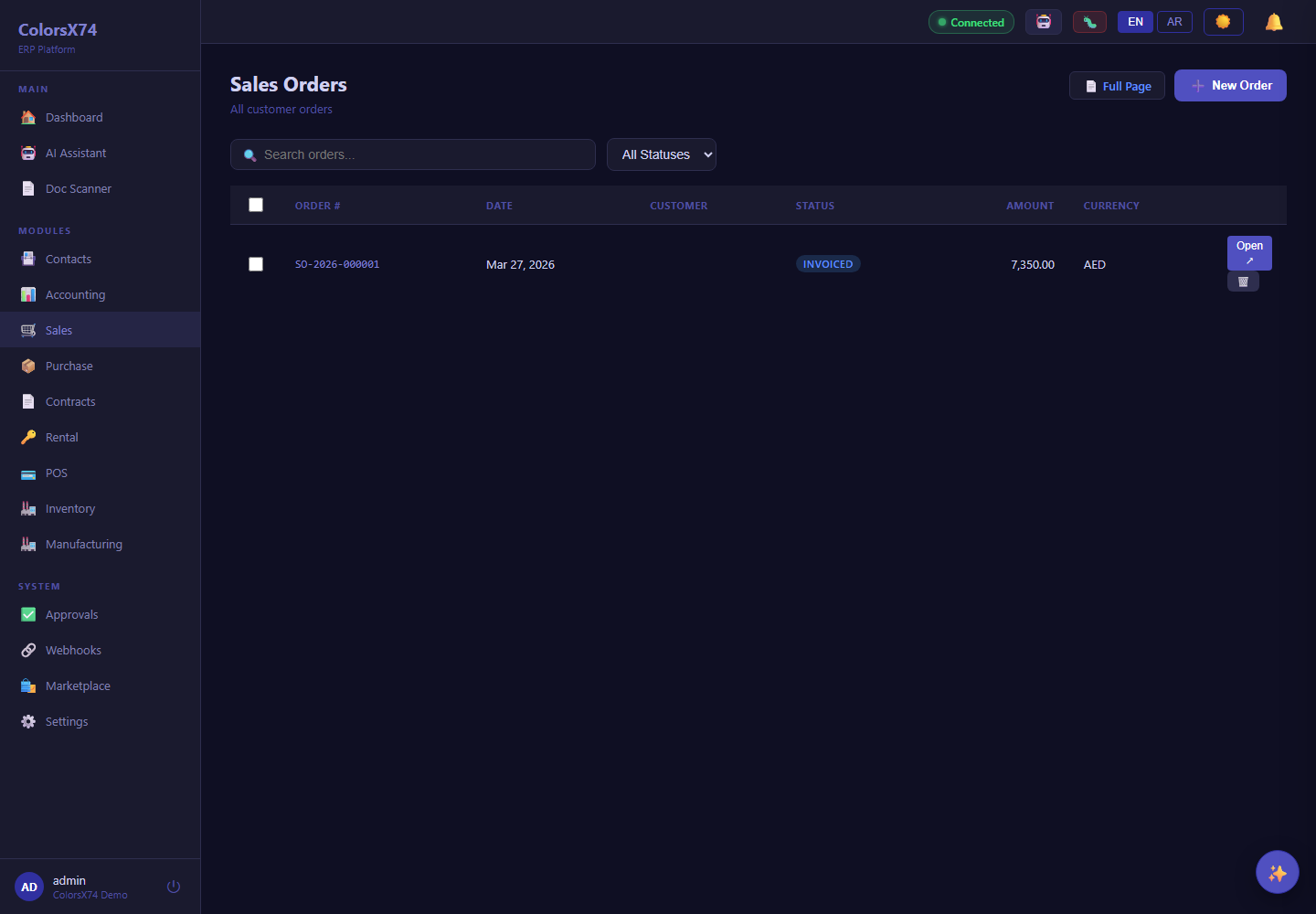
Use these screens for quote-to-cash, procure-to-pay, contract lifecycle, and rental operations demos.
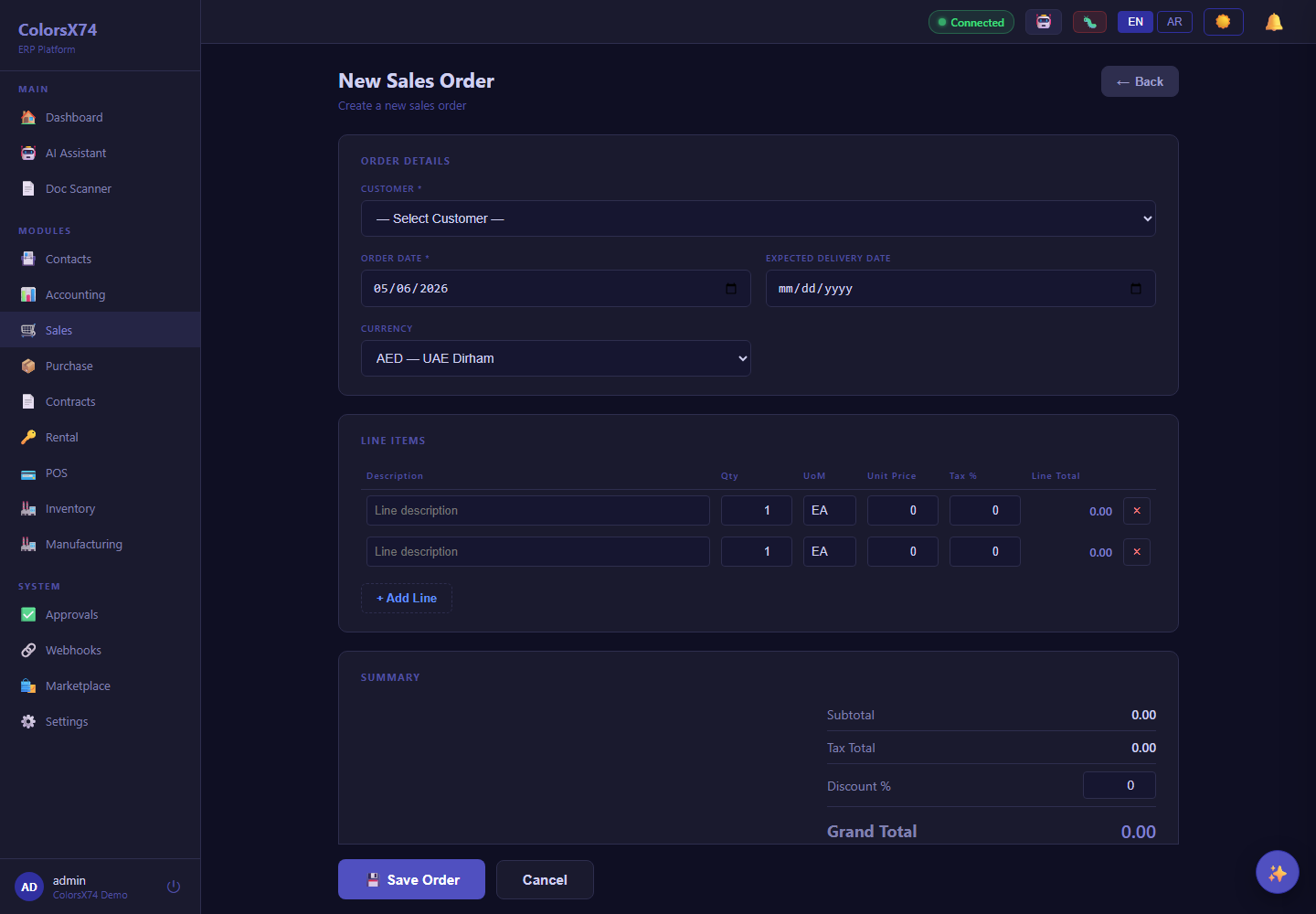
Use these screens for quote-to-cash, procure-to-pay, contract lifecycle, and rental operations demos.
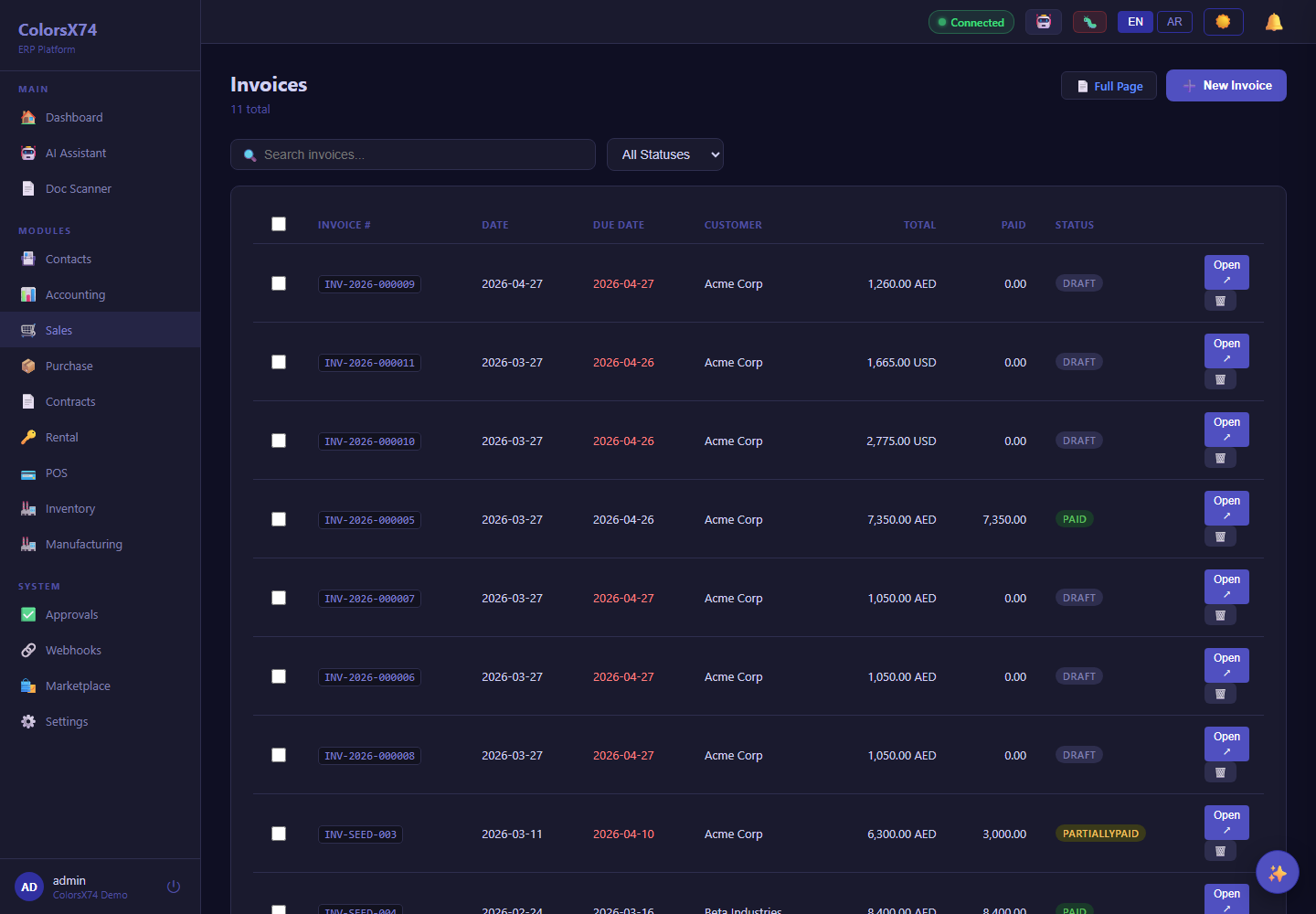
Use these screens for quote-to-cash, procure-to-pay, contract lifecycle, and rental operations demos.
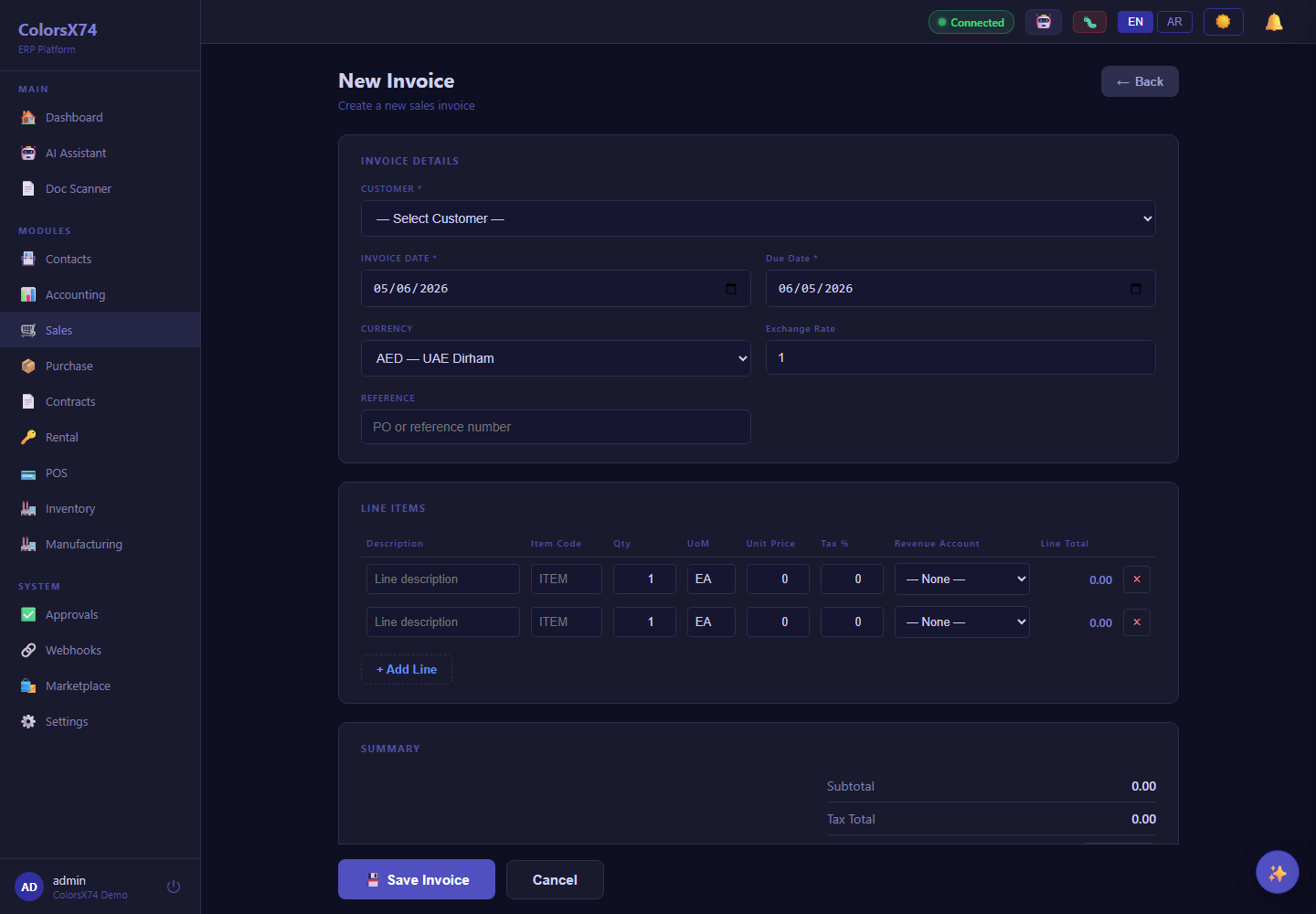
Use these screens for quote-to-cash, procure-to-pay, contract lifecycle, and rental operations demos.
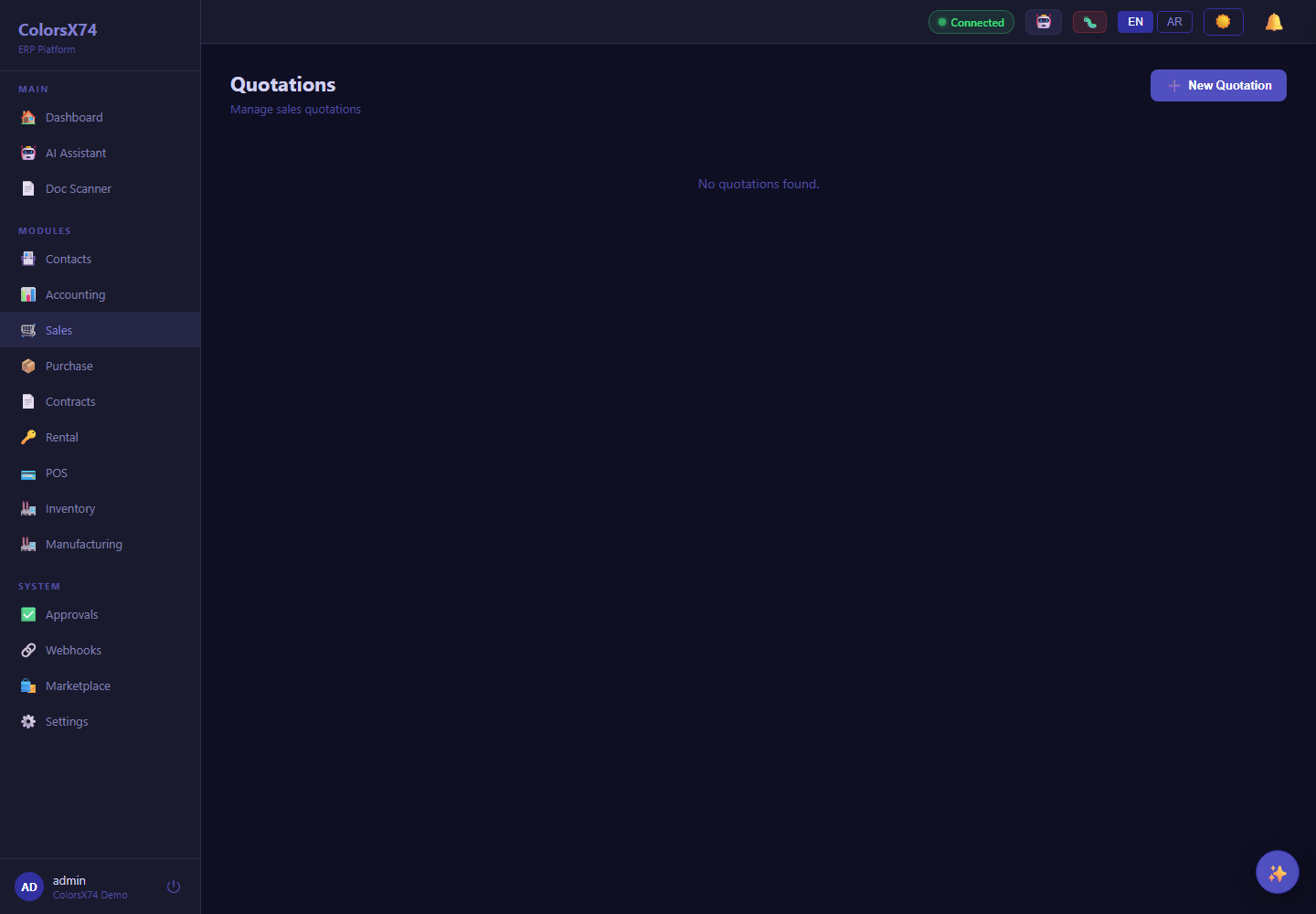
Use these screens for quote-to-cash, procure-to-pay, contract lifecycle, and rental operations demos.
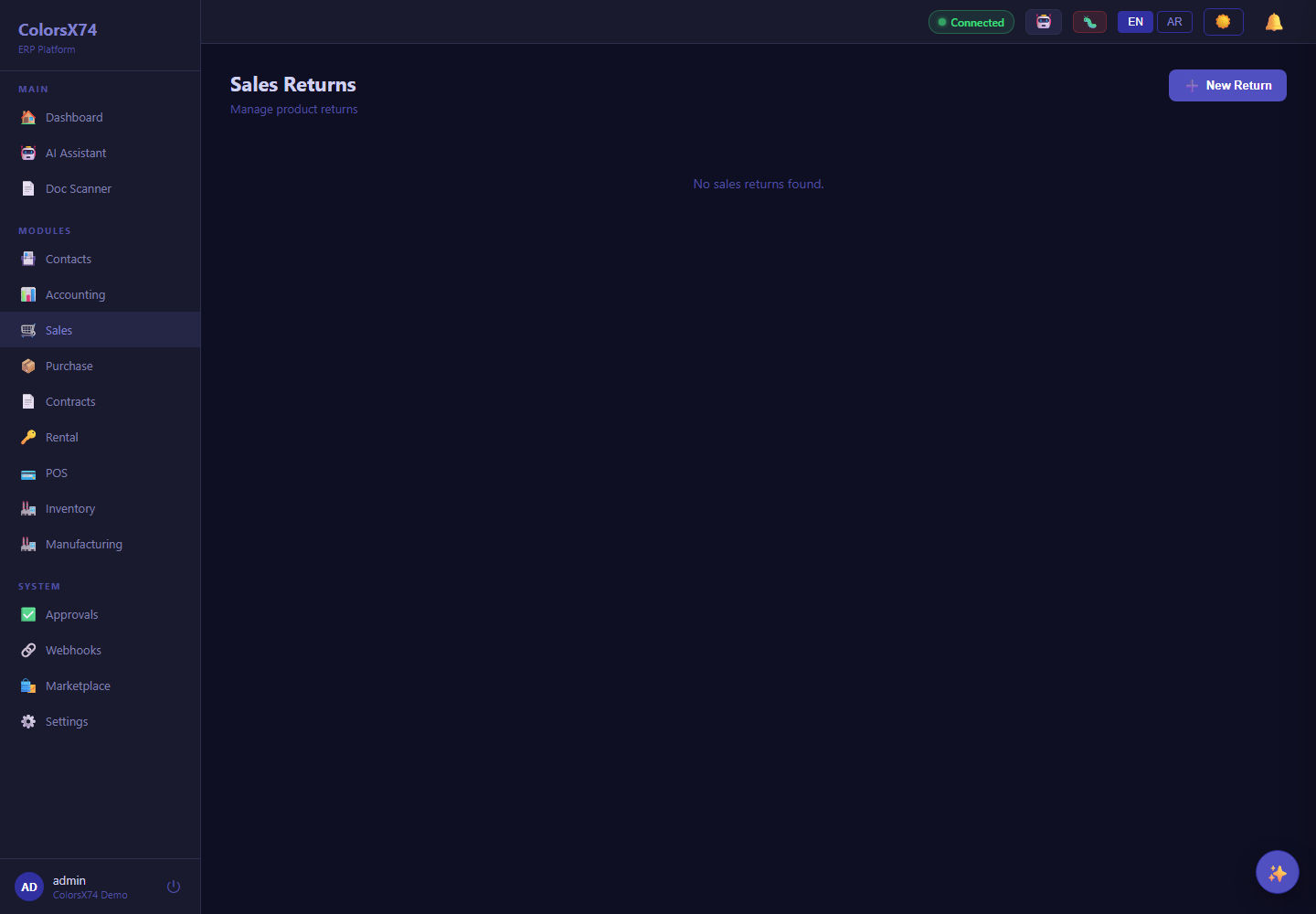
Use these screens for quote-to-cash, procure-to-pay, contract lifecycle, and rental operations demos.
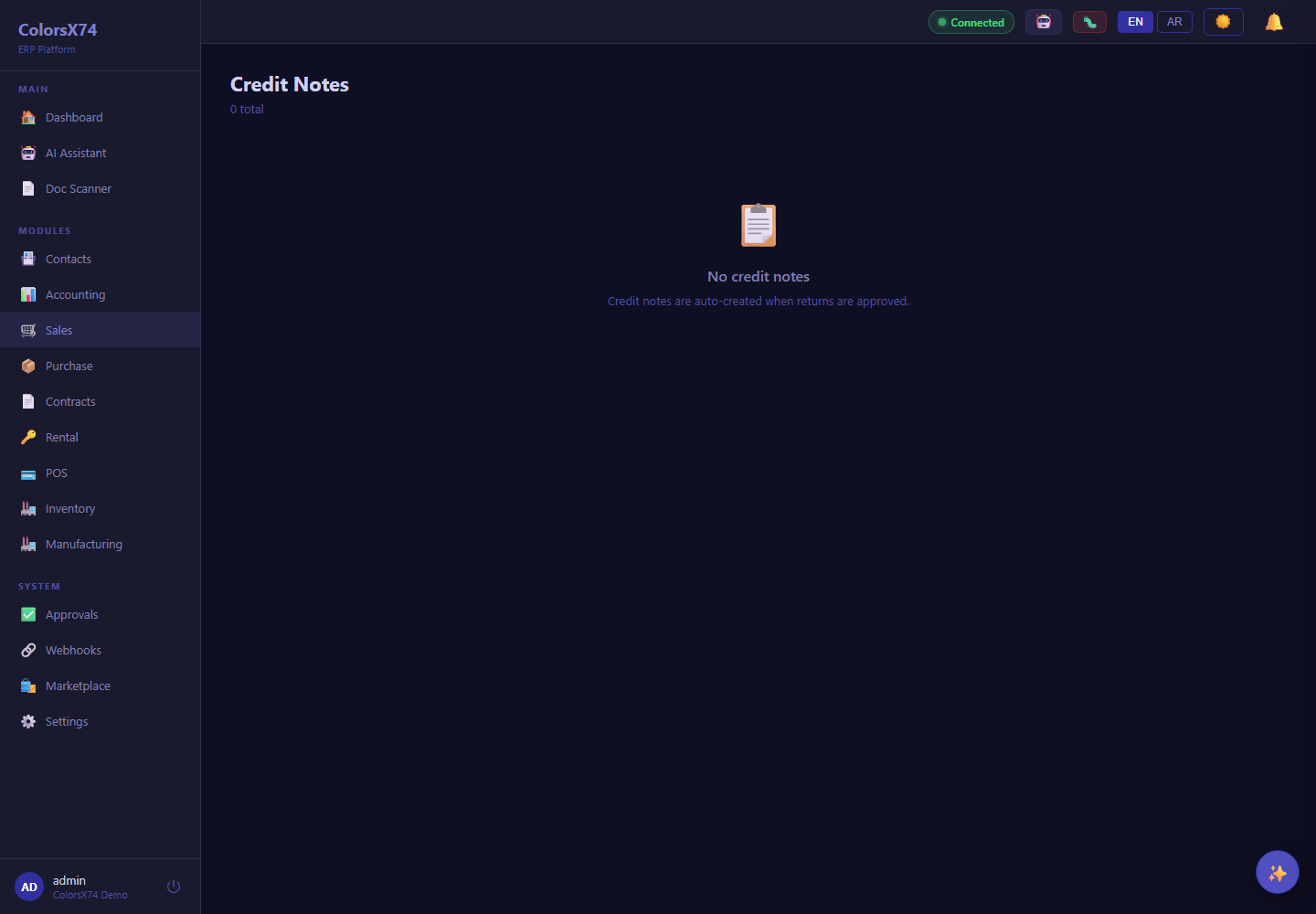
Use these screens for quote-to-cash, procure-to-pay, contract lifecycle, and rental operations demos.
Use these screens for quote-to-cash, procure-to-pay, contract lifecycle, and rental operations demos.
Use these screens for quote-to-cash, procure-to-pay, contract lifecycle, and rental operations demos.
Use these screens for quote-to-cash, procure-to-pay, contract lifecycle, and rental operations demos.
Use these screens for quote-to-cash, procure-to-pay, contract lifecycle, and rental operations demos.
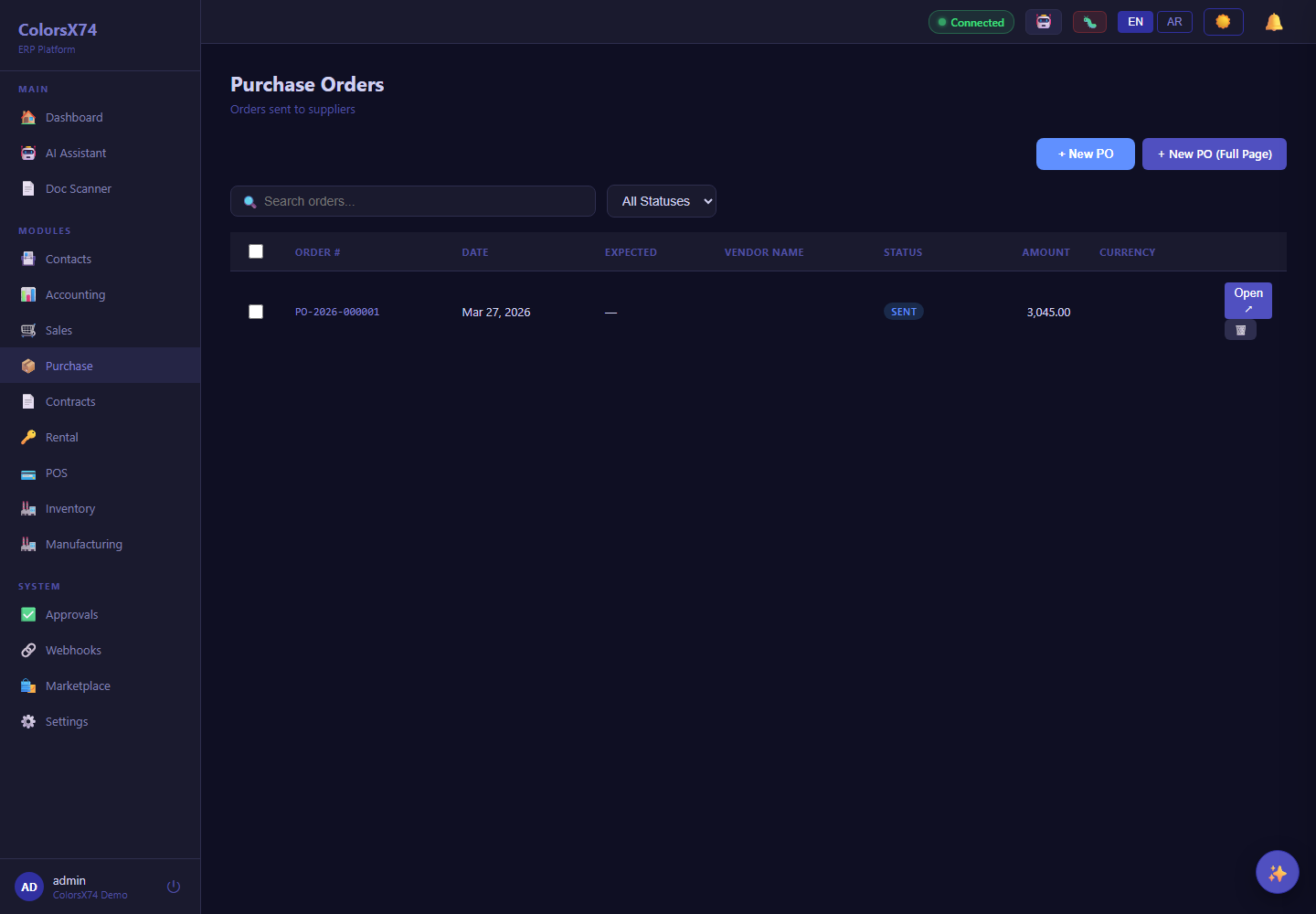
Use these screens for quote-to-cash, procure-to-pay, contract lifecycle, and rental operations demos.
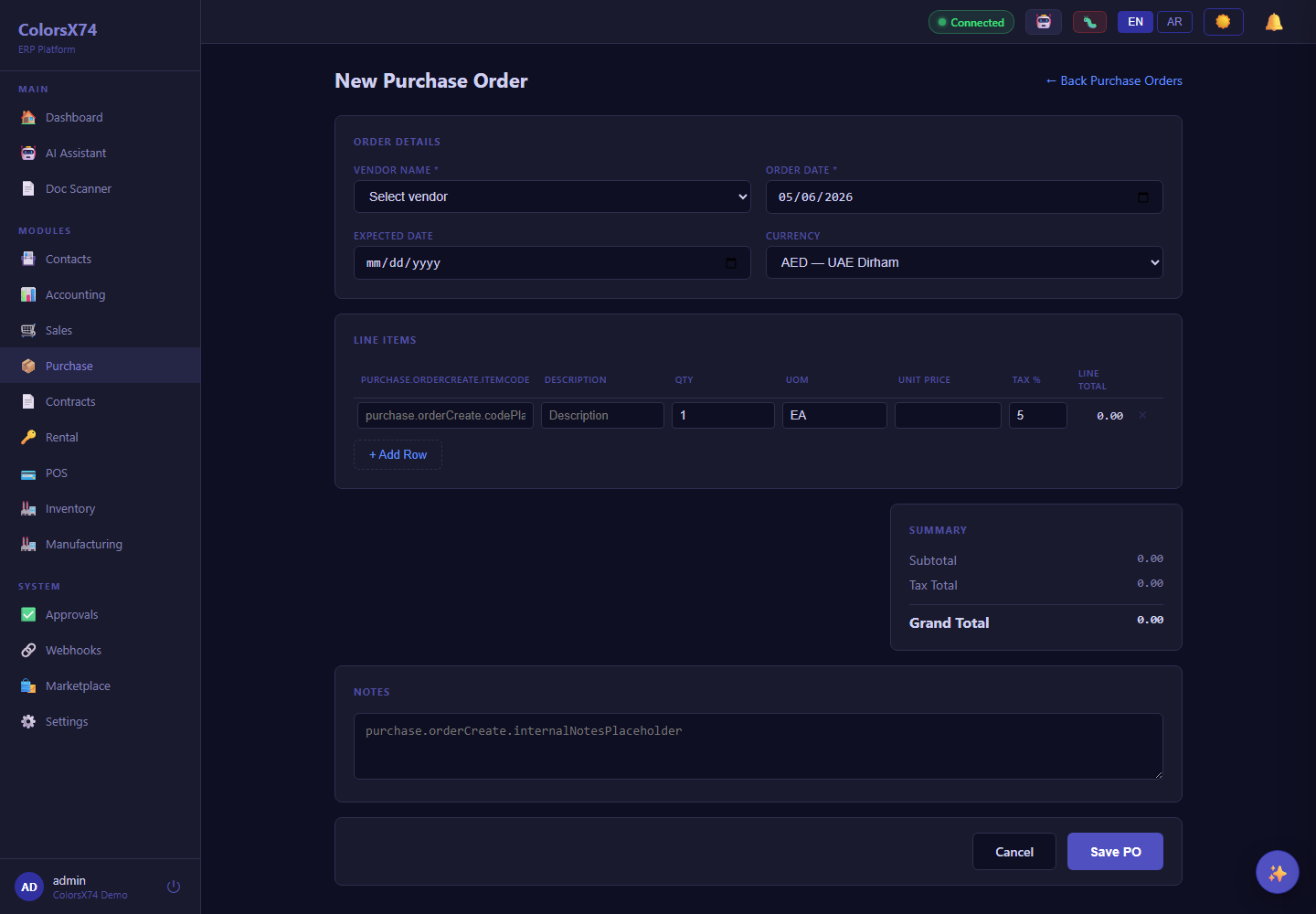
Use these screens for quote-to-cash, procure-to-pay, contract lifecycle, and rental operations demos.
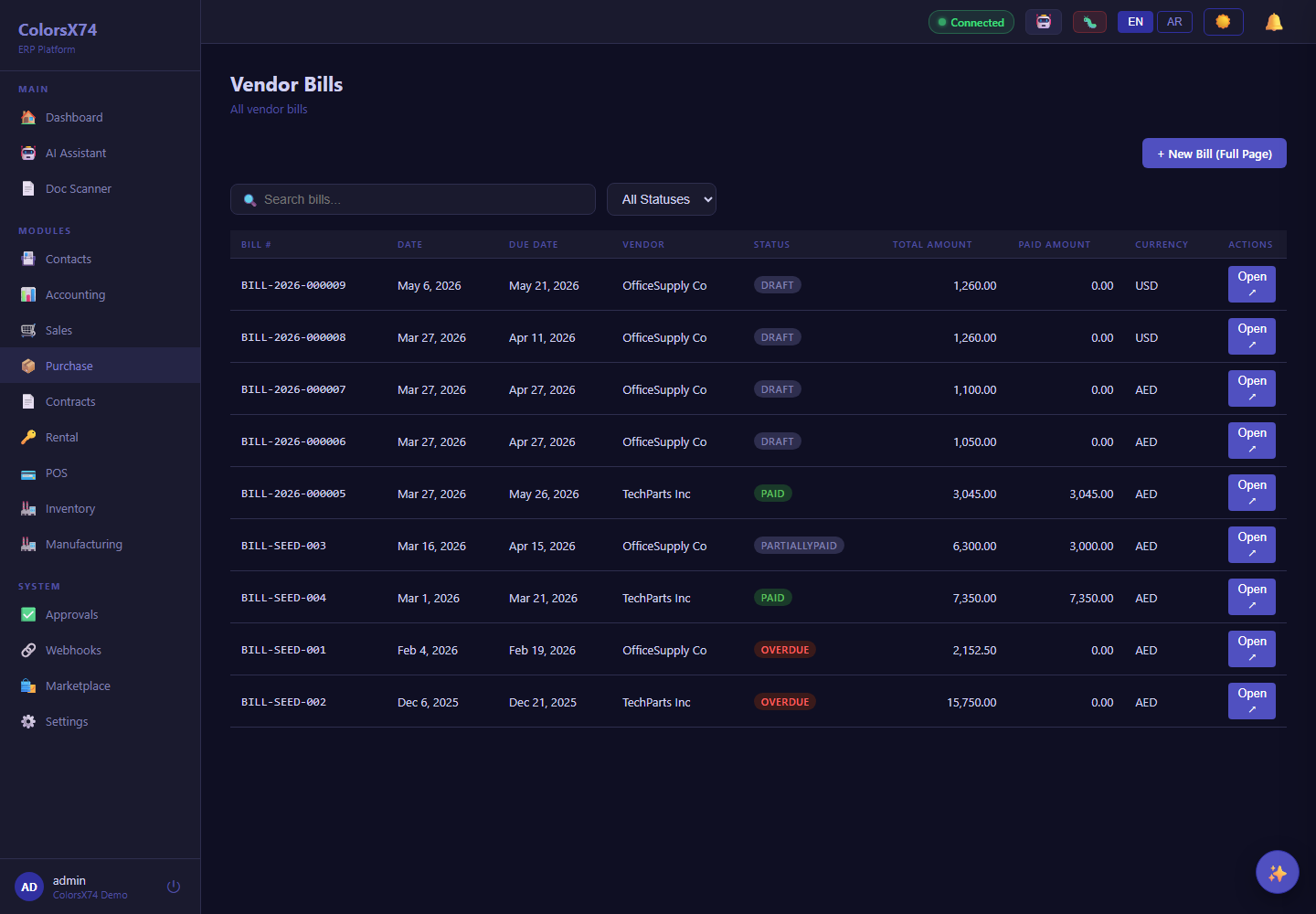
Use these screens for quote-to-cash, procure-to-pay, contract lifecycle, and rental operations demos.
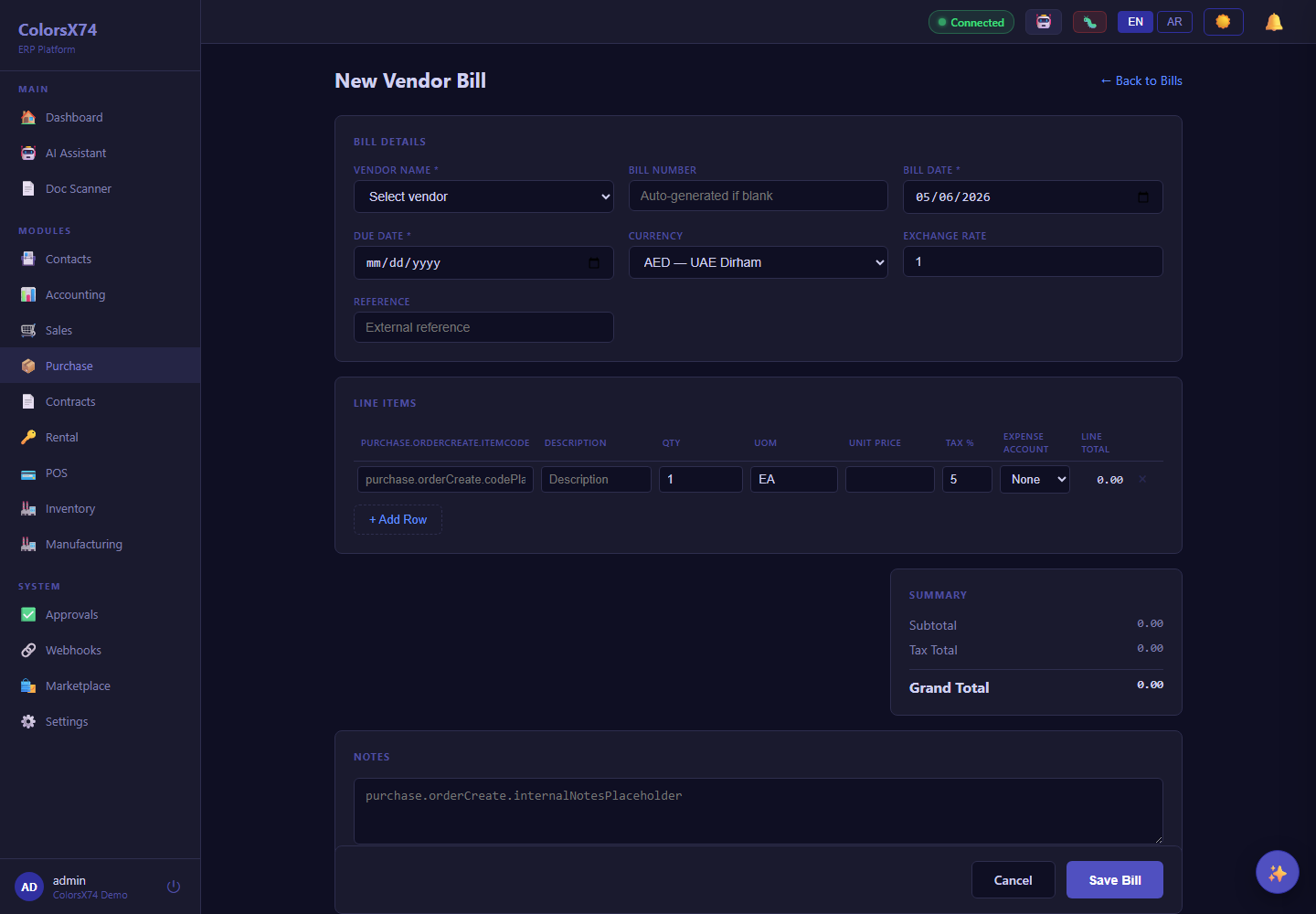
Use these screens for quote-to-cash, procure-to-pay, contract lifecycle, and rental operations demos.
Use these screens for quote-to-cash, procure-to-pay, contract lifecycle, and rental operations demos.
Use these screens for quote-to-cash, procure-to-pay, contract lifecycle, and rental operations demos.
Use these screens for quote-to-cash, procure-to-pay, contract lifecycle, and rental operations demos.
Use these screens for quote-to-cash, procure-to-pay, contract lifecycle, and rental operations demos.
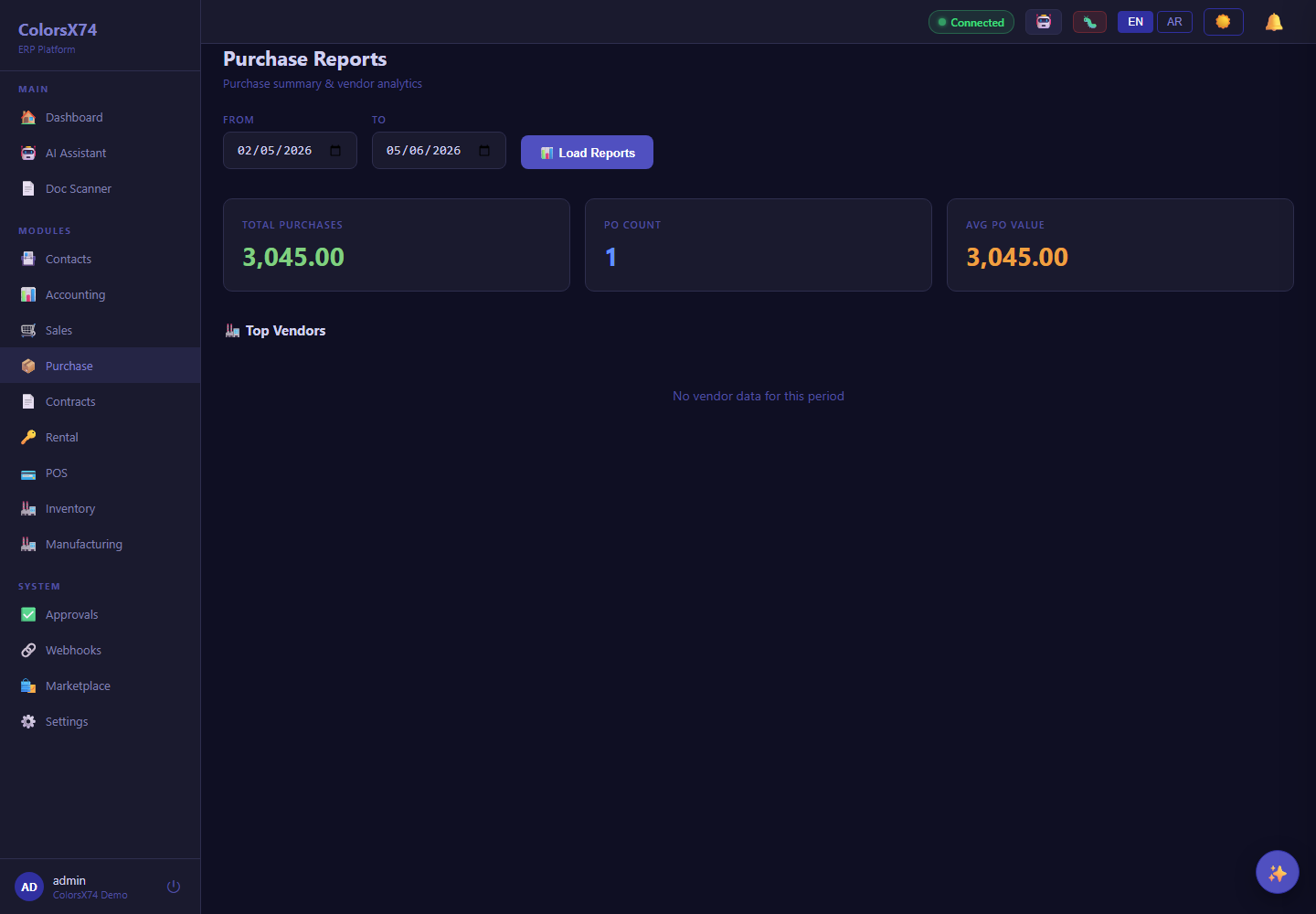
Use these screens for quote-to-cash, procure-to-pay, contract lifecycle, and rental operations demos.
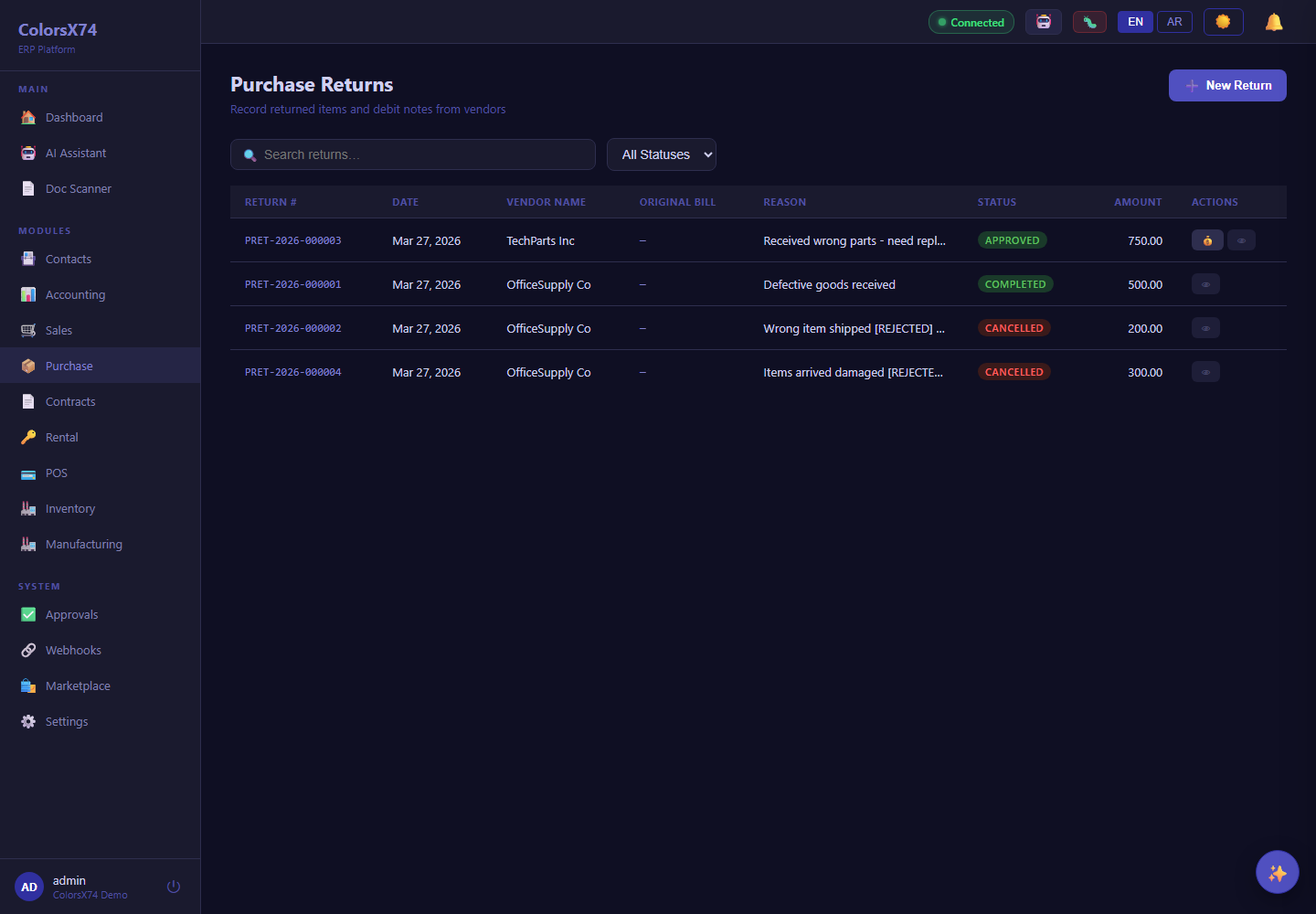
Use these screens for quote-to-cash, procure-to-pay, contract lifecycle, and rental operations demos.
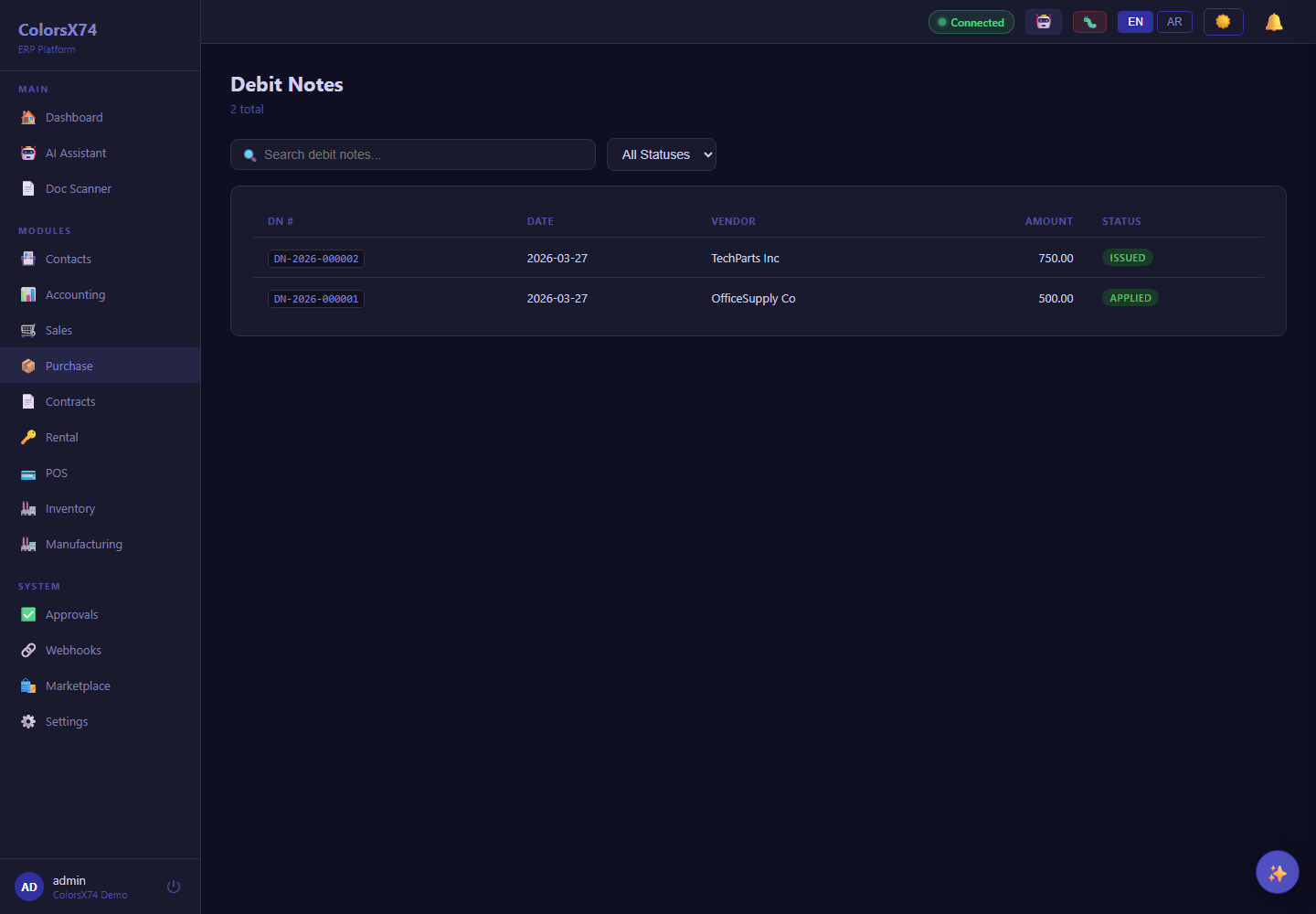
Use these screens for quote-to-cash, procure-to-pay, contract lifecycle, and rental operations demos.
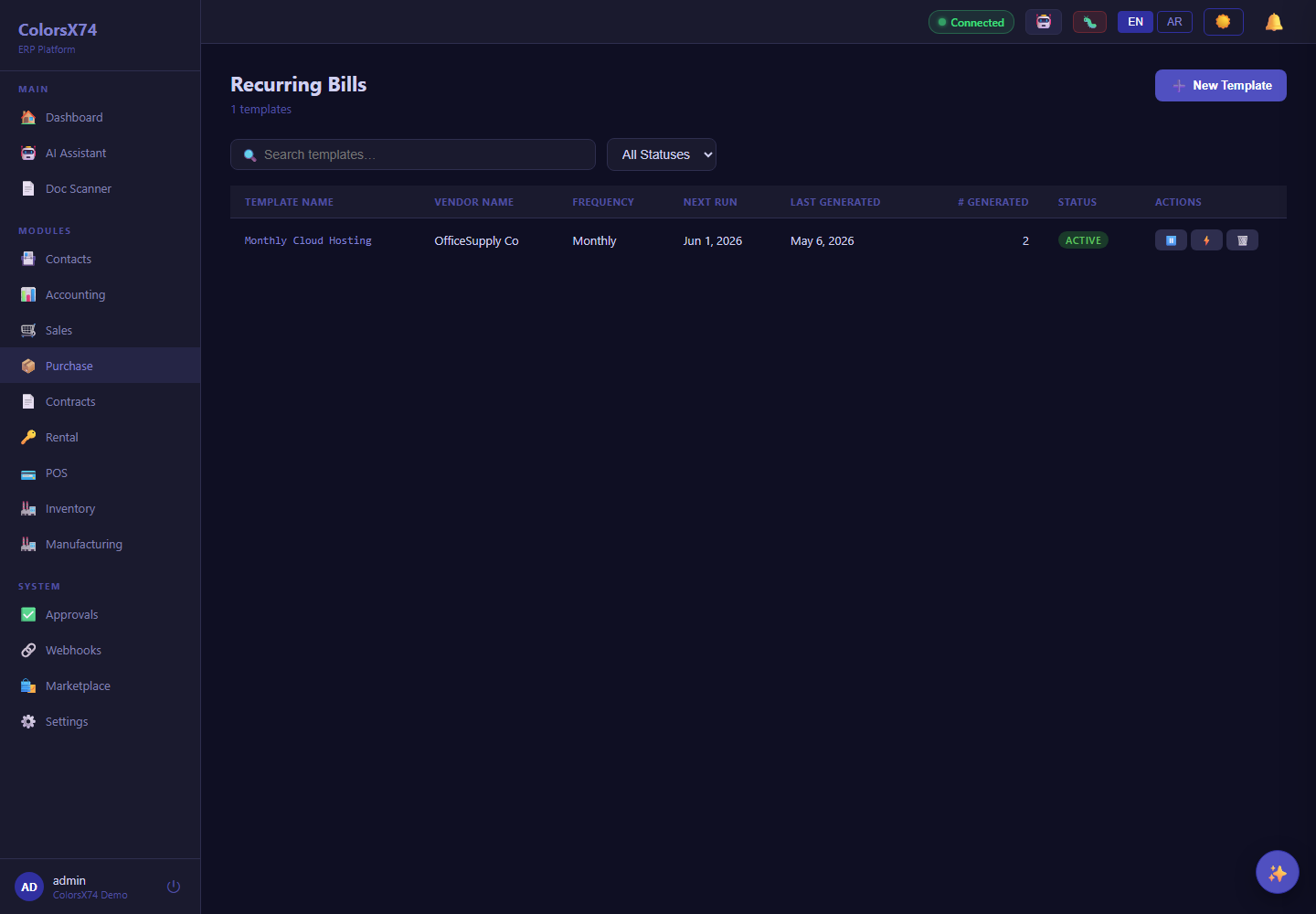
Use these screens for quote-to-cash, procure-to-pay, contract lifecycle, and rental operations demos.
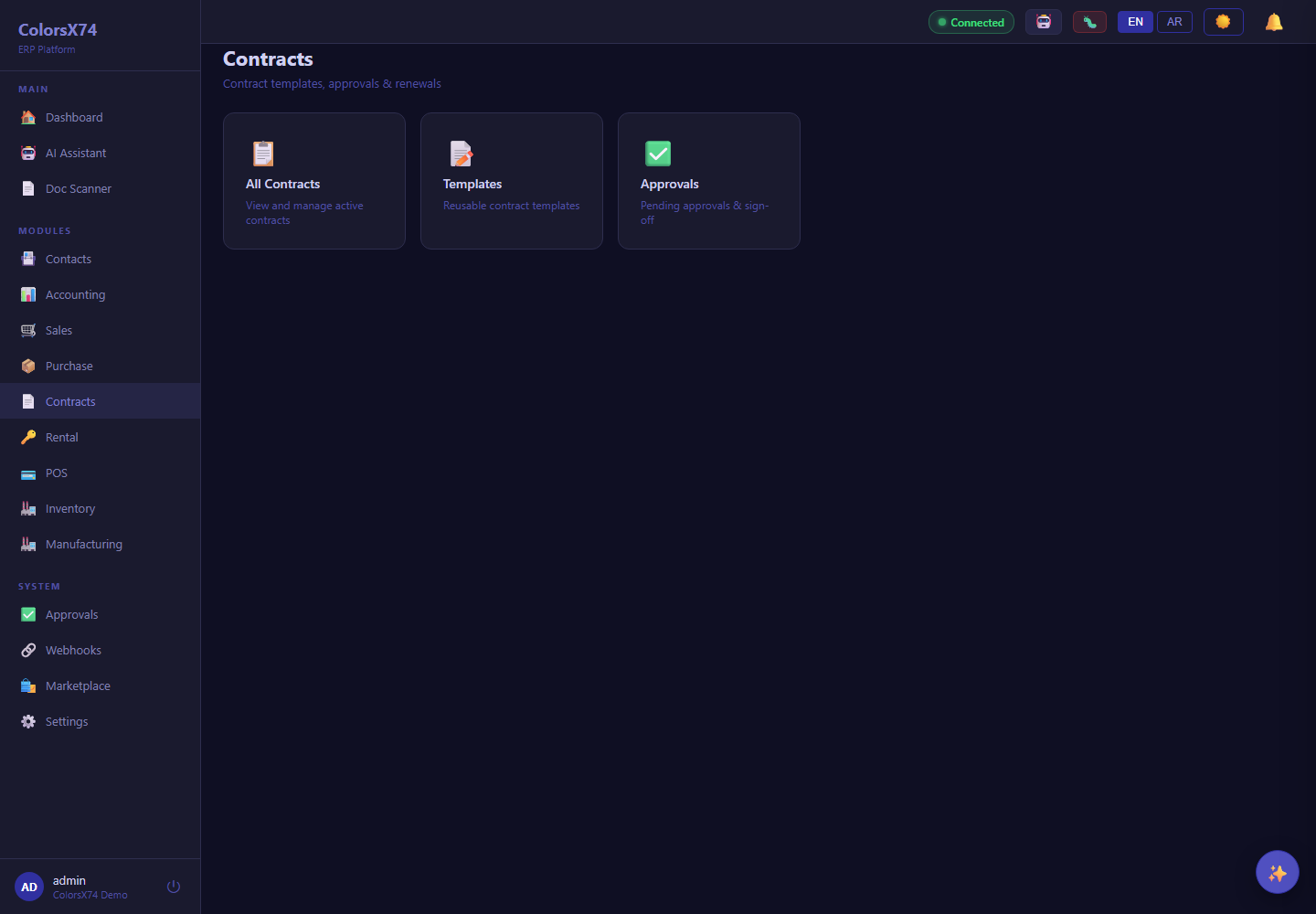
Use these screens for quote-to-cash, procure-to-pay, contract lifecycle, and rental operations demos.
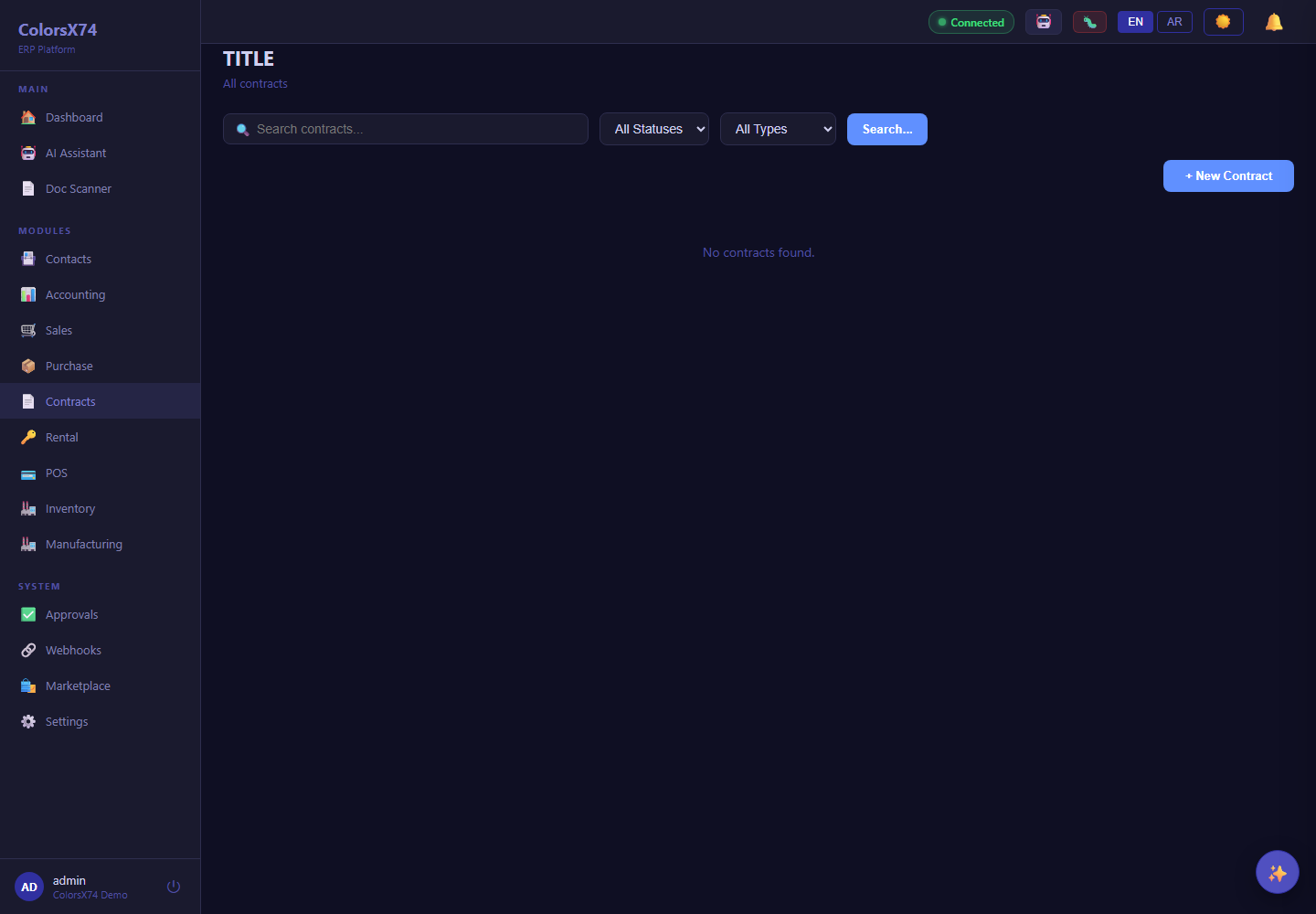
Use these screens for quote-to-cash, procure-to-pay, contract lifecycle, and rental operations demos.
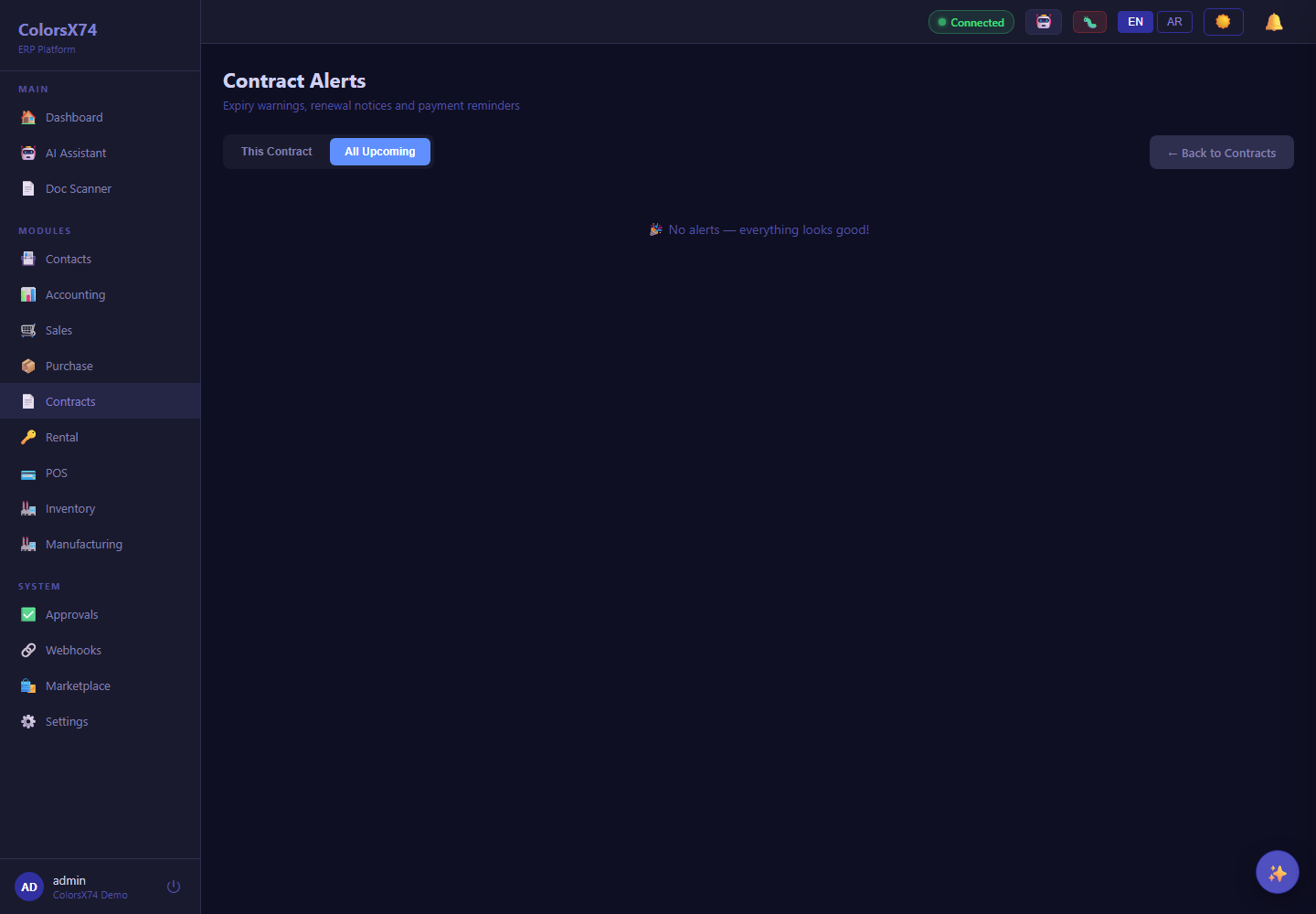
Use these screens for quote-to-cash, procure-to-pay, contract lifecycle, and rental operations demos.
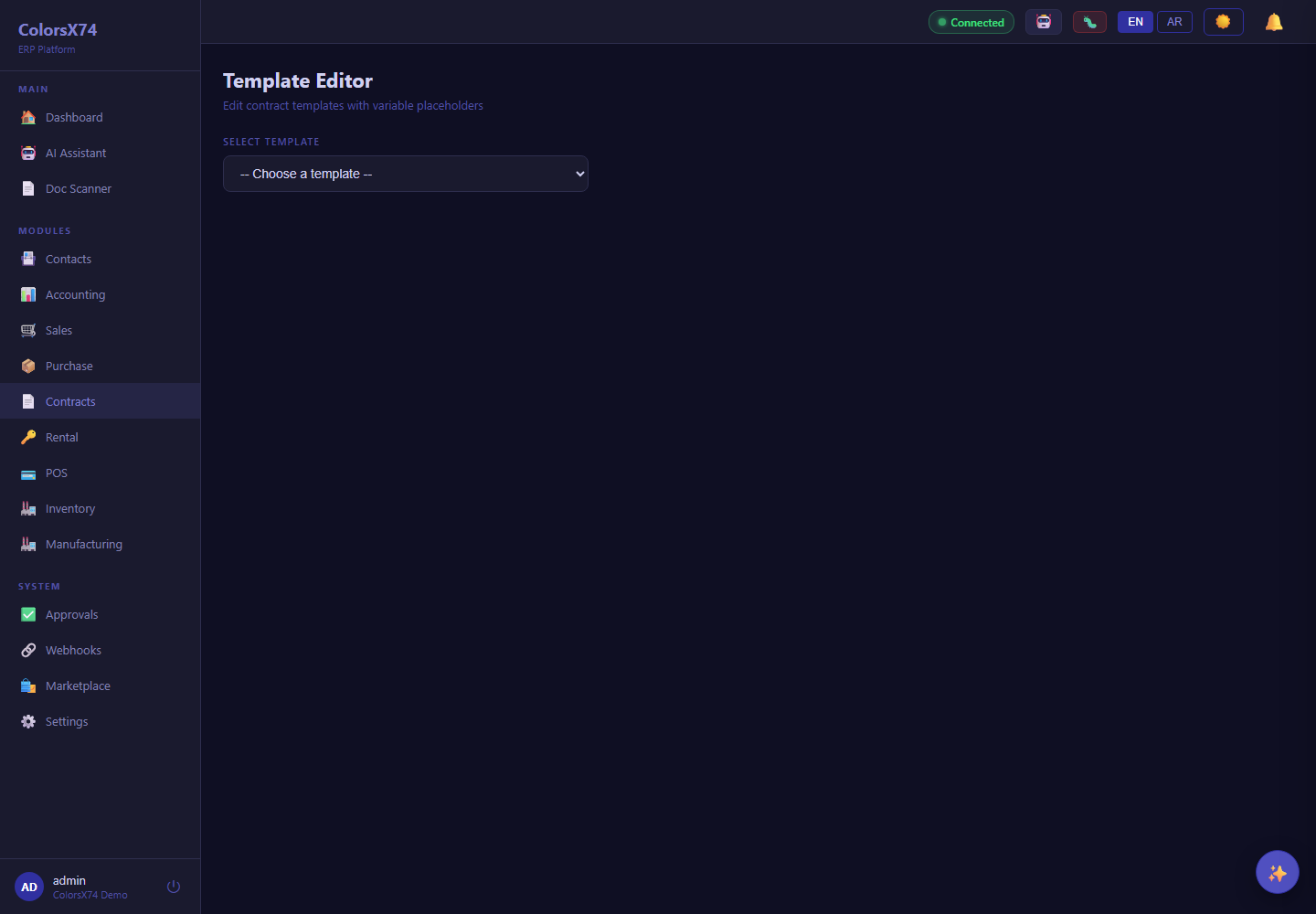
Use these screens for quote-to-cash, procure-to-pay, contract lifecycle, and rental operations demos.
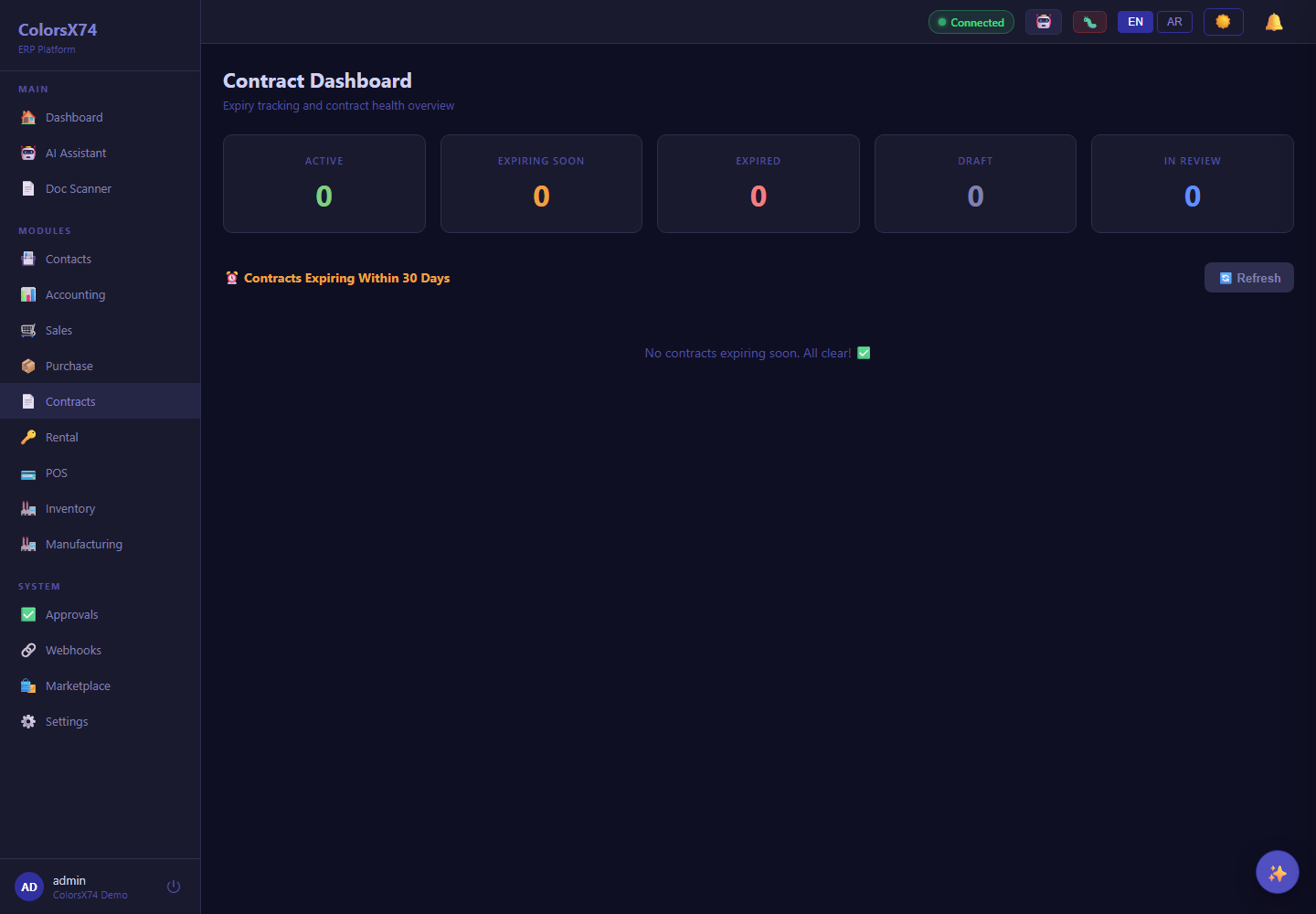
Use these screens for quote-to-cash, procure-to-pay, contract lifecycle, and rental operations demos.
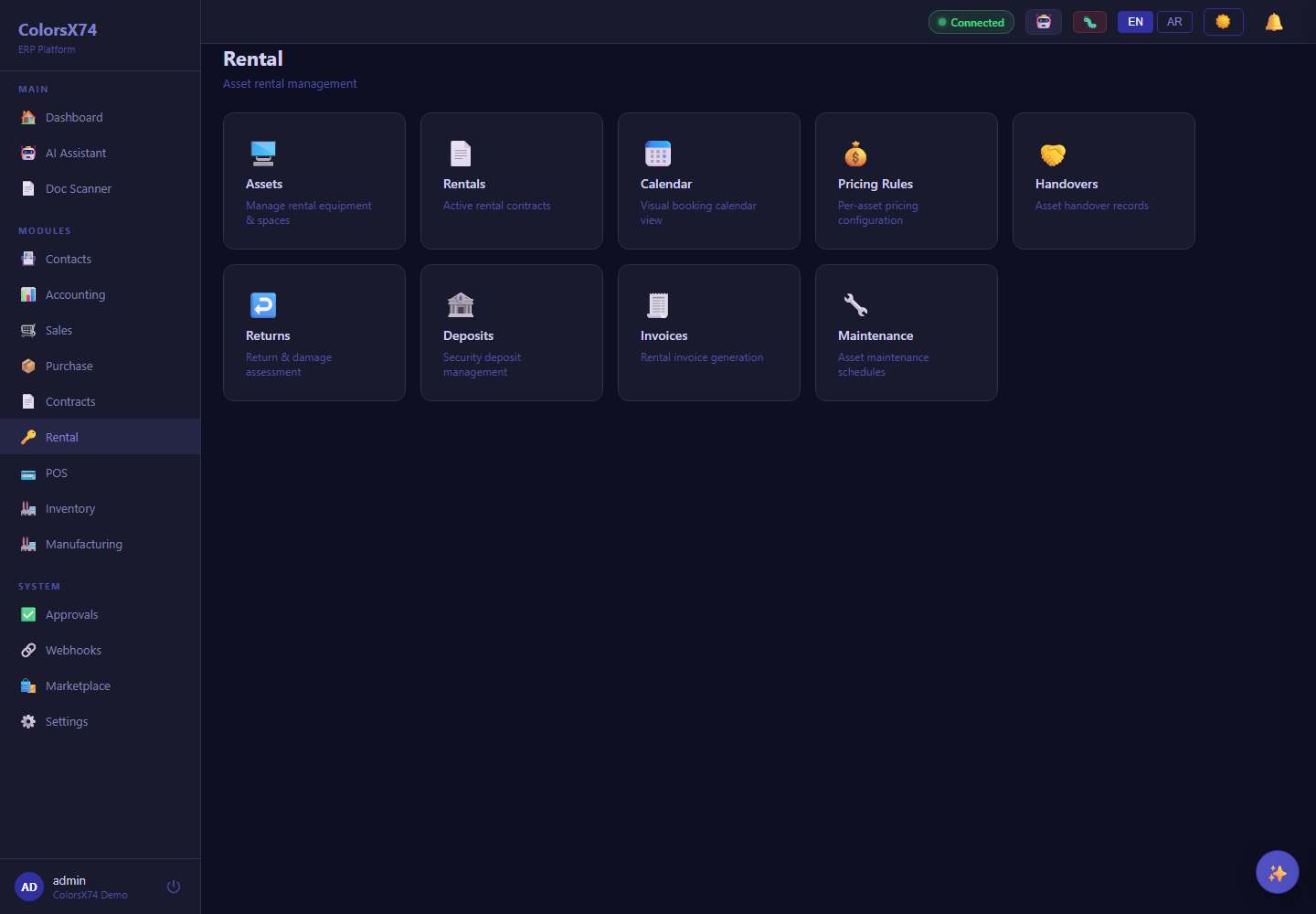
Use these screens for quote-to-cash, procure-to-pay, contract lifecycle, and rental operations demos.
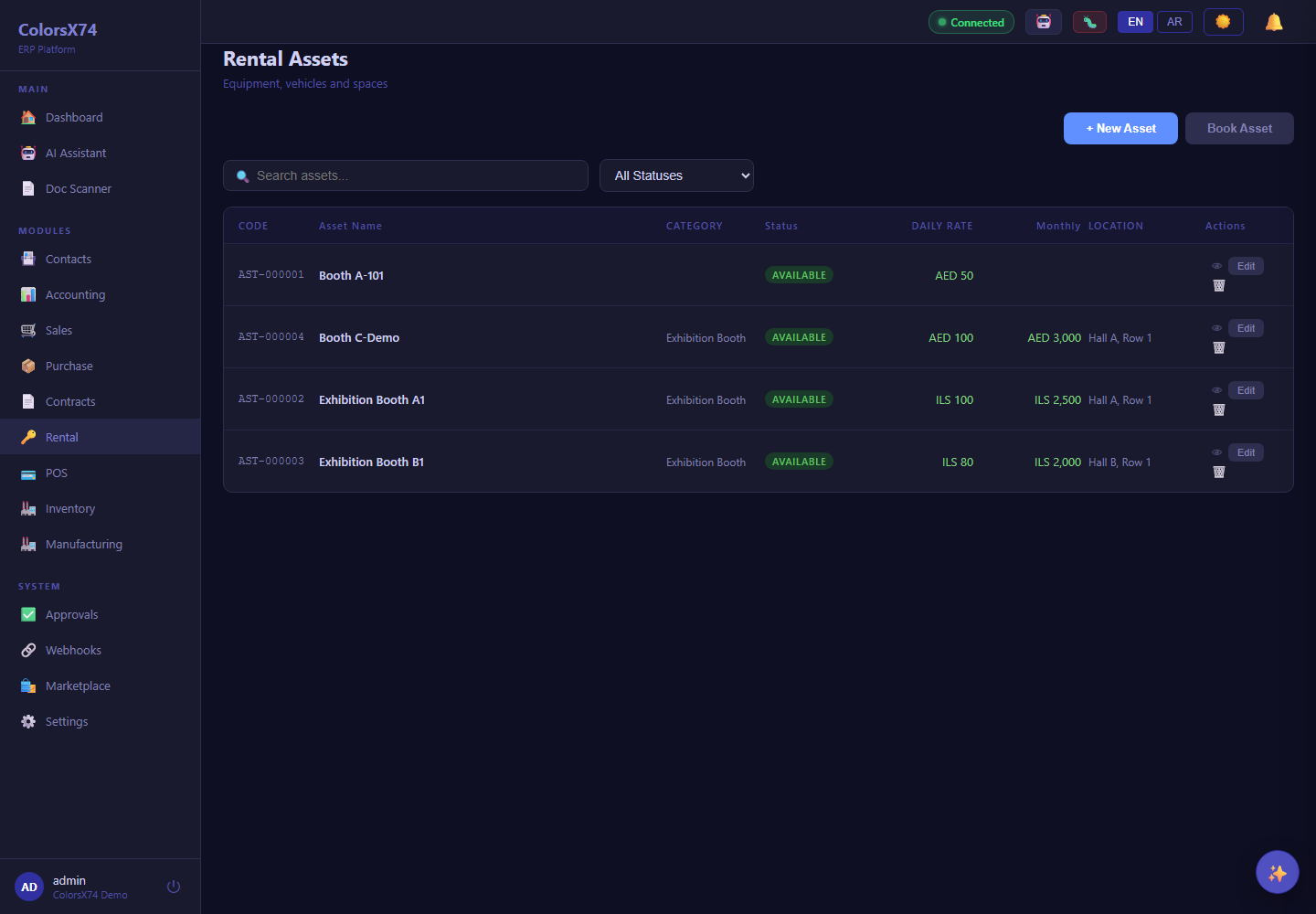
Use these screens for quote-to-cash, procure-to-pay, contract lifecycle, and rental operations demos.
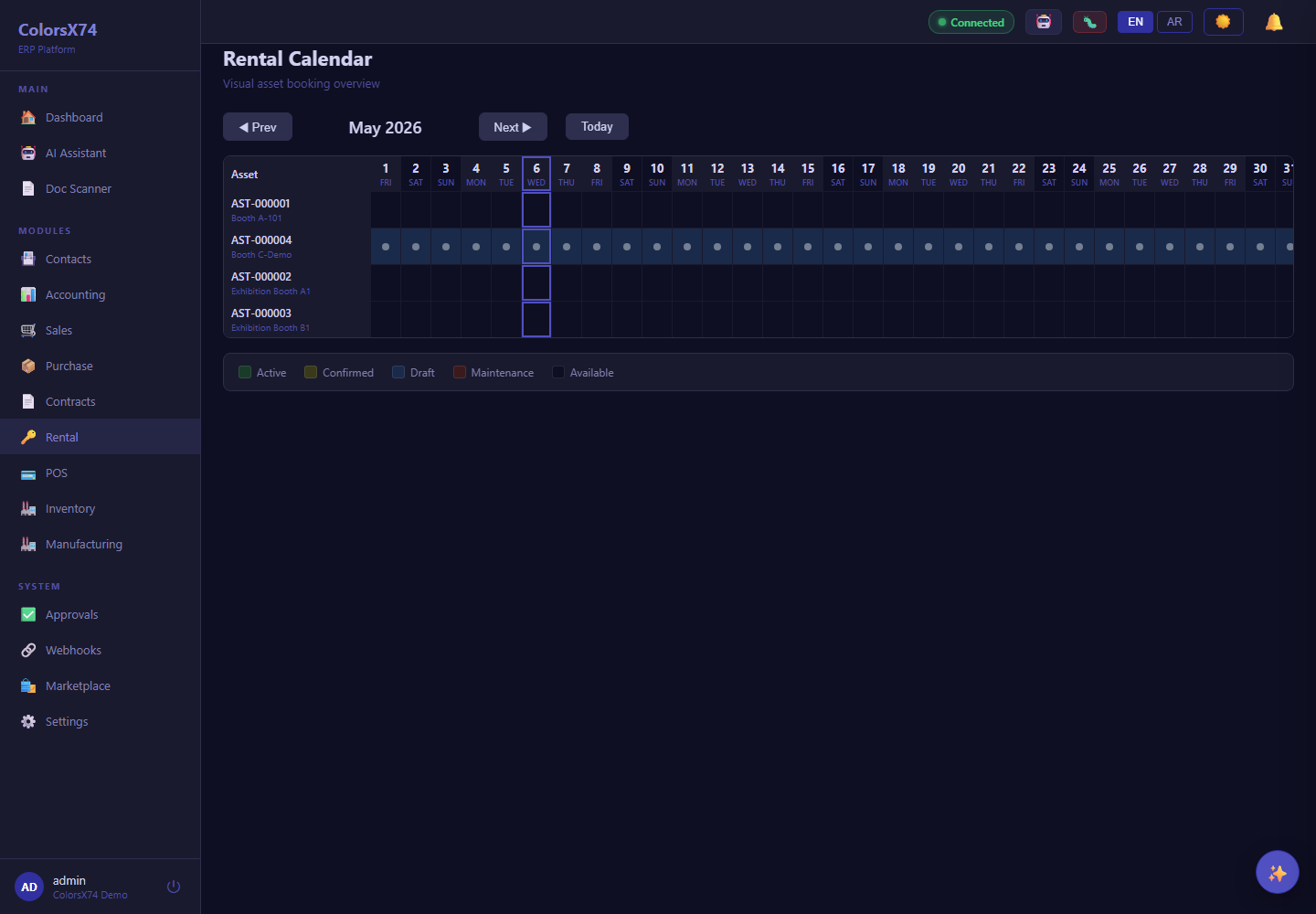
Use these screens for quote-to-cash, procure-to-pay, contract lifecycle, and rental operations demos.
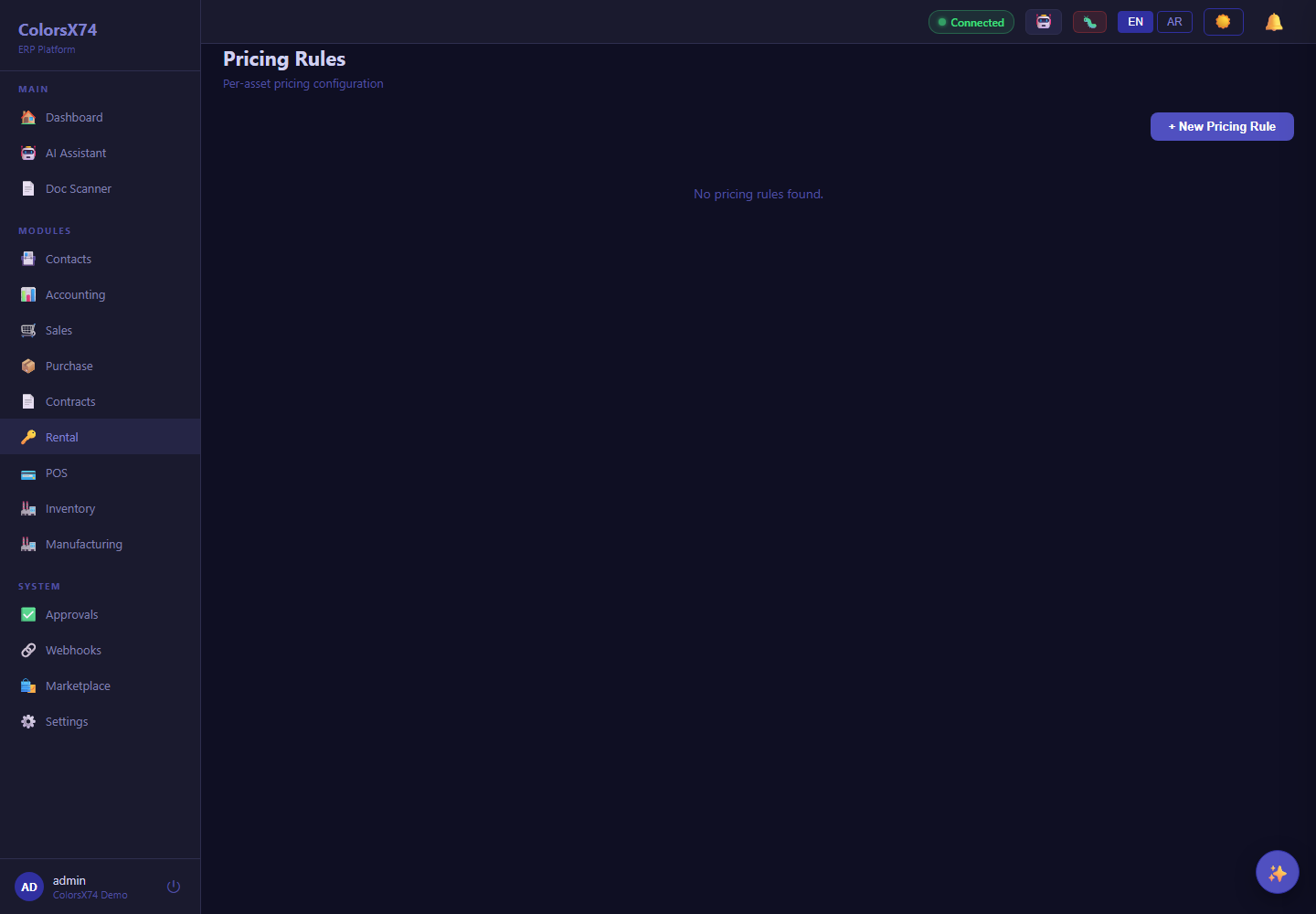
Use these screens for quote-to-cash, procure-to-pay, contract lifecycle, and rental operations demos.
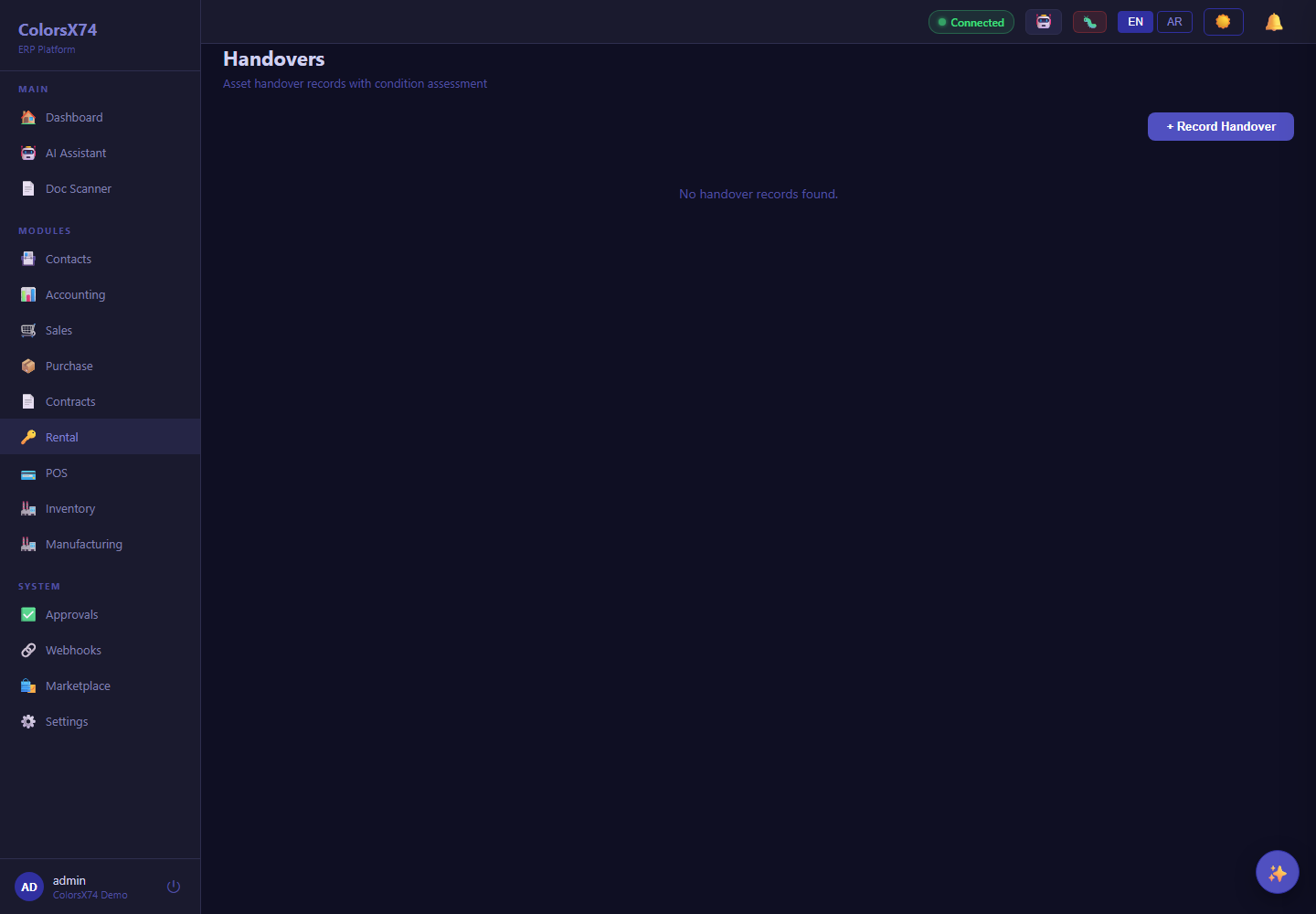
Use these screens for quote-to-cash, procure-to-pay, contract lifecycle, and rental operations demos.
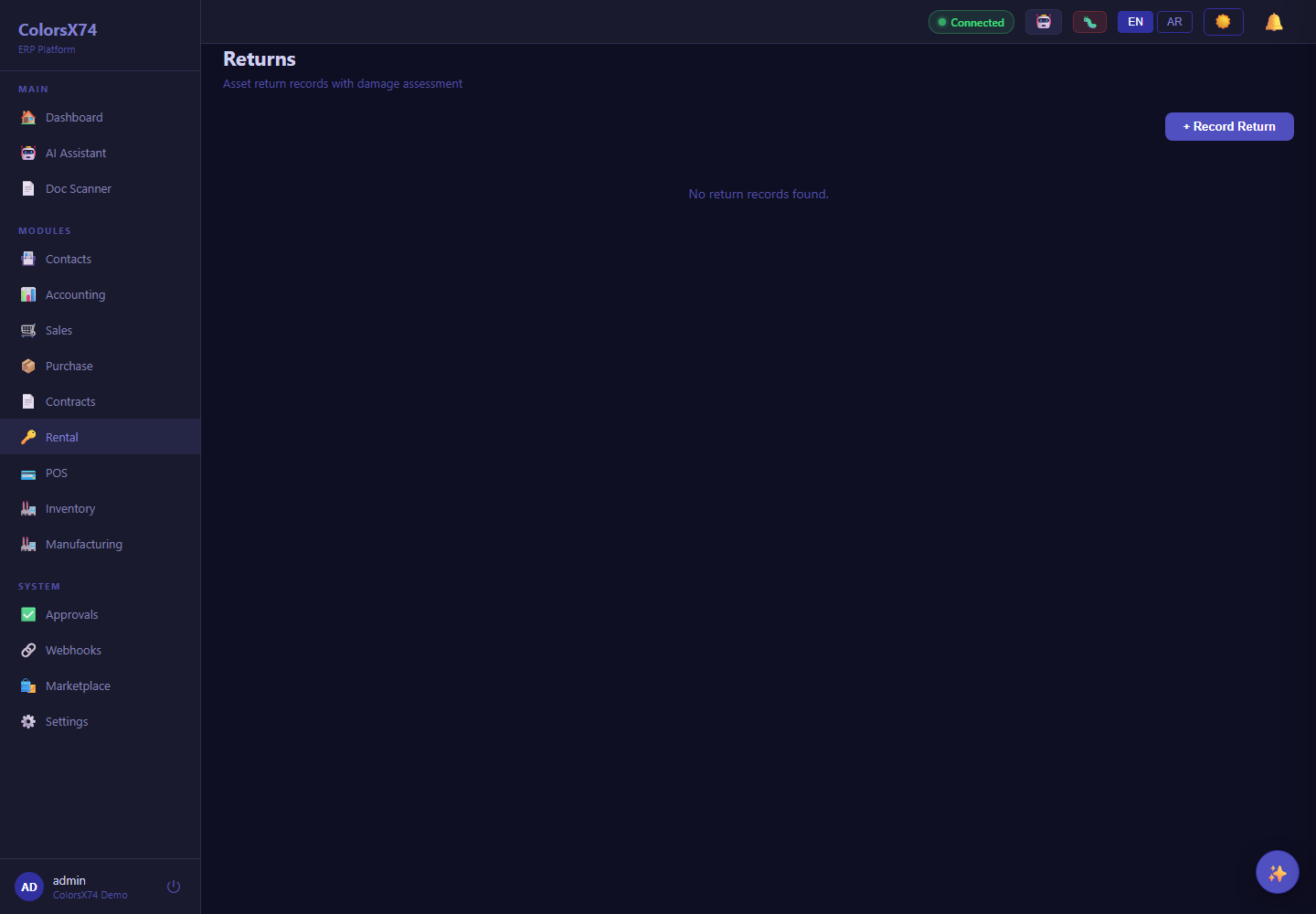
Use these screens for quote-to-cash, procure-to-pay, contract lifecycle, and rental operations demos.
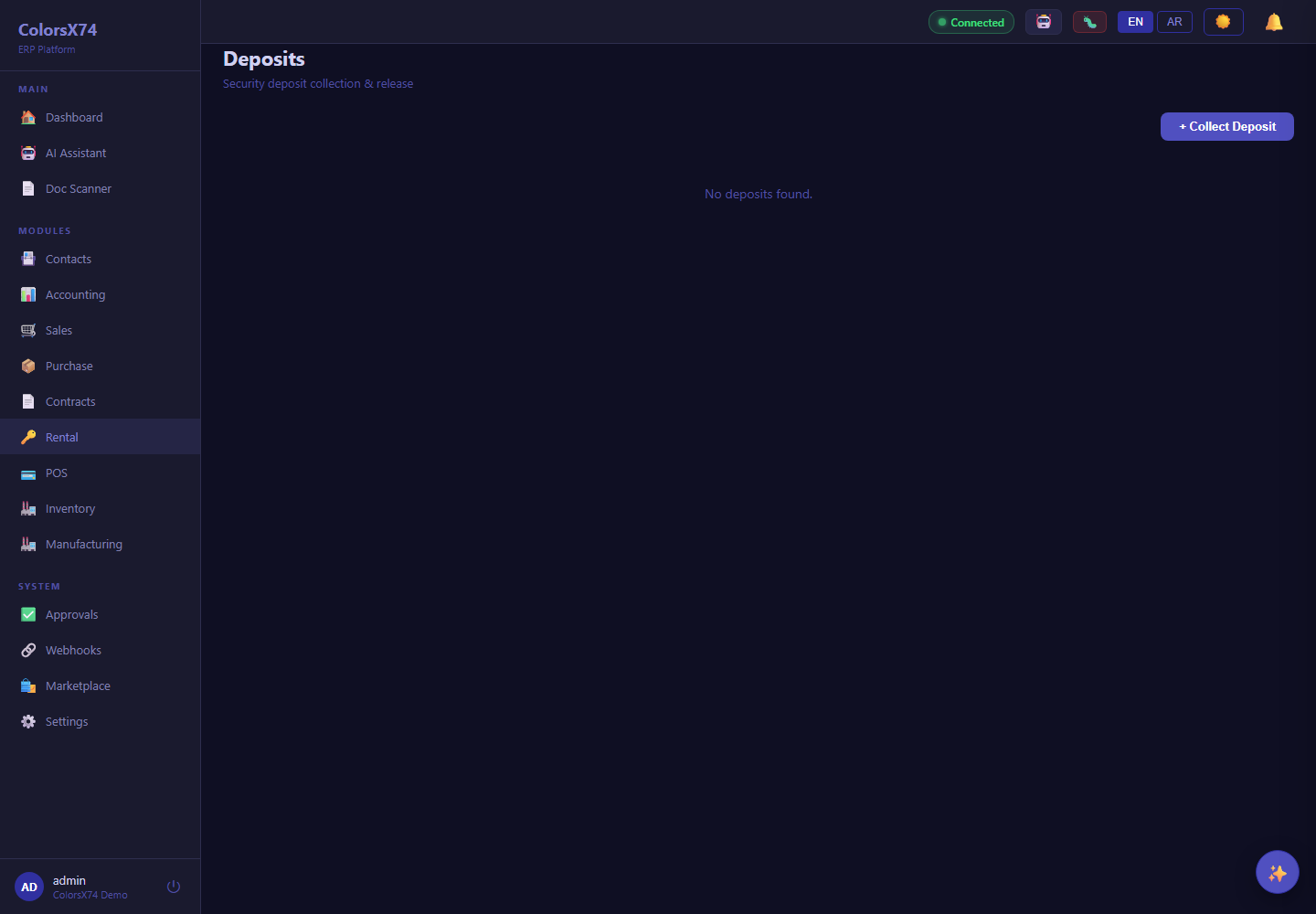
Use these screens for quote-to-cash, procure-to-pay, contract lifecycle, and rental operations demos.
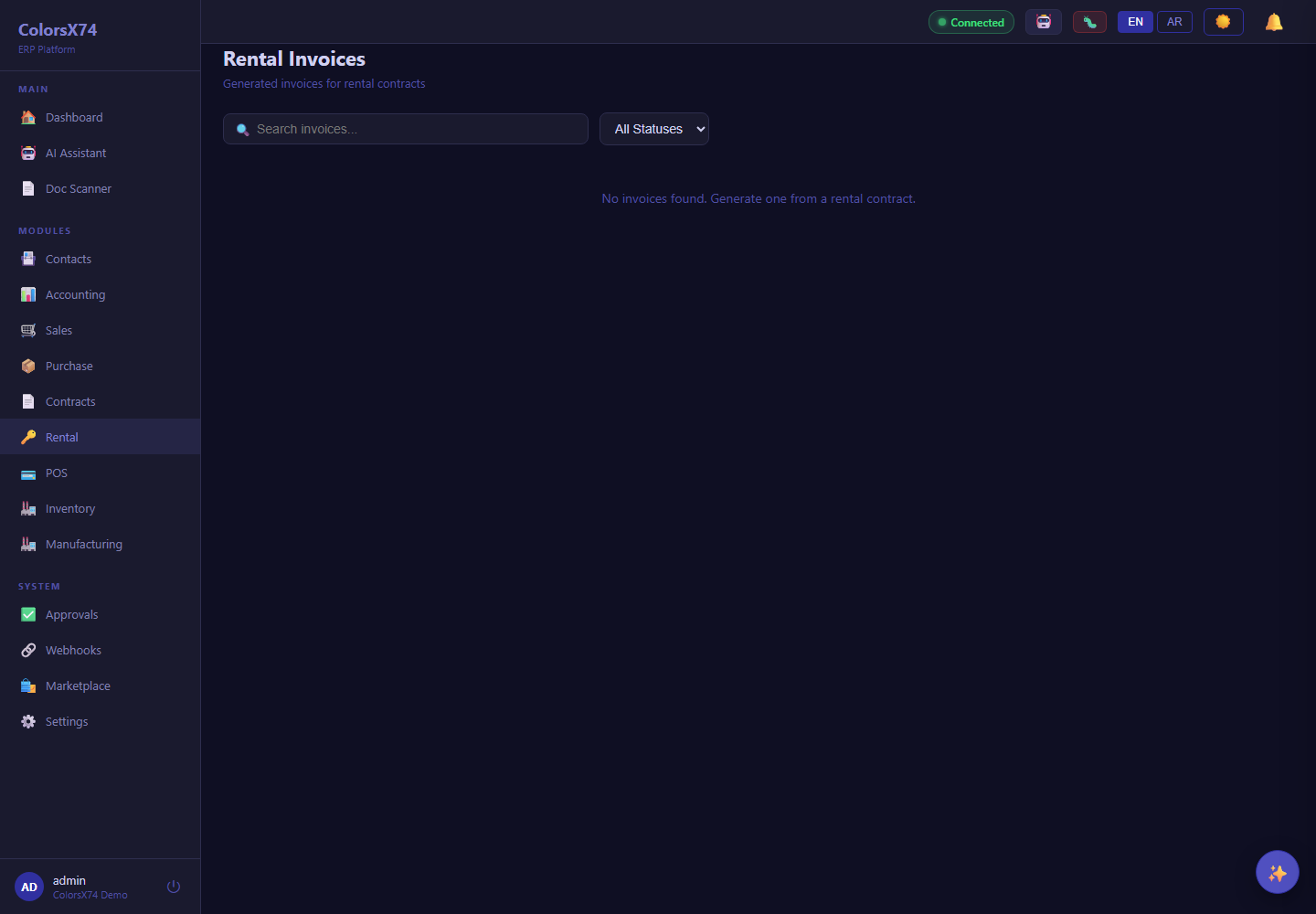
Use these screens for quote-to-cash, procure-to-pay, contract lifecycle, and rental operations demos.
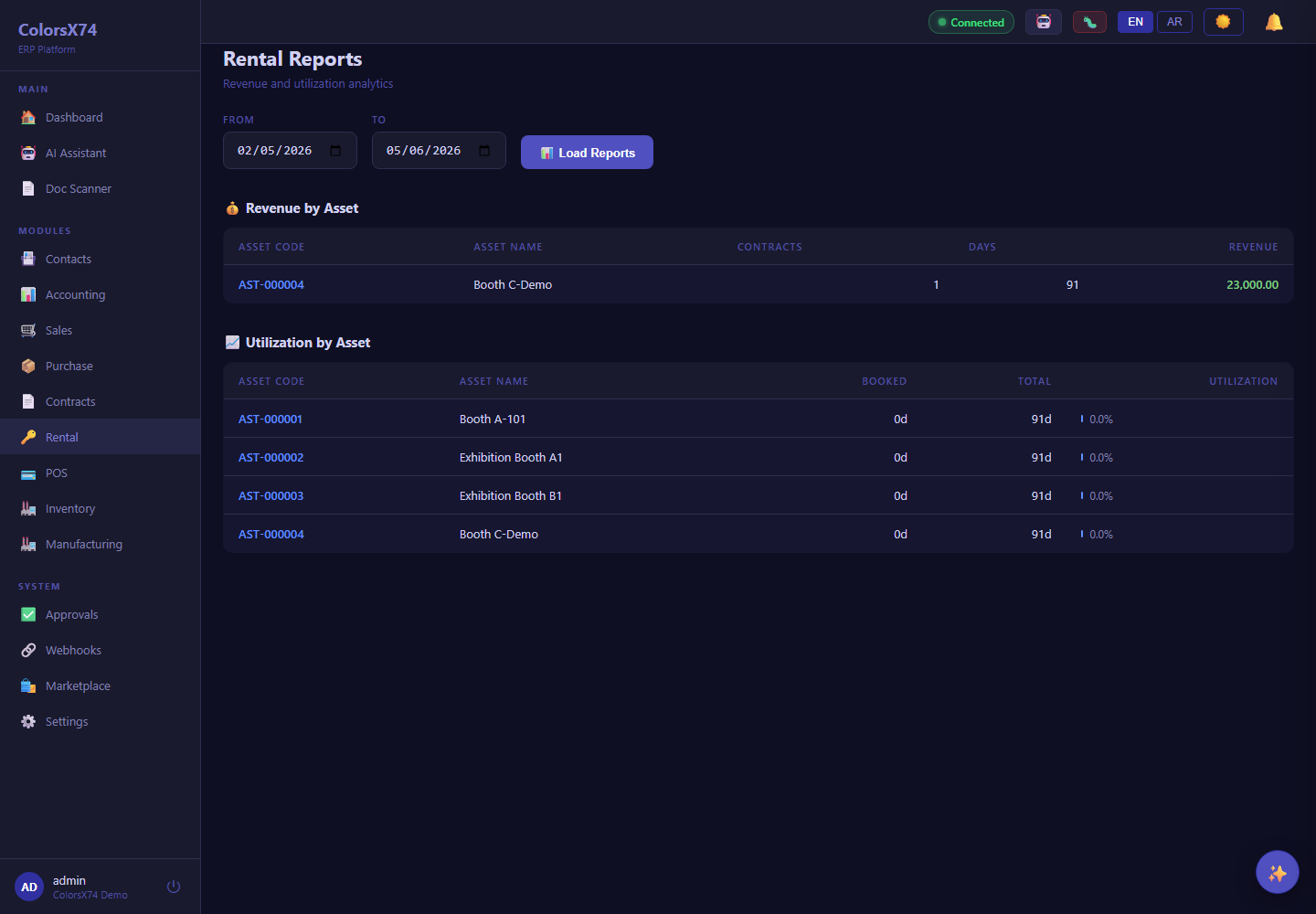
Use these screens for quote-to-cash, procure-to-pay, contract lifecycle, and rental operations demos.
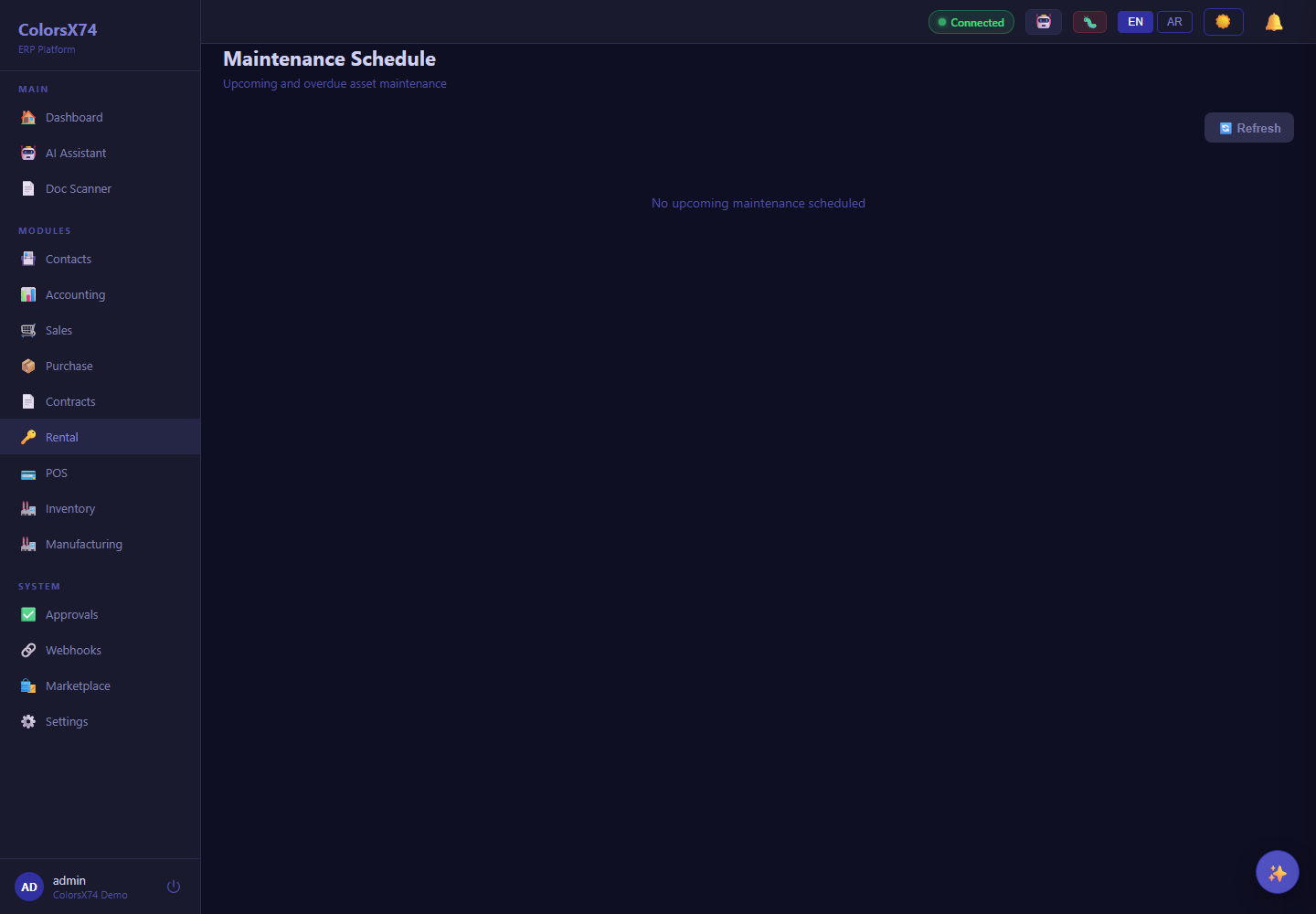
Use these screens for quote-to-cash, procure-to-pay, contract lifecycle, and rental operations demos.