Demo data note: Screenshots in these docs use representative demo data. Do not use real customer records, secrets, payment keys, or private documents in public demos.
Key capabilities
Chart of Accounts, journal entries, invoices, vendor bills, and payment tracking support day-to-day accounting.
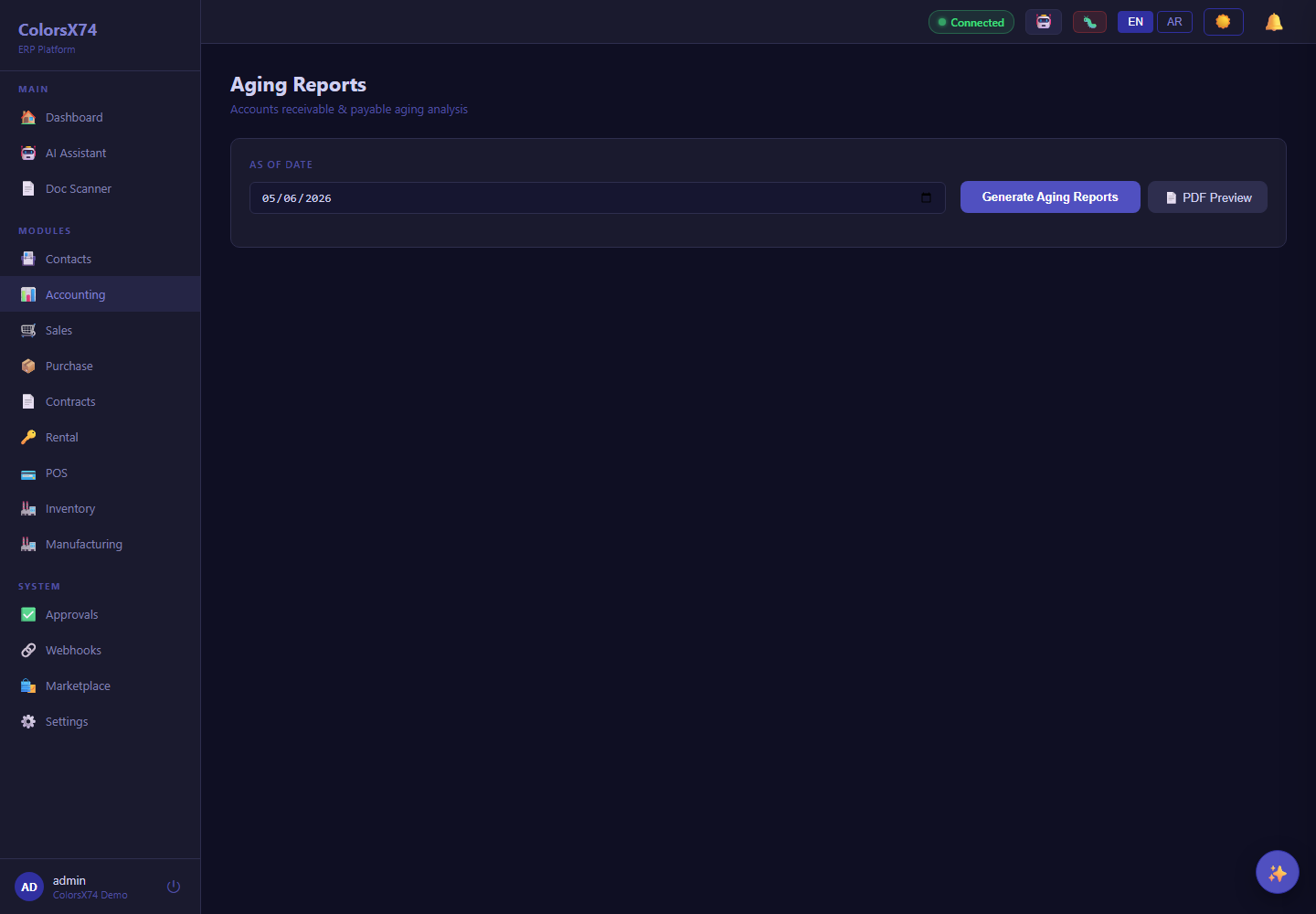
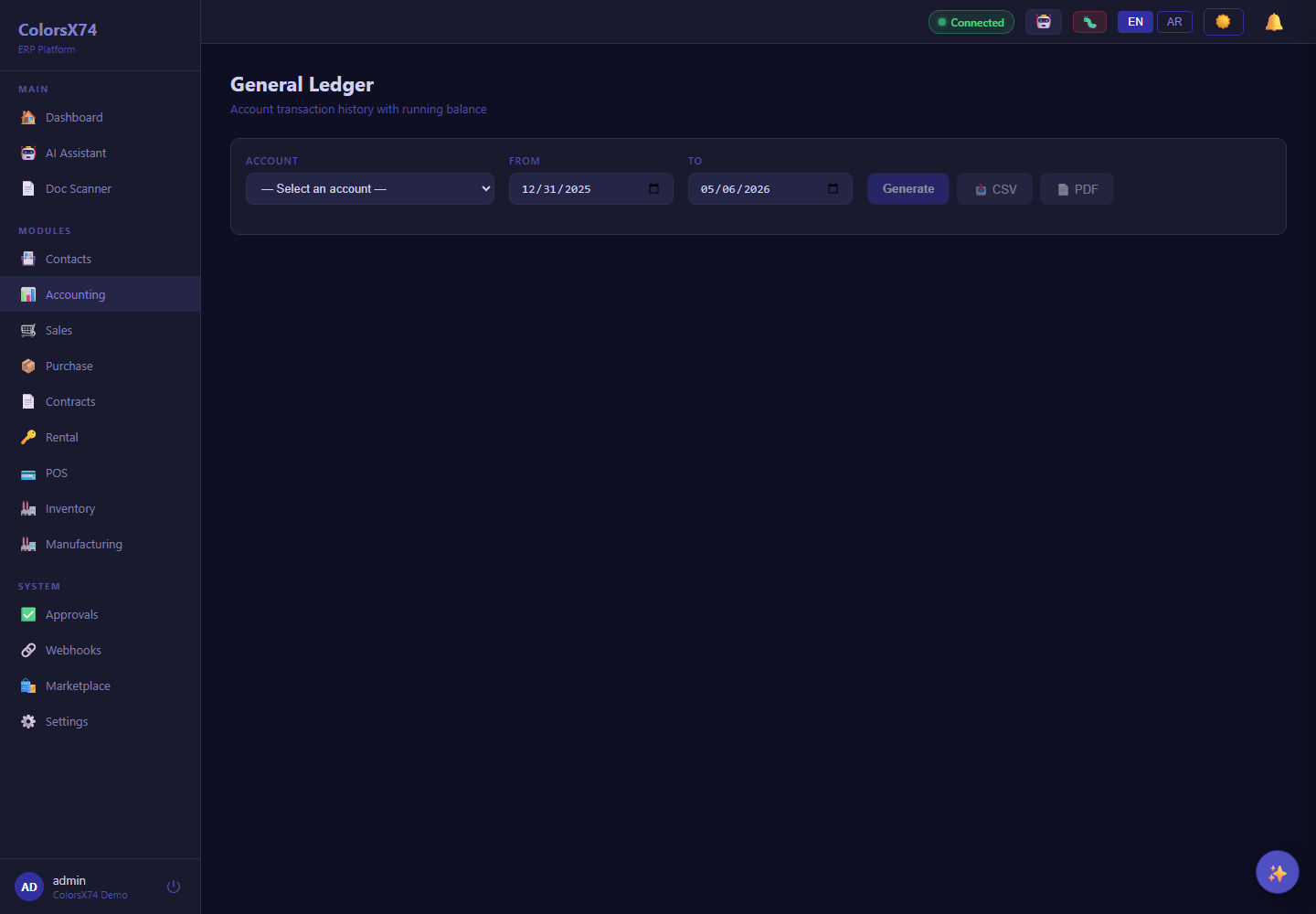
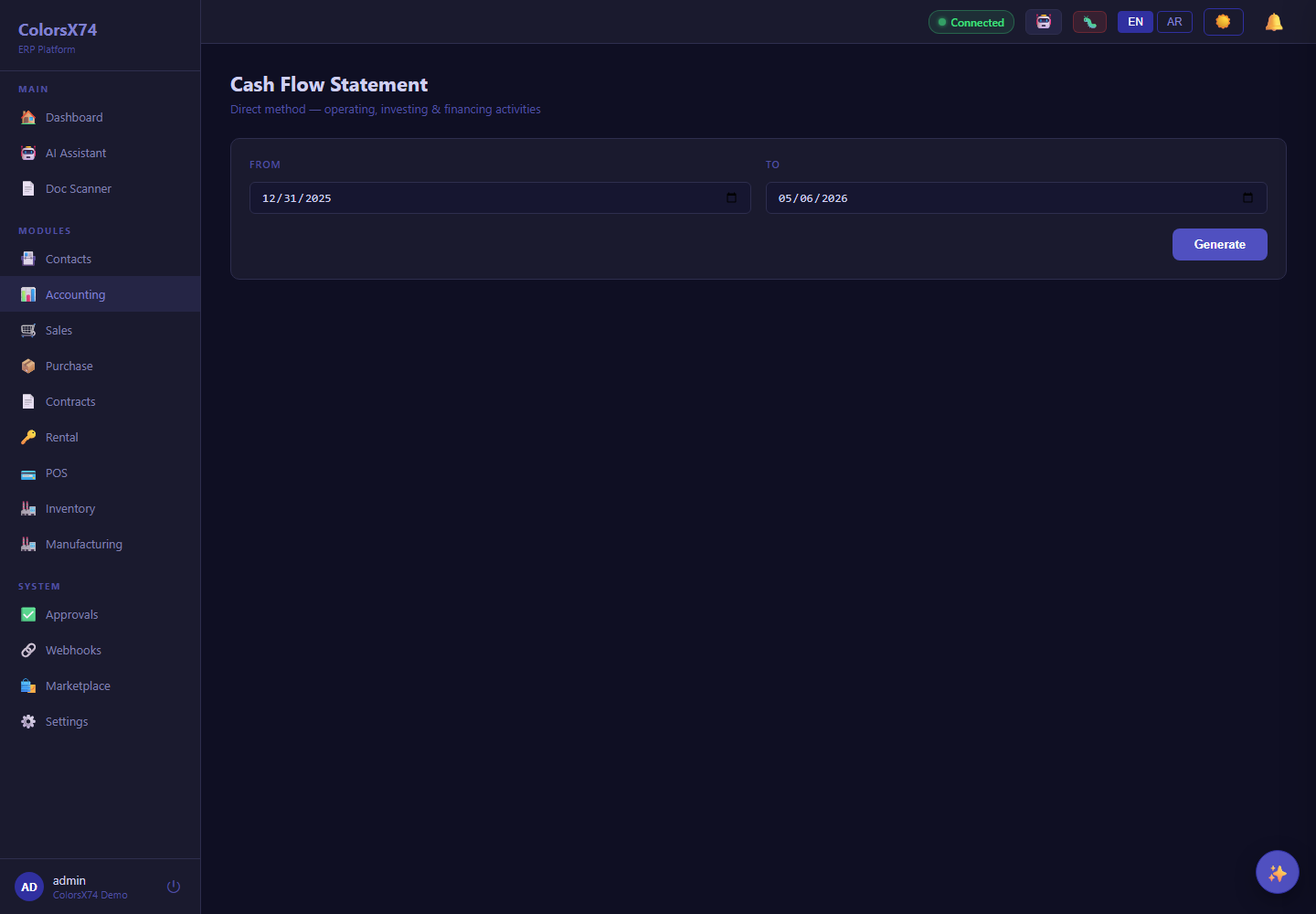
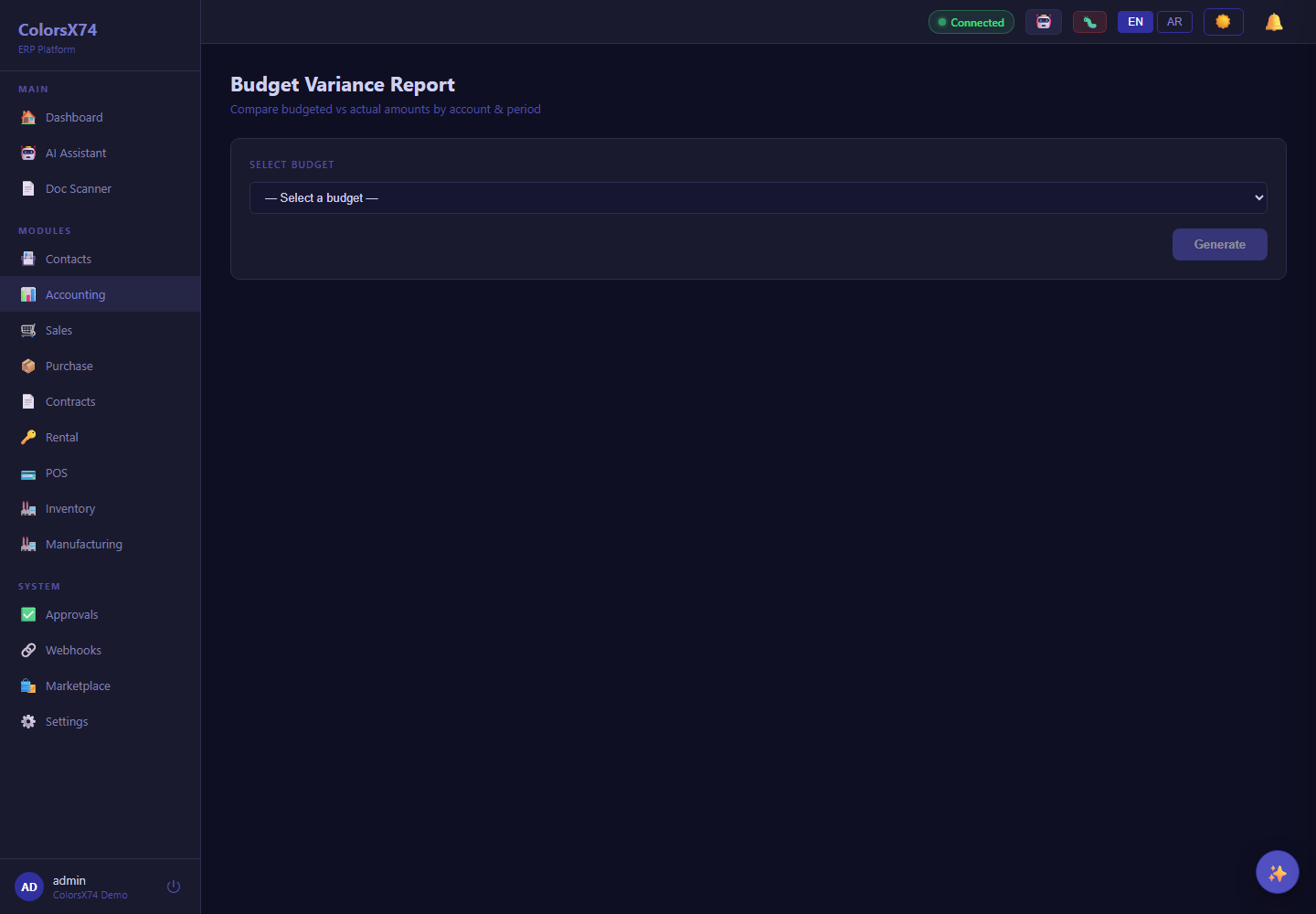
Trial Balance, Profit & Loss, Balance Sheet, Aging, General Ledger, Cash Flow, Budget Variance, and Comparative P&L help close and review the books.
Banking pages support bank account visibility and reconciliation workflows.
Payment gateway, exchange rate, FX revaluation, tax, budget, and fixed asset screens prepare the system for broader finance control.
Finance workflow walkthrough
- Begin at Accounting to frame the finance hub and its linked workflows.
- Open Chart of Accounts and Journal Entries to explain double-entry controls and posting discipline.
- Move through invoices, vendor bills, and payments to show receivables and payables visibility.
- Review the main reports, especially Trial Balance, P&L, Balance Sheet, Aging, General Ledger, and Cash Flow.
- Finish with banking, tax, budgets, fixed assets, payment gateways, and FX to show operational depth beyond basic bookkeeping.
Accounting controls
Finance users can work from account structure through source documents and reports. Emphasize traceability, review-friendly ledgers, and consistent status handling.
Reporting story
Reports are representative-facing proof points: they show that operational activity rolls up into financial statements and management views.
Payments and banking
Payment pages and banking screens help teams reconcile customer receipts, supplier payments, bank accounts, and gateway activity from one finance area.
Screenshots
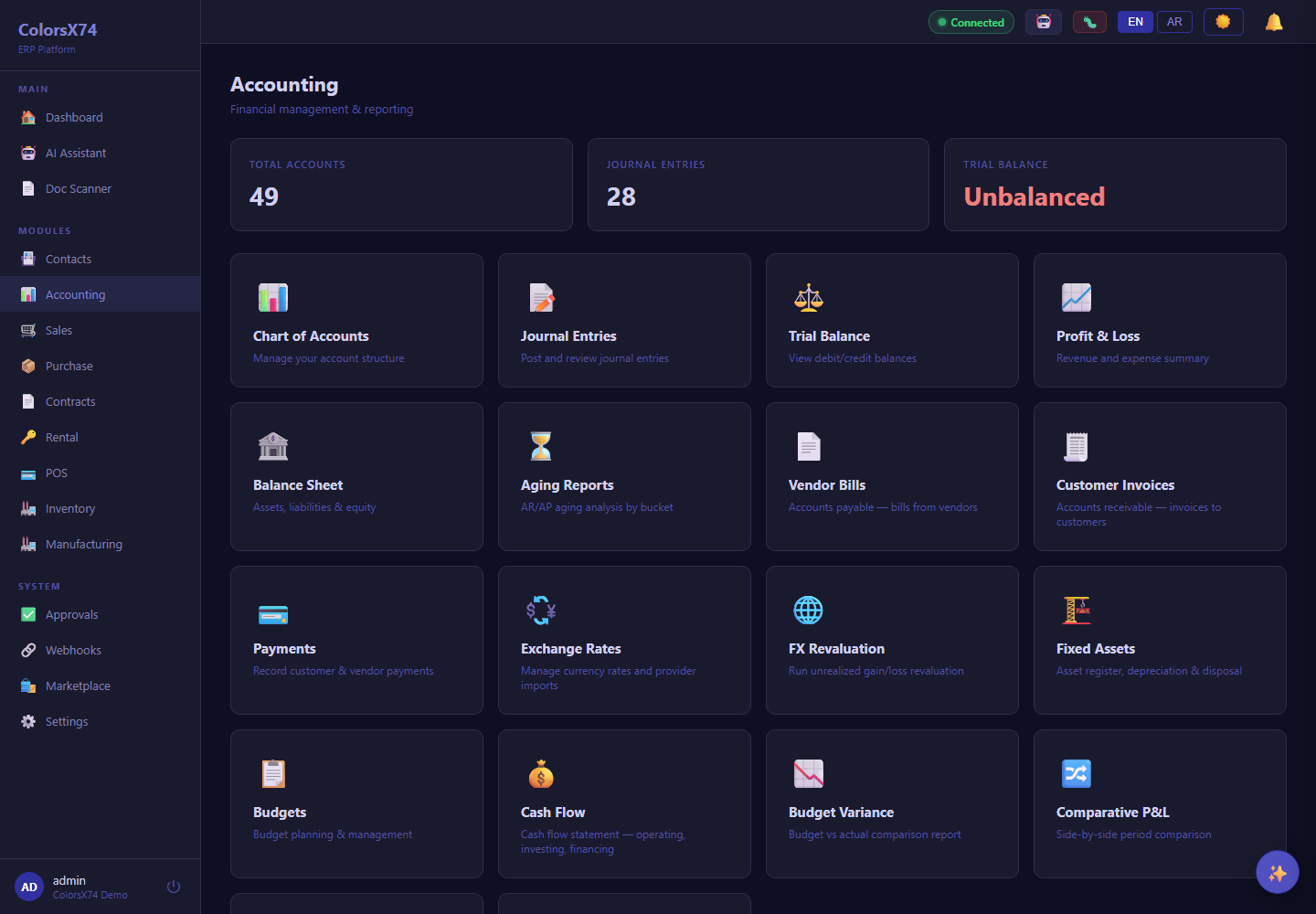
Use these finance screens to explain accounting, reports, payments, banking, tax, budgets, fixed assets, and FX.
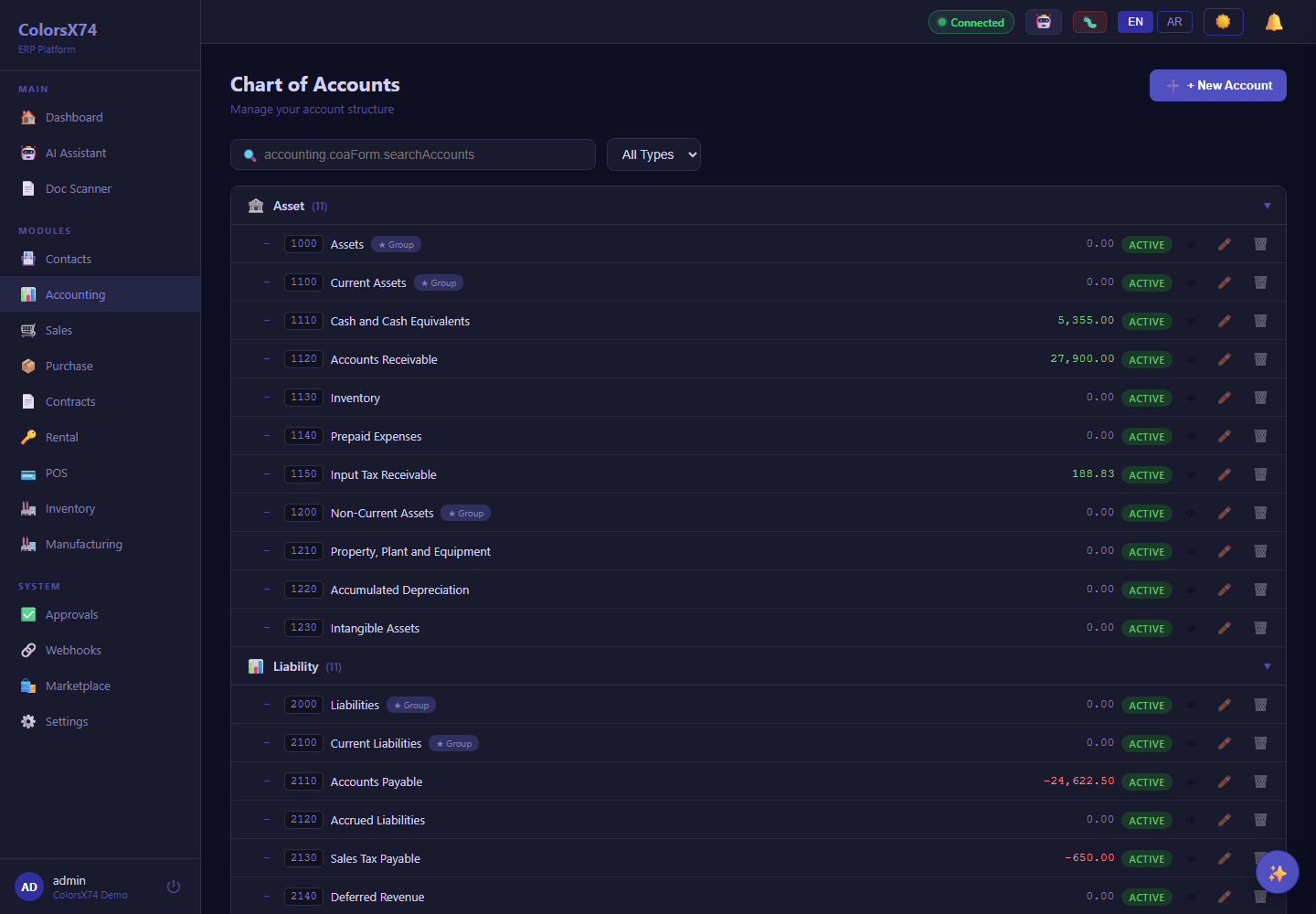
Use these finance screens to explain accounting, reports, payments, banking, tax, budgets, fixed assets, and FX.
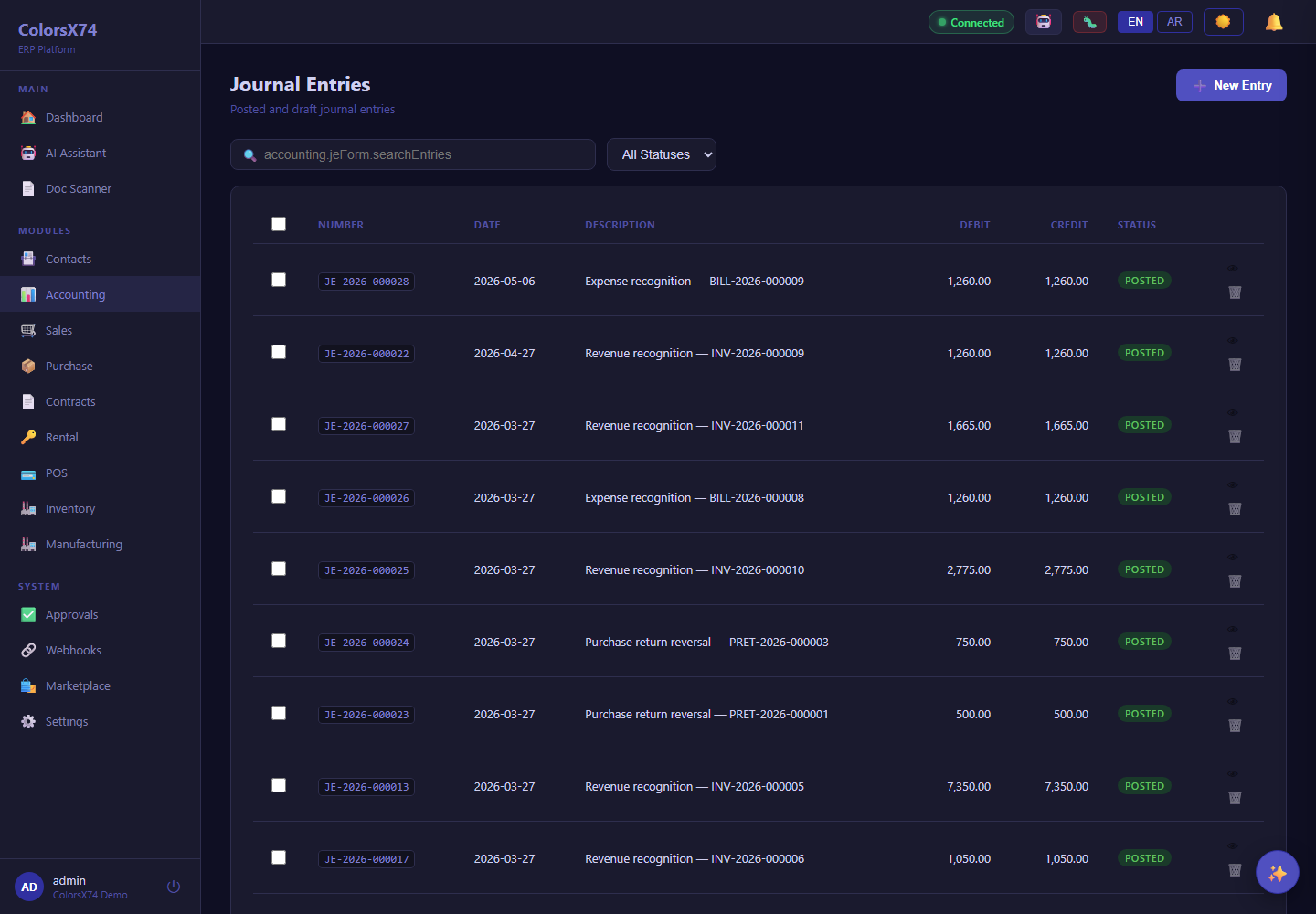
Use these finance screens to explain accounting, reports, payments, banking, tax, budgets, fixed assets, and FX.
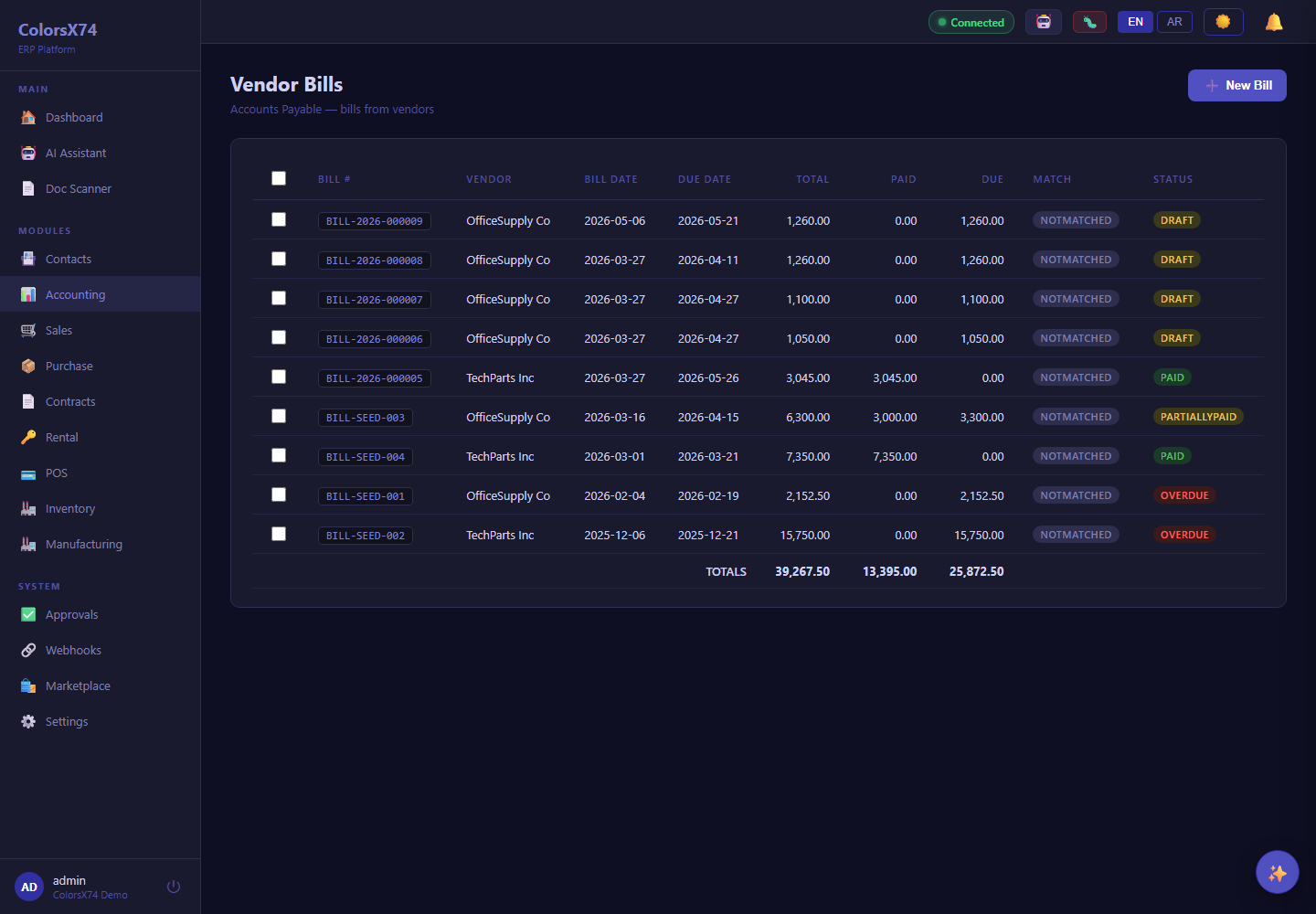
Use these finance screens to explain accounting, reports, payments, banking, tax, budgets, fixed assets, and FX.
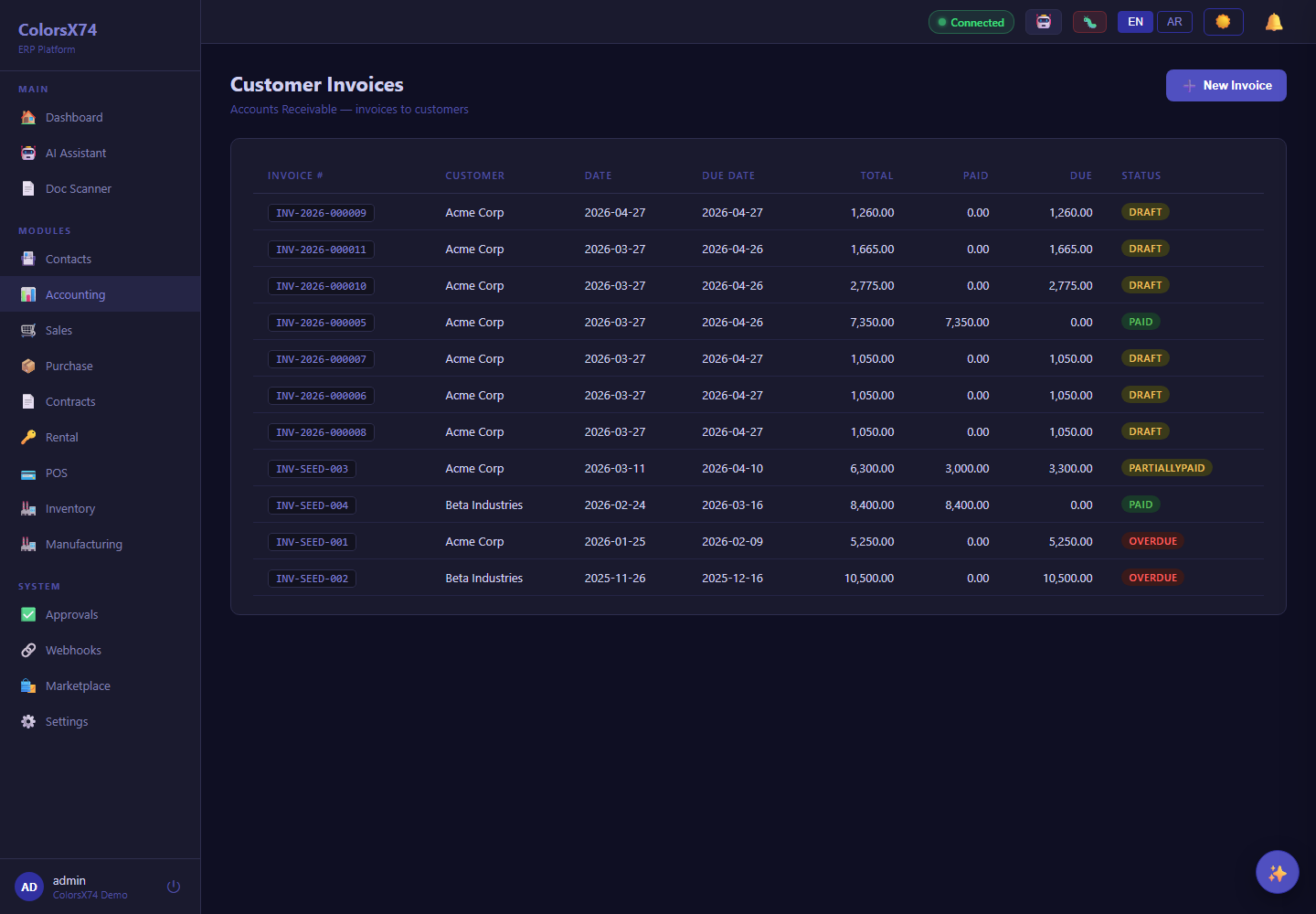
Use these finance screens to explain accounting, reports, payments, banking, tax, budgets, fixed assets, and FX.
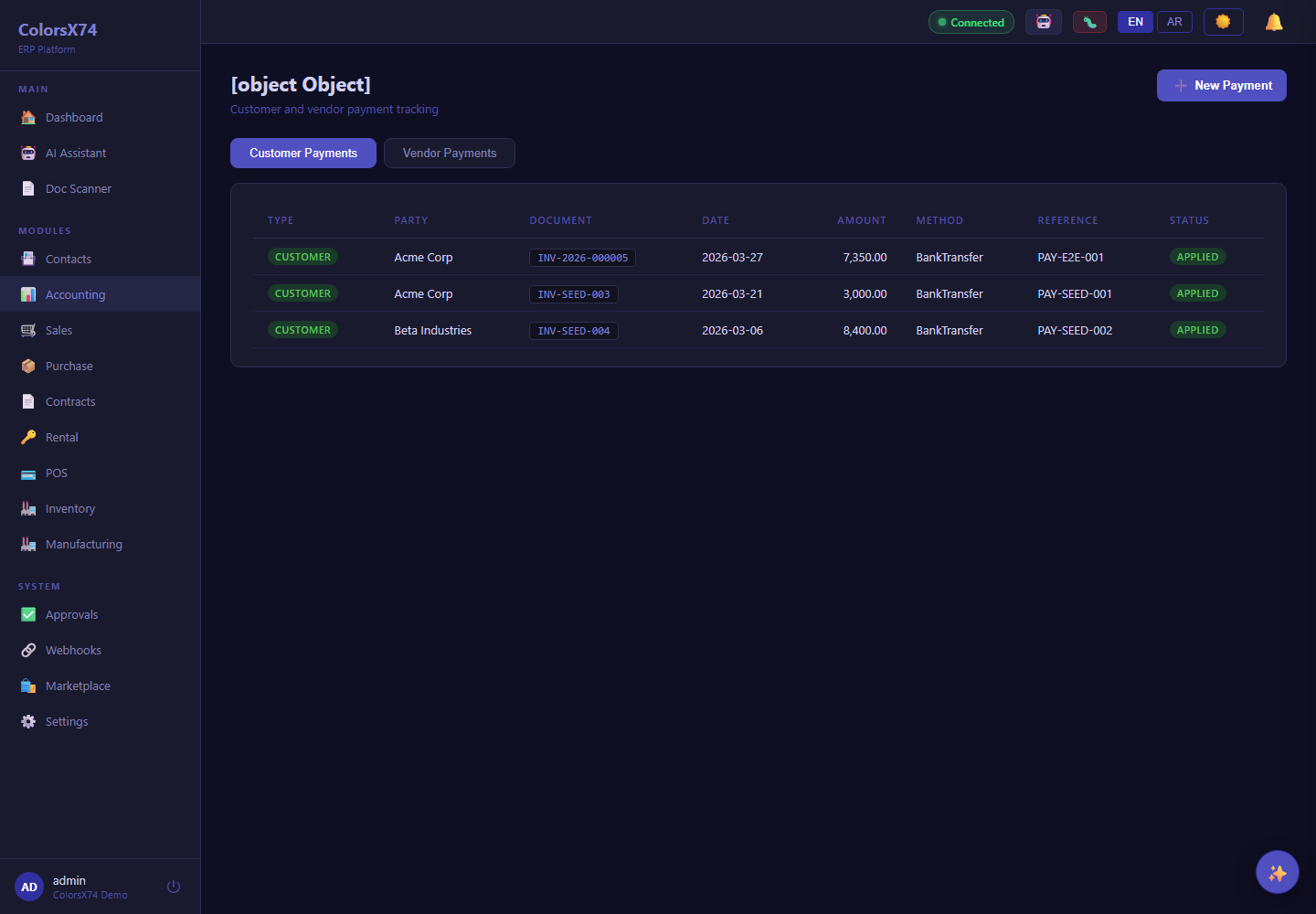
Use these finance screens to explain accounting, reports, payments, banking, tax, budgets, fixed assets, and FX.
Use these finance screens to explain accounting, reports, payments, banking, tax, budgets, fixed assets, and FX.
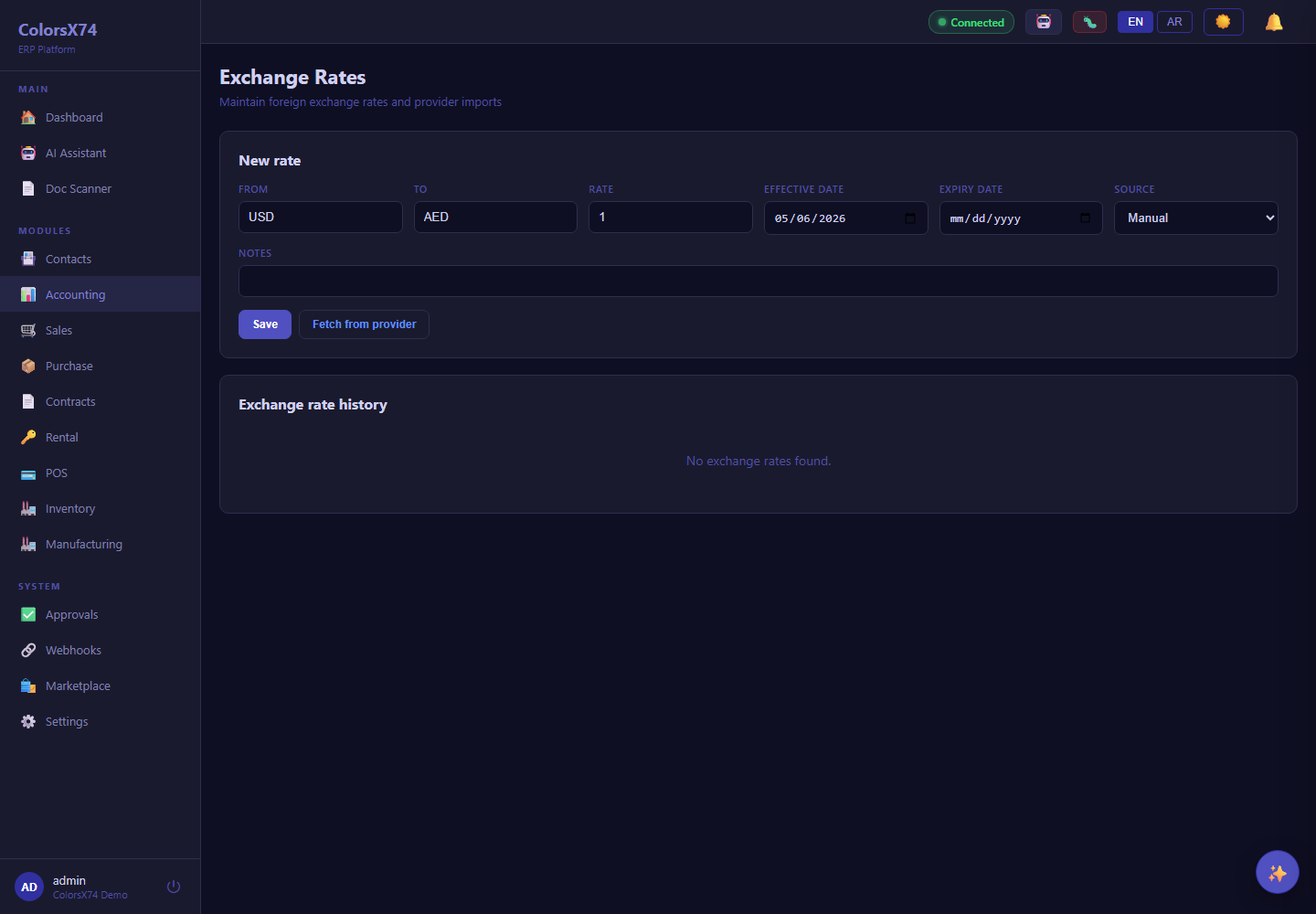
Use these finance screens to explain accounting, reports, payments, banking, tax, budgets, fixed assets, and FX.
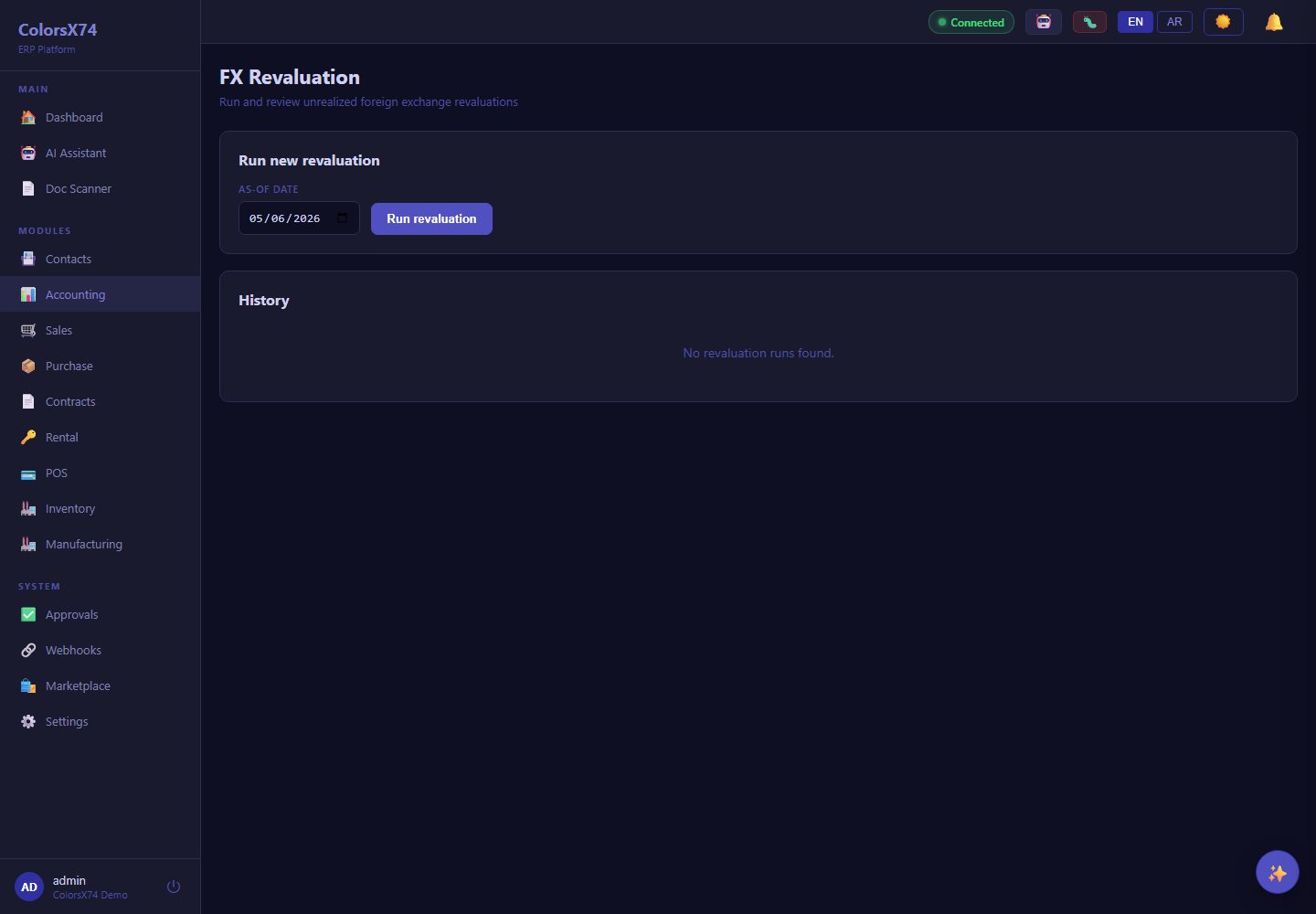
Use these finance screens to explain accounting, reports, payments, banking, tax, budgets, fixed assets, and FX.
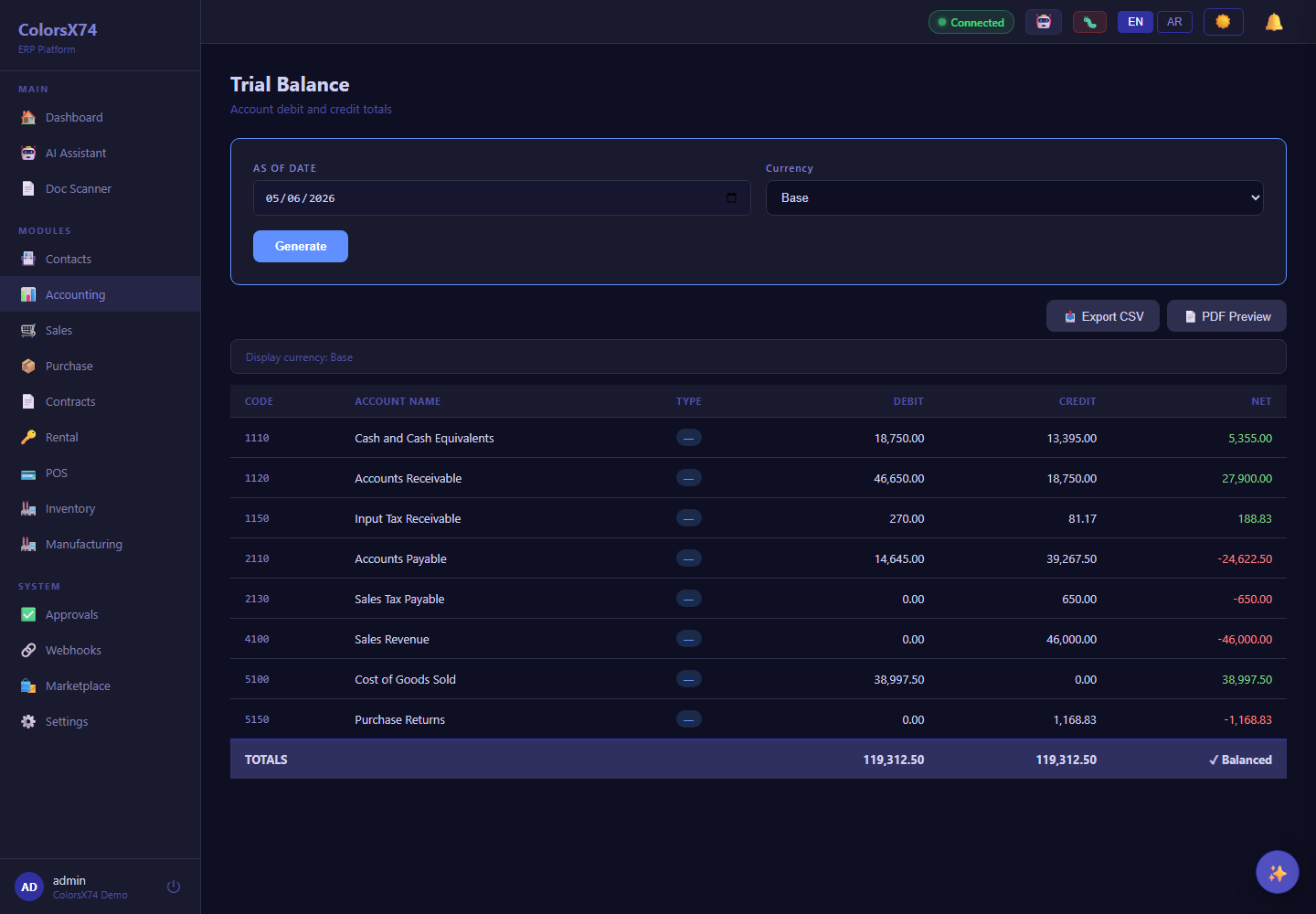
Use these finance screens to explain accounting, reports, payments, banking, tax, budgets, fixed assets, and FX.
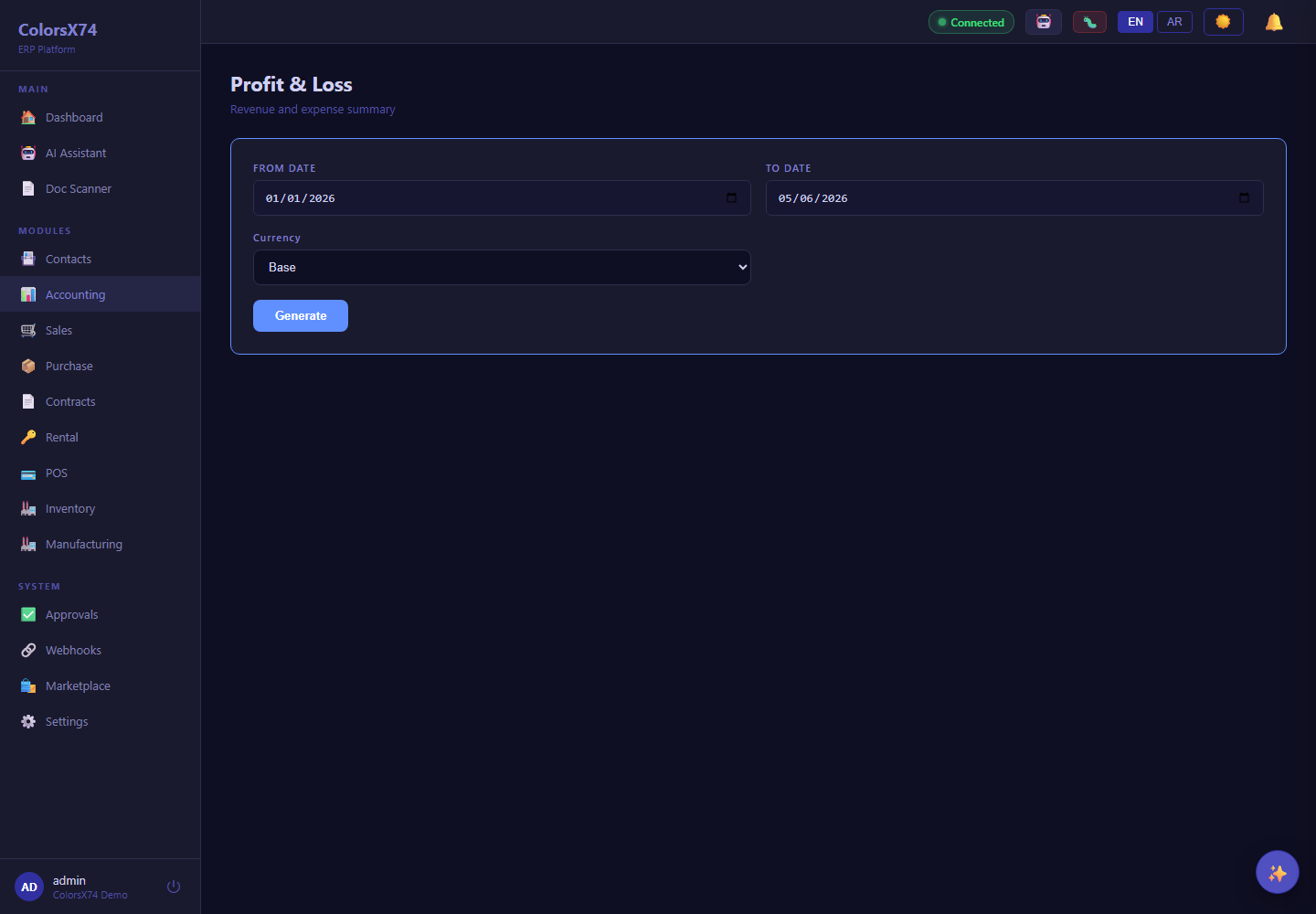
Use these finance screens to explain accounting, reports, payments, banking, tax, budgets, fixed assets, and FX.
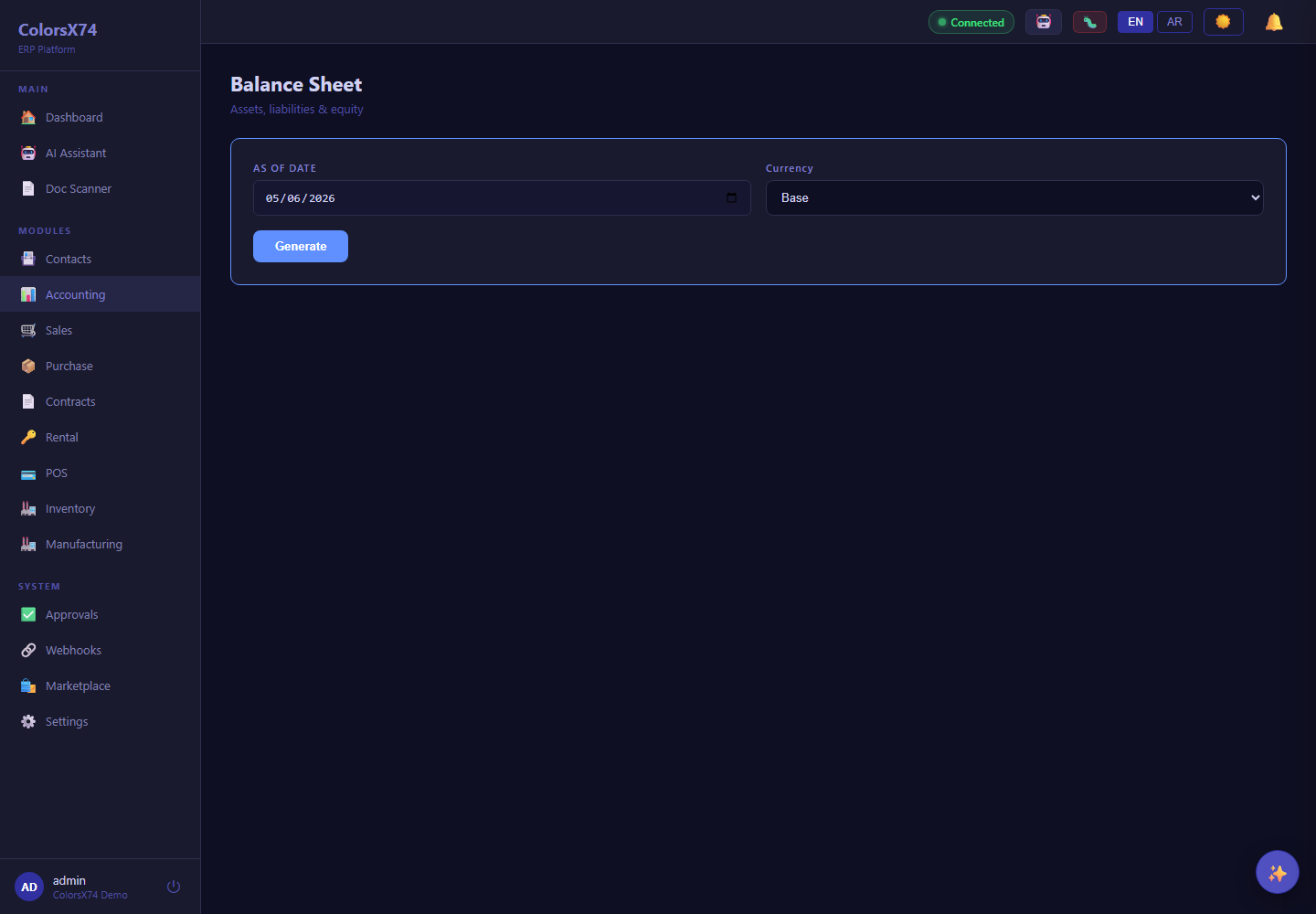
Use these finance screens to explain accounting, reports, payments, banking, tax, budgets, fixed assets, and FX.
Use these finance screens to explain accounting, reports, payments, banking, tax, budgets, fixed assets, and FX.
Use these finance screens to explain accounting, reports, payments, banking, tax, budgets, fixed assets, and FX.
Use these finance screens to explain accounting, reports, payments, banking, tax, budgets, fixed assets, and FX.
Use these finance screens to explain accounting, reports, payments, banking, tax, budgets, fixed assets, and FX.
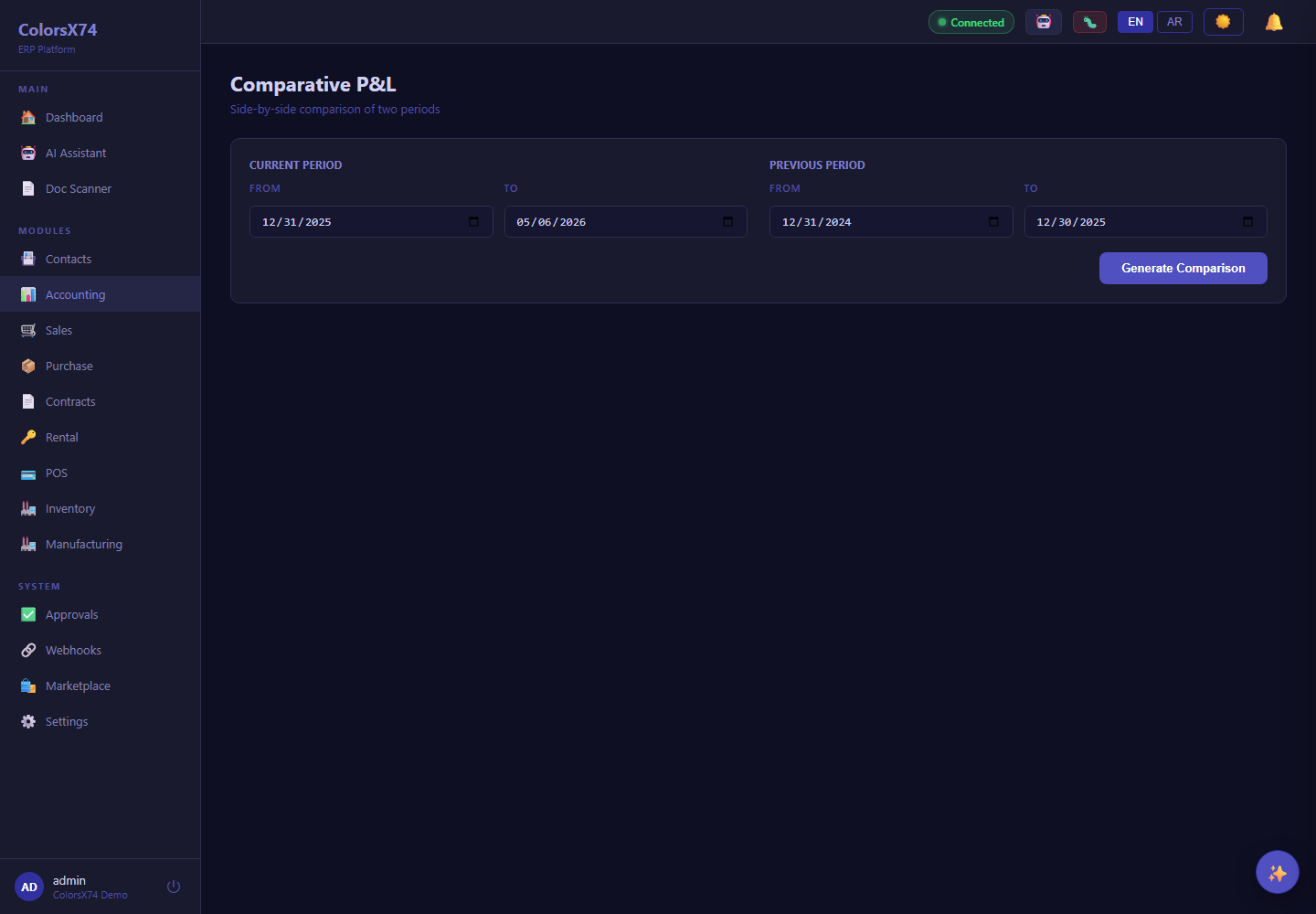
Use these finance screens to explain accounting, reports, payments, banking, tax, budgets, fixed assets, and FX.
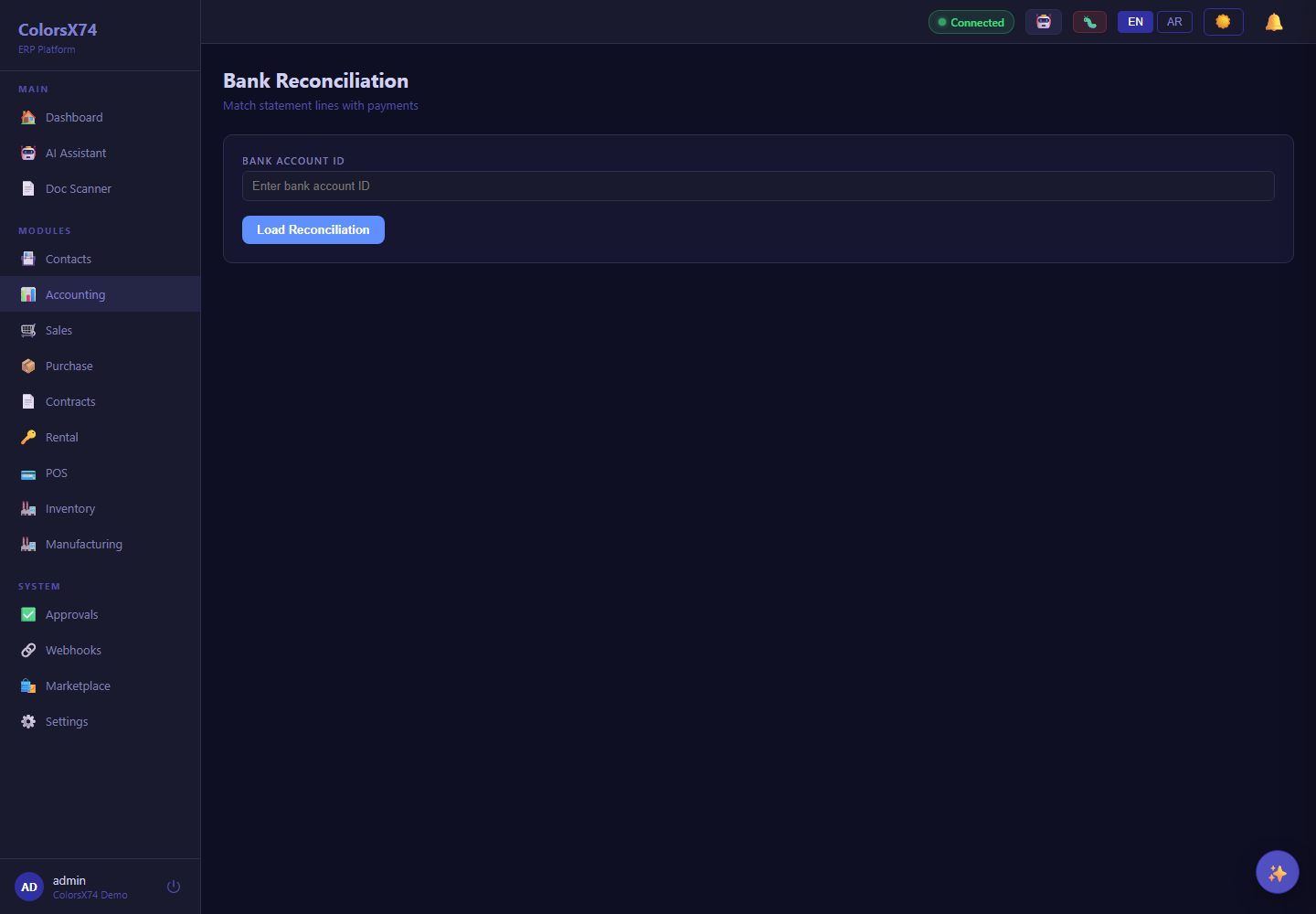
Use these finance screens to explain accounting, reports, payments, banking, tax, budgets, fixed assets, and FX.
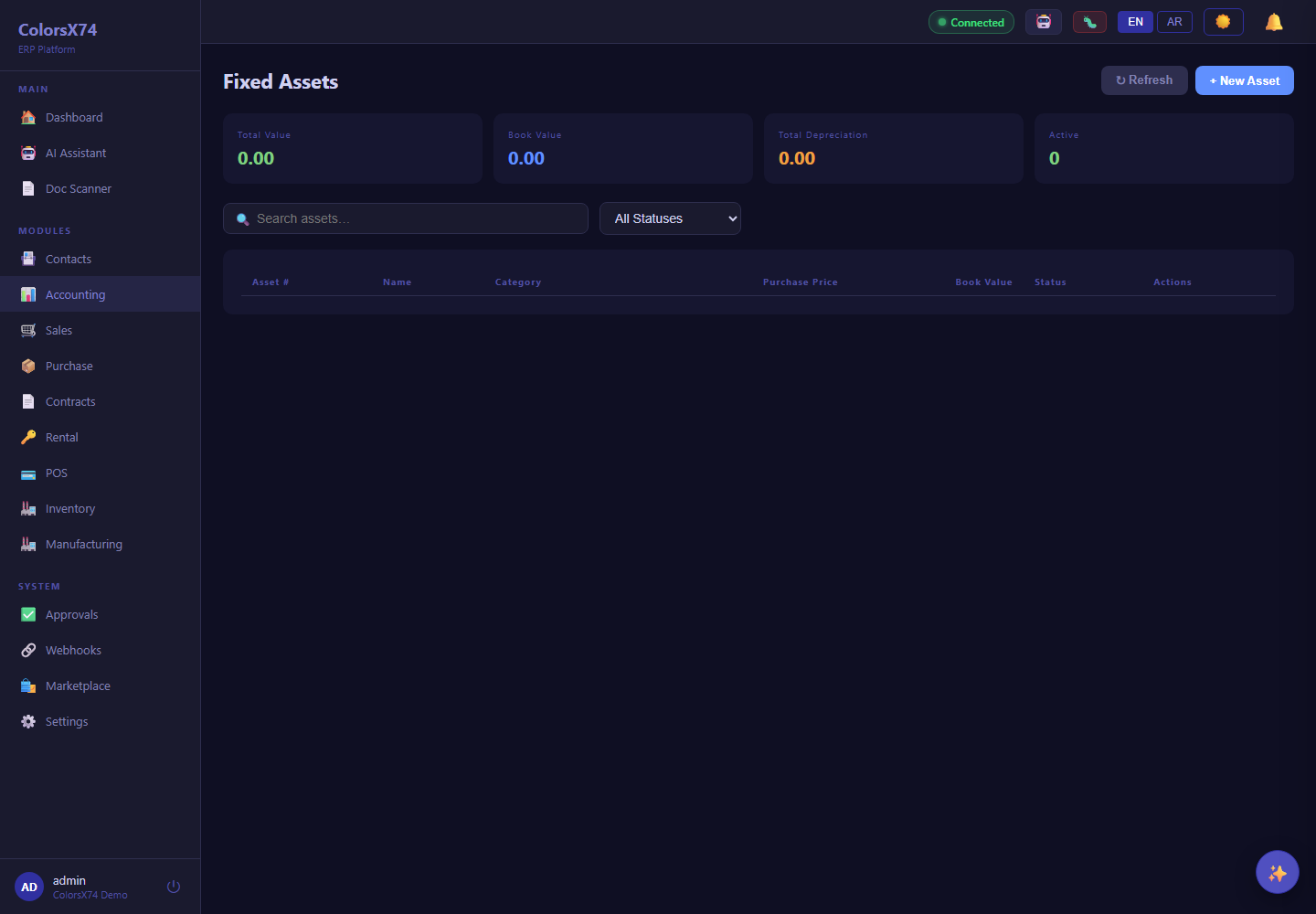
Use these finance screens to explain accounting, reports, payments, banking, tax, budgets, fixed assets, and FX.
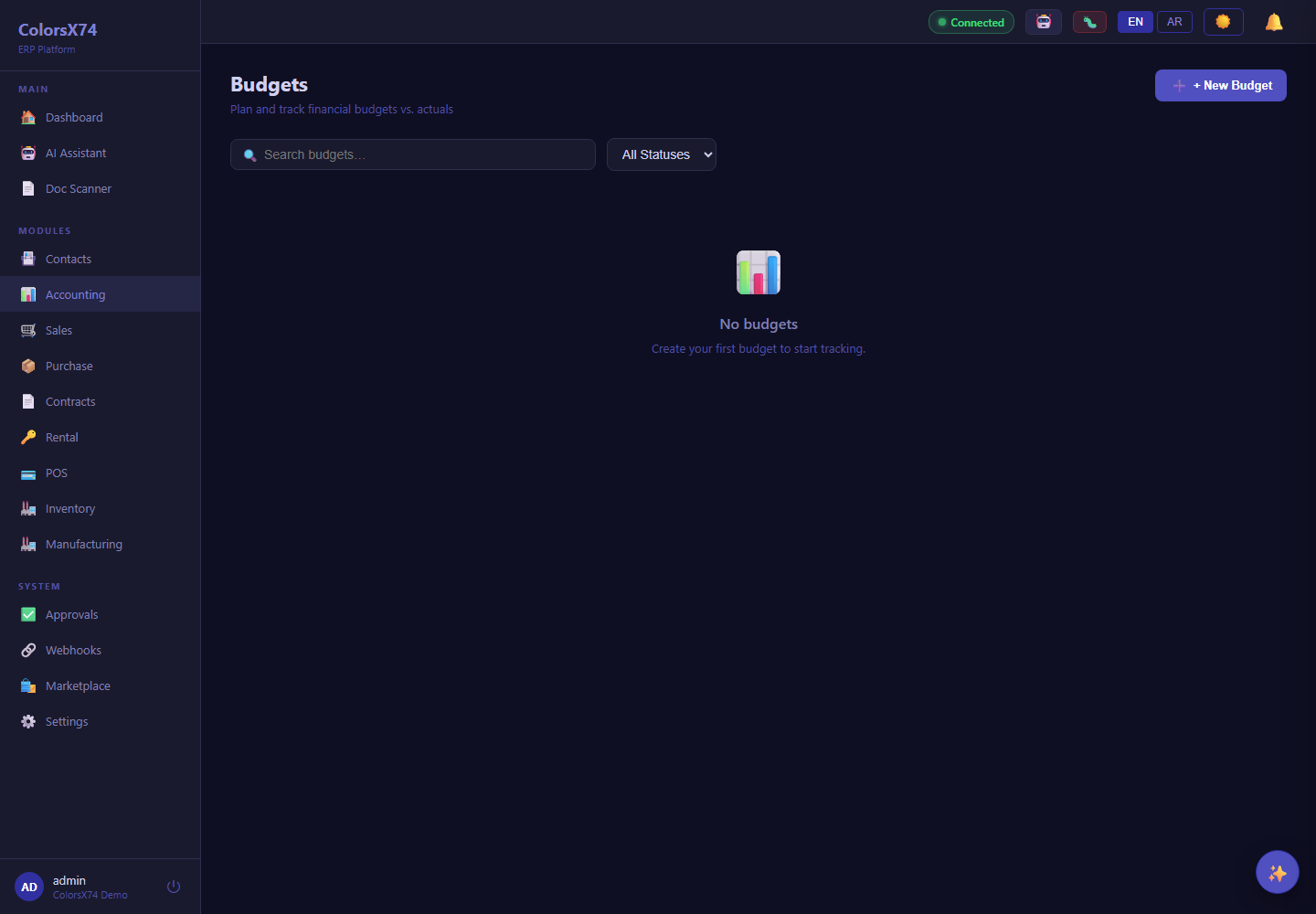
Use these finance screens to explain accounting, reports, payments, banking, tax, budgets, fixed assets, and FX.
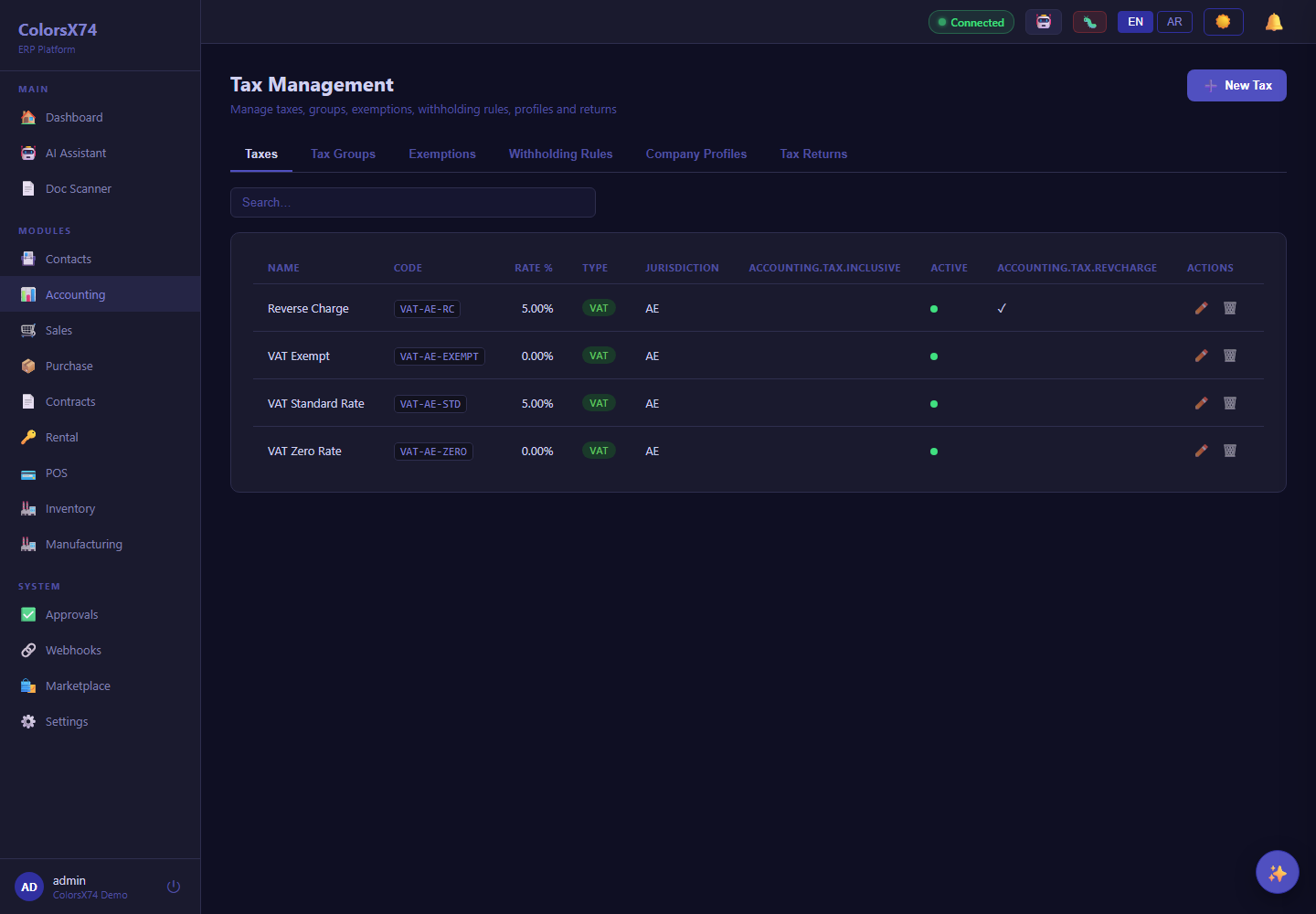
Use these finance screens to explain accounting, reports, payments, banking, tax, budgets, fixed assets, and FX.
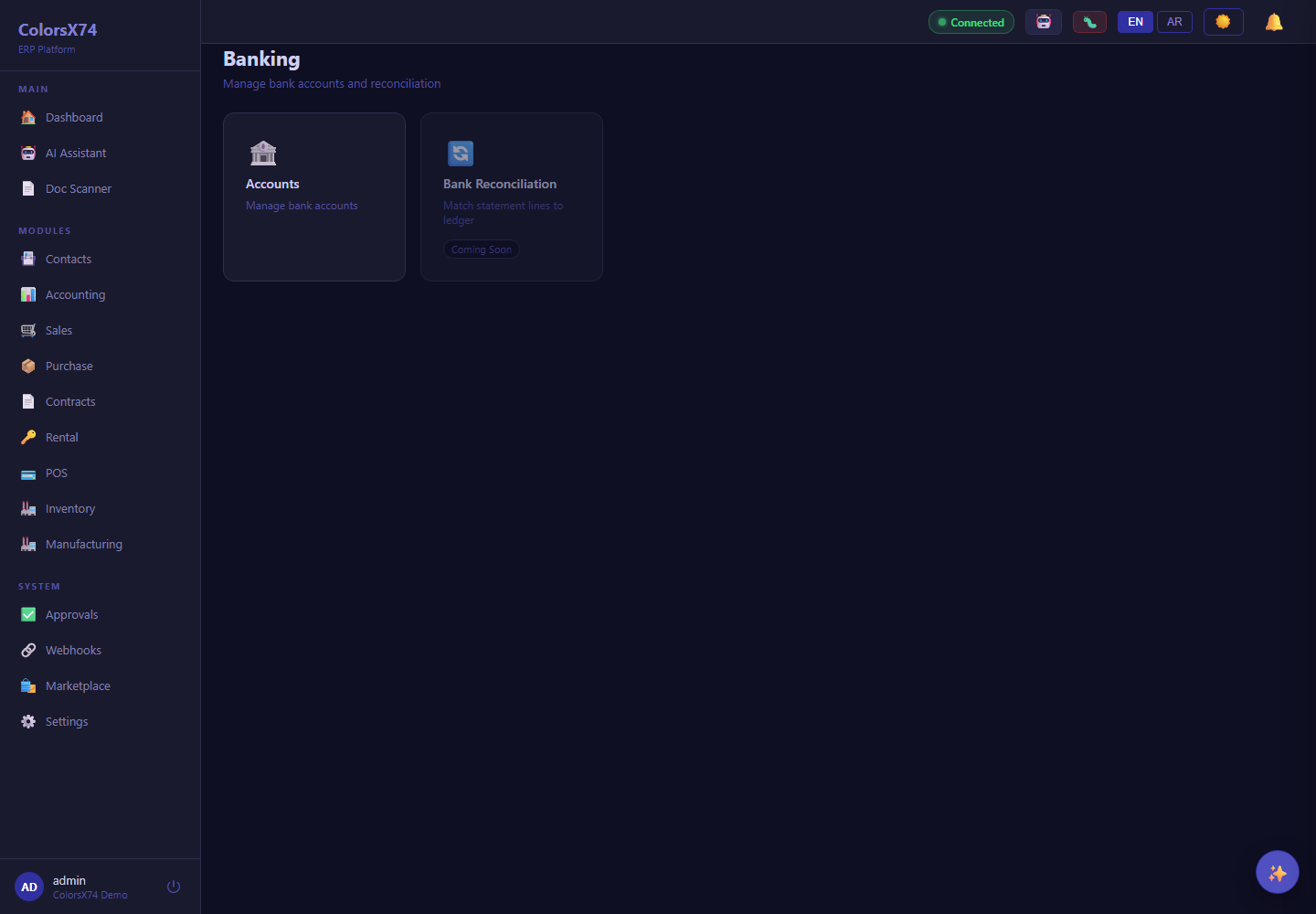
Use these finance screens to explain accounting, reports, payments, banking, tax, budgets, fixed assets, and FX.
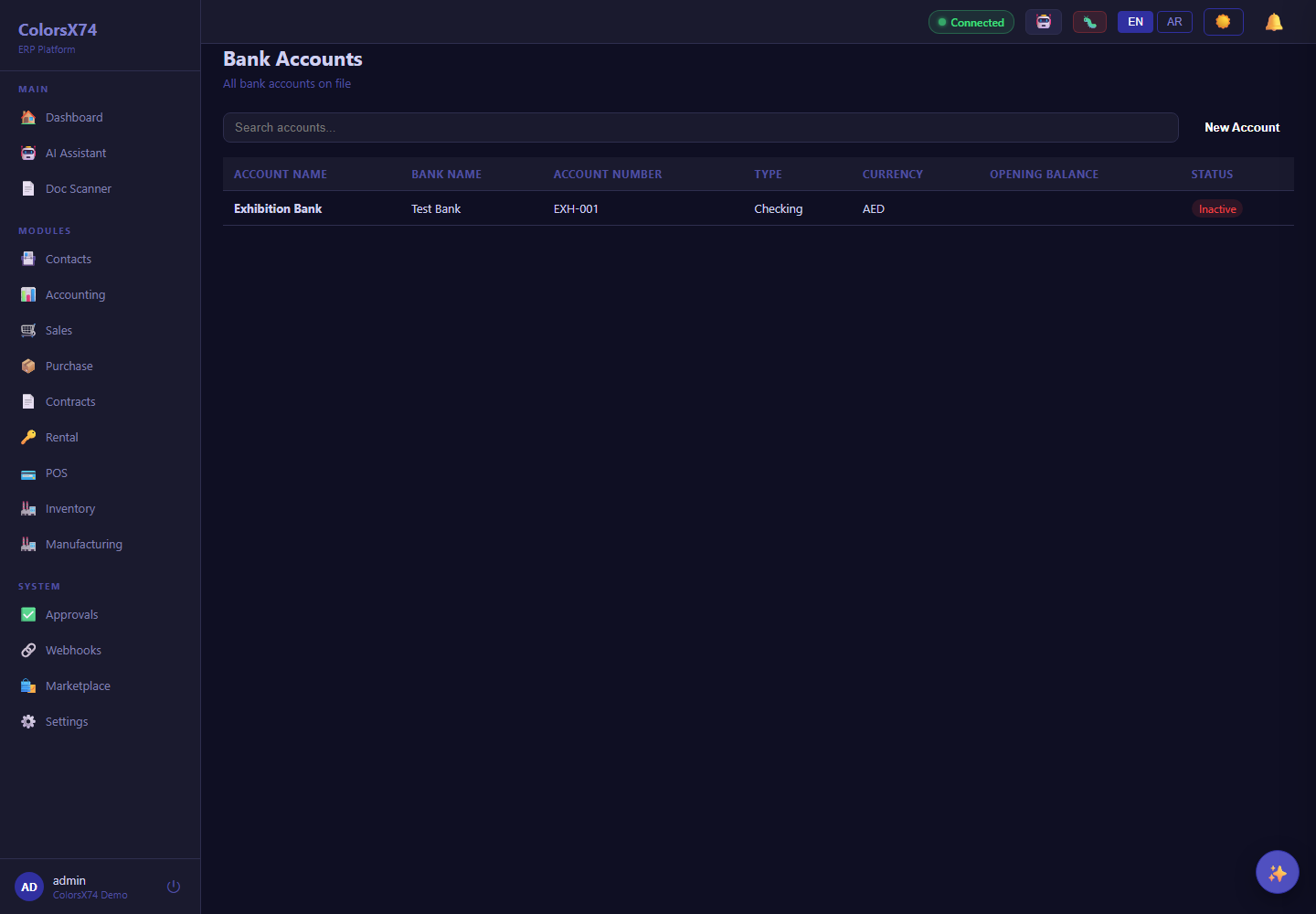
Use these finance screens to explain accounting, reports, payments, banking, tax, budgets, fixed assets, and FX.